PART 1
z
English
23
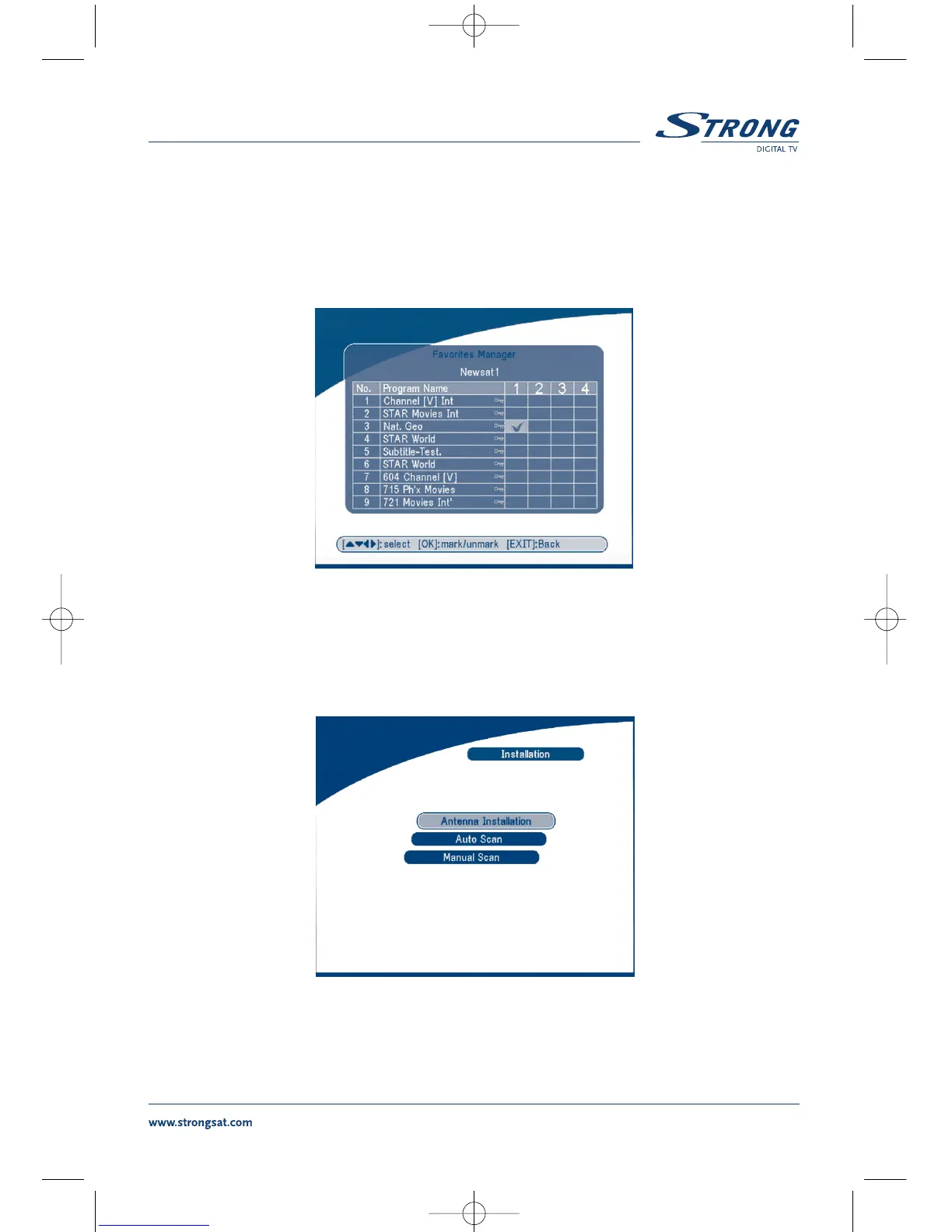
5.1.2 Favorites Manager
Press the UP/DOWN keys to select the channel. Press the LEFT/RIGHT keys to point the focus to the
favorite group. Press the
OK button to add the selected channel to the Favorite group. To remove the
channel from the favorite group, repeat same operation.
SCREEN 17
5.2 Installation
The installation menu contains three sub-menus; “Antenna Installation”, “Auto Scan” and “Manual Scan”.
SCREEN 18



 To Next Page