PART 1
z
English
22
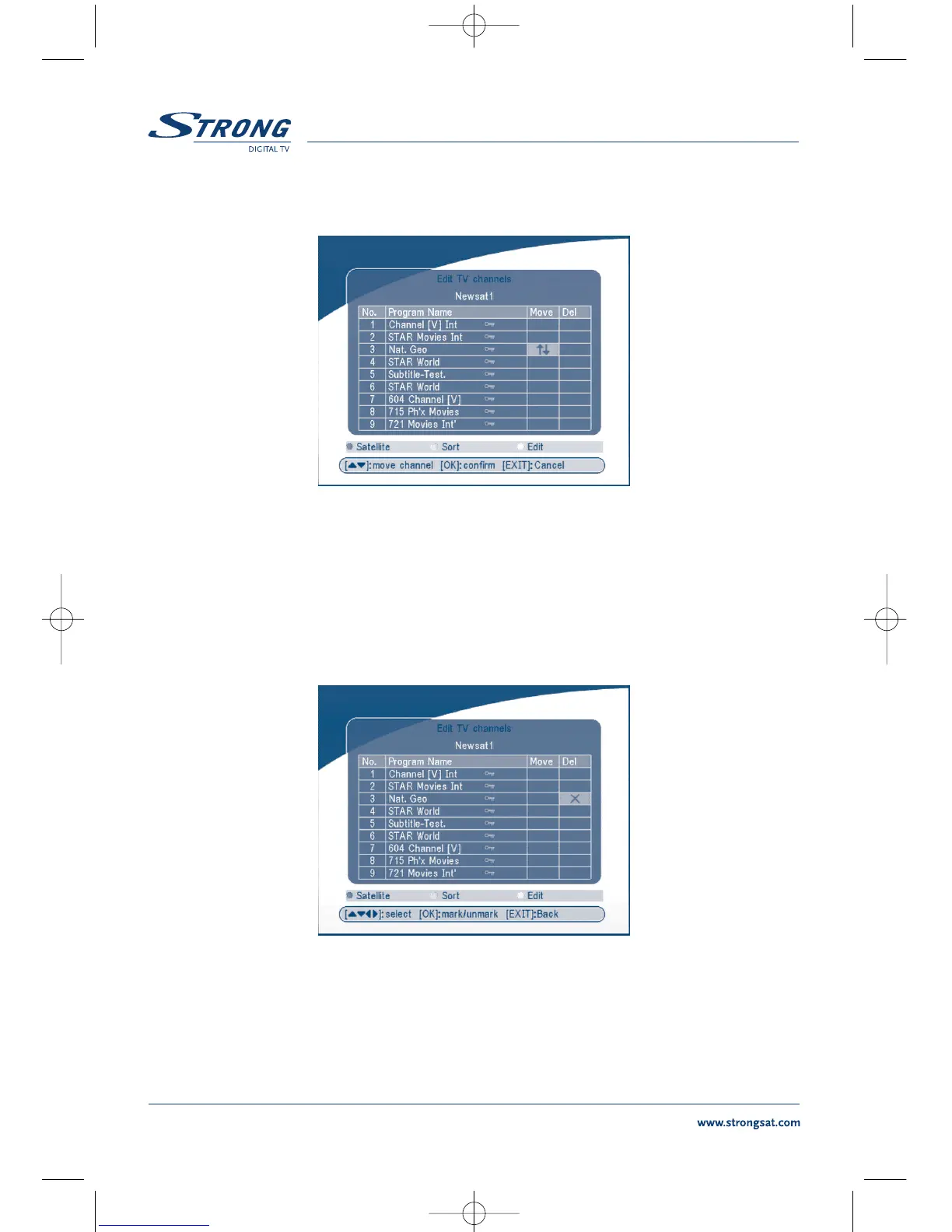
Move channel
SCREEN 15
Press the UP/DOWN keys to point the focus of the menu to the channel of your selection.
Press the LEFT/RIGHT keys to point the focus of the menu to the column “Move”.
When the focus is on column “Move”, press the OK button to confirm selection of the channel, using
the UP/DOWN buttons move the channel to its new location and press the OK button to confirm the
new location. Repeat this for every channel that you want to move.
Delete channel
SCREEN 16
Press the UP/DOWN keys to point the focus of the menu to the channel of your selection.
Press the LEFT/RIGHT keys to point the focus of the menu to the column “Del”.
When the focus is on column “Del”, press the OK button to mark the channel as selected to be deleted
from the list. To apply the changes press the EXIT button and confirm the channel's deletion.



 To Next Page