PART 1
z
English
28
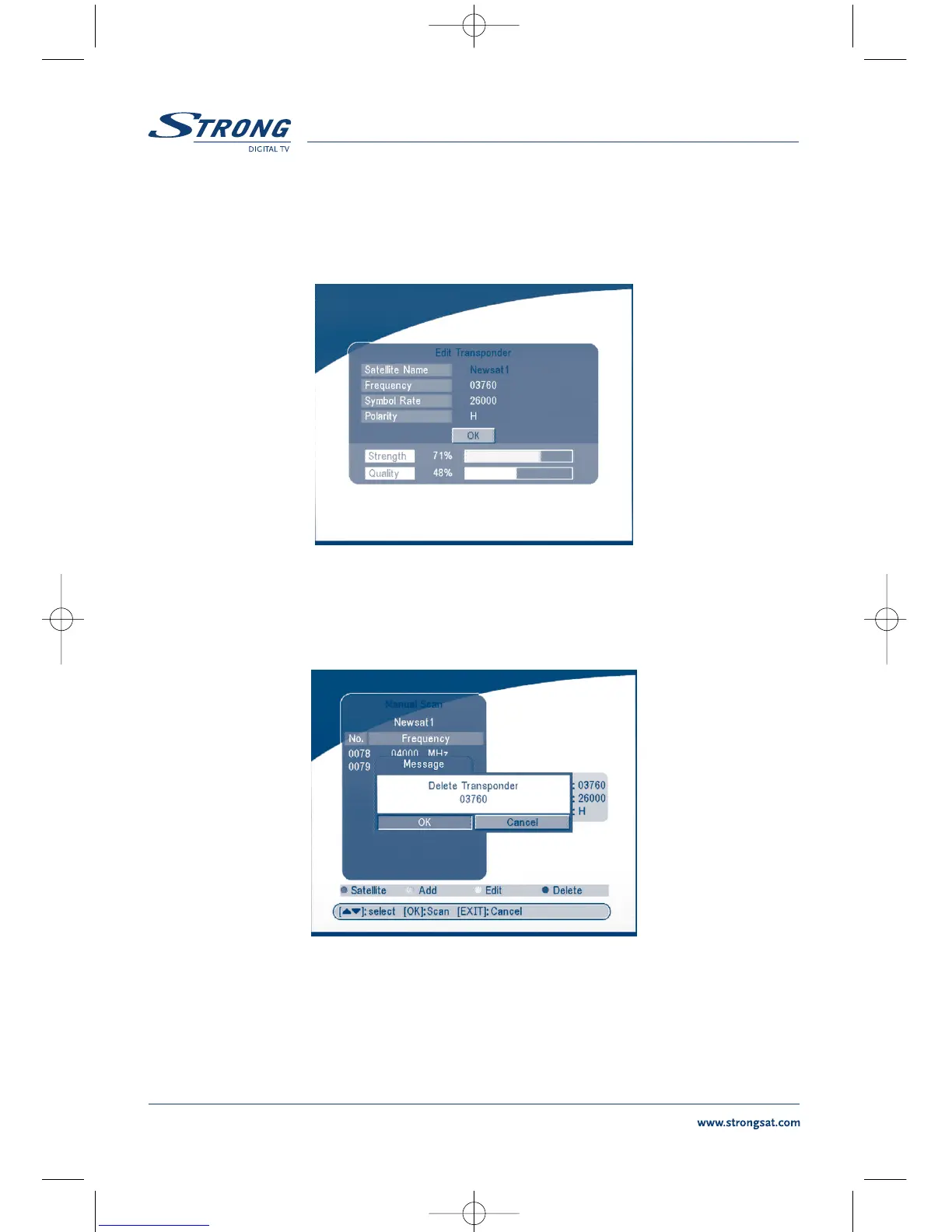
Edit Transponder:
In this menu, you can edit a transponder in the system. Press the YELLOW button, the Edit
Transponder sub-menu will appear on screen.
SCREEN 27
Delete Transponder
Press the BLUE button to delete a transponder. The warning massage will be shown as below.
SCREEN 28
Press LEFT/RIGHT to select OK, press the OK button to confirm.
Scan
Press UP/DOWN to select a transponder, press the OK button to scan all the channels on the
transponder.



 To Next Page