PART 1
z
English
32
Video output
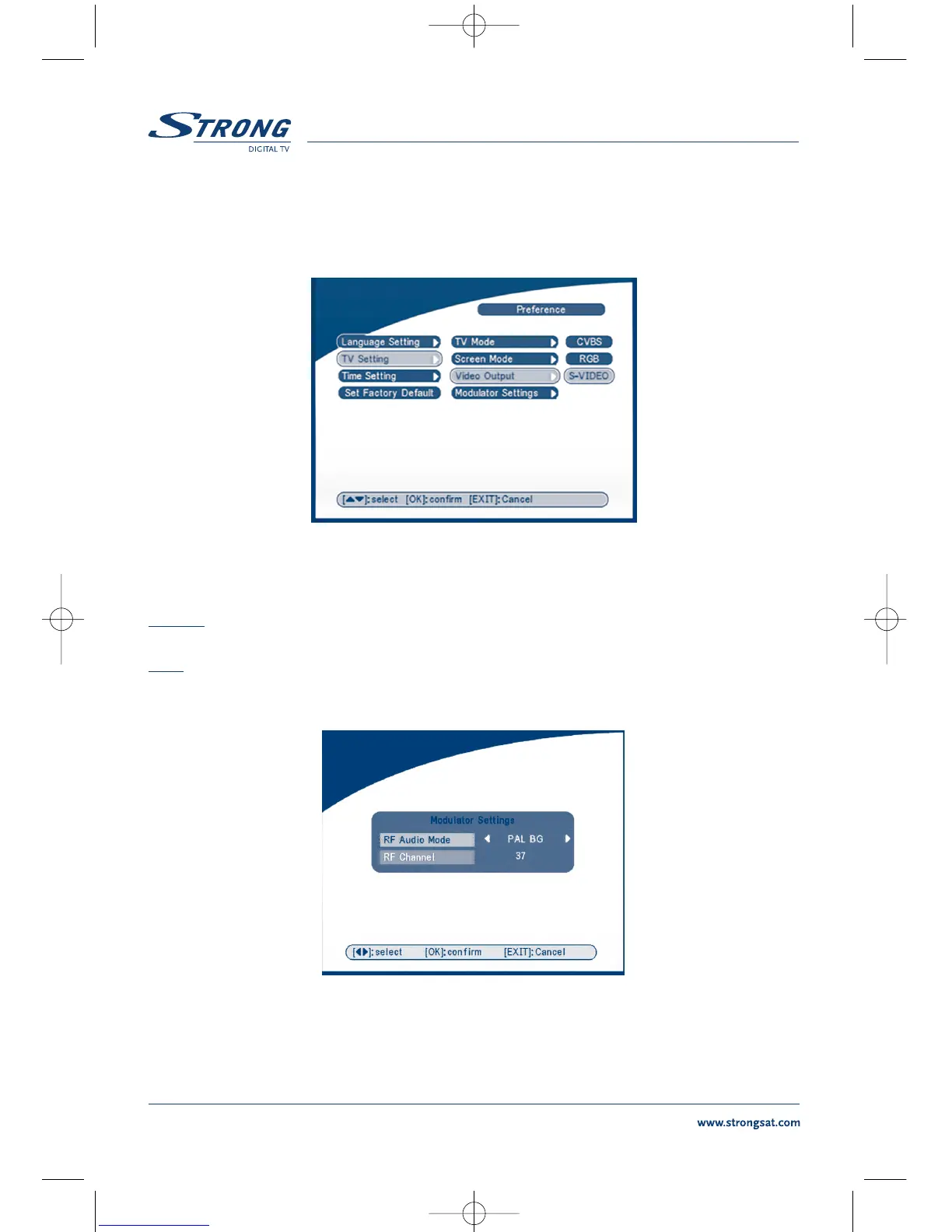
The Video output Screen will appear as follows:
SCREEN 35
Press OK/RIGHT to select CVBS/ RGB or S-VIDEO, press OK to confirm.
Warning! If RGB is selected > SVHS output is switched OFF totally.
Note: S-Video mode avilable in the model SRT 6015 only.
Modulator Settings (only for model SRT 6015)
The Modulator Settings Screen will appear as follows:
SCREEN 36
Press UP/DOWN to select RF Audio Mode or RF Channel. Use LEFT/RIGHT to set RF Audio Mode and
RF Channel. Press OK to confirm.



 To Next Page