Wi-Fi Hotspot Subscription
Internet access is purchased separately through AT&T with monthly,
per gigabyte, and unlimited data options available. Existing AT&T
customers have the option to add an additional line to their AT&T
Mobile Share plan.
Shortly after you take delivery of your new Subaru, you will receive
an email from AT&T for a one month free trial and how to activate
your free trial.
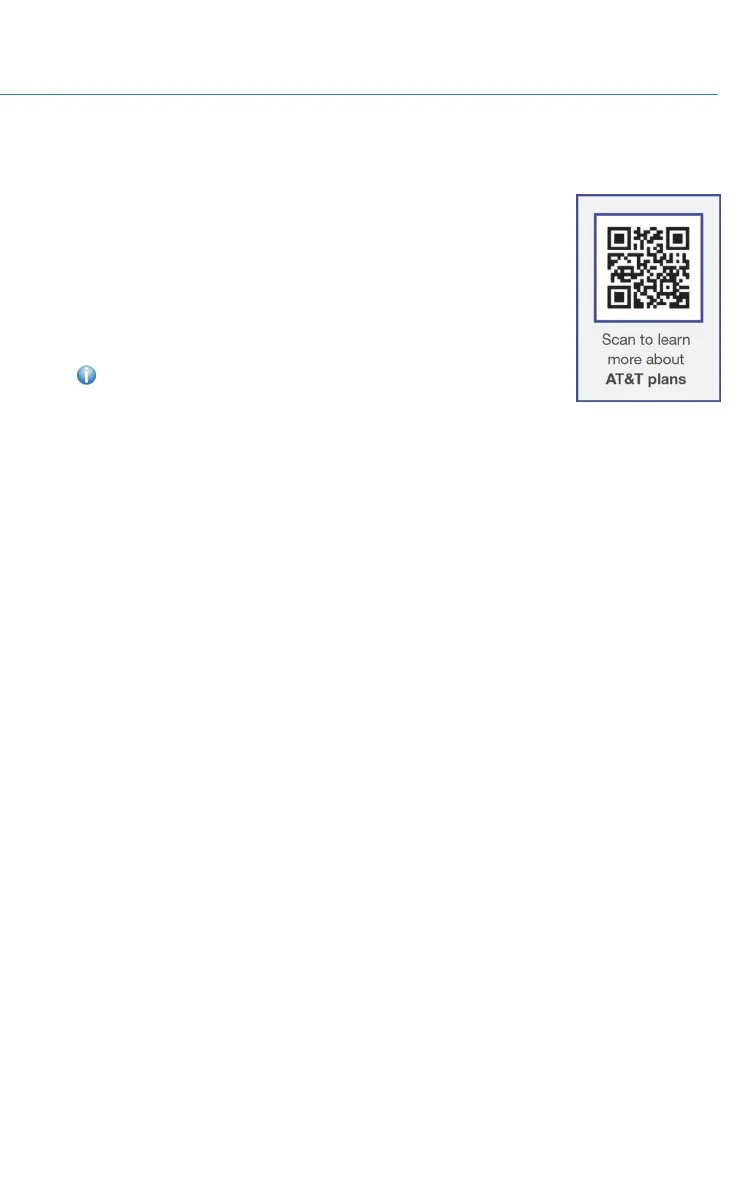
You can also visit an AT&T store or their website for more
information at:
https://www.att.com/plans/connected-car/subaru.html.
FIRMWARE SOFTWARE UPDATES
For 8.0–inch Multimedia Plus and 8.0–inch Multimedia Navigation systems, you can
update the system software via a Wi-Fi connection or the aha™ application on your
smartphone (depending on your smartphone communication and transfer speed). The
update process involves downloading and installing the software update. System
functionality will be restricted during installation.
1. Connect to a Wi-Fi network or start the aha application on your smartphone.
2. Display the general setting screen by pressing the “Home” button, then select
“Settings” and finally “General”.
3. Select “Check for Updates”. If “Automatically Check for Updates” is turned on at the
general settings screen, an update check will be performed automatically before
proceeding to the next step. If “Automatically Download Updates” is turned on at the
general settings screen, the software update will be downloaded automatically before
proceeding to “Update Installation”.
4. If the “Software Update Ready to Download” pop-up is displayed, select “Download
Now” to begin the download. The download status progress is displayed in the upper
right of the screen.
5. Select “Install Now” to start the installation process. The installation process will take
several minutes to complete. If you need to stop the installation process, press
“Cancel”.
6. When the installation is complete, select “I Agree” on the confirmation message to
complete the update process. By selecting “I Agree”, the system will restart
automatically.
HOW TO APPENDIX
111















 To Next Page