MYSUBARU
Whether you’re on the road or planning adventures, the MySubaru app makes loving every
part of owning your Subaru easy. Although the mobile app is great when you are on the go,
you can also visit www.MySubaru.com from your computer to access the same functions
and to aid in planning your trip before you leave.
You can download the MySubaru app from the Google Play Store or
the Apple App Store on your phone by searching MySubaru.
By creating an account, you can:
• Schedule service with a preferred Subaru retailer
• Get vehicle service reminders, recall alerts, and exclusive
coupons
• Track and record your service history
• Access resources like your owner’s manuals, how to videos and
more
• Have access to SUBARU STARLINK
®
Safety and Security features (must have an active
SUBARU STARLINK
®
subscription)
• Get help from 24-hour roadside assistance (24-hour roadside is included in standard
3-year warranty, and after 3 years with a Concierge package)
Service Appointment Scheduler
The SUBARU STARLINK
®
Service
Appointment Scheduler can help you set an
appointment from the MySubaru website,
Mobile App or the vehicle’s Touchscreen.
Getting your Subaru vehicle to the Subaru
professionals for service is easy, no matter
where you are. If you are away from your
preferred Subaru retailer for service, you can
always use Service Appointment Scheduler to locate any of our certified Subaru retailers
near your location.
STARLINK
®
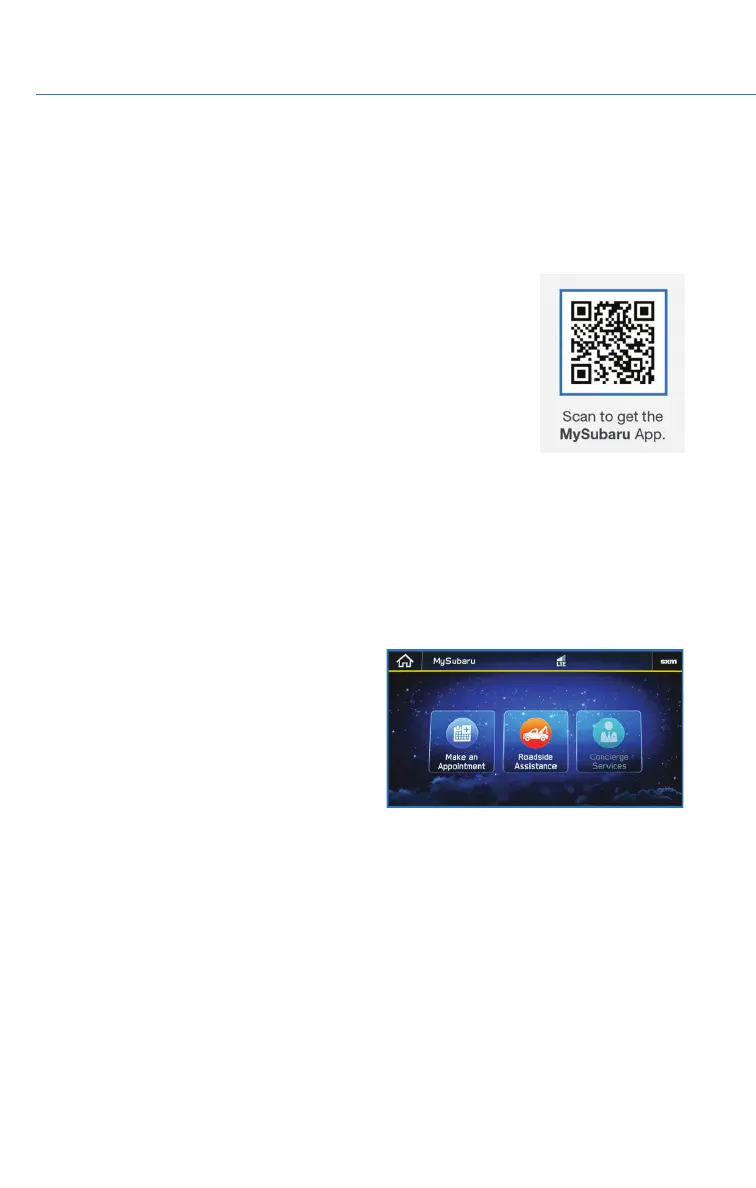
Service Appointment Scheduler on your Touchscreen is a convenient way to
set a service appointment. Simply select the MySubaru icon on the home screen and
choose “Make an Appointment” to get started.
APPS
68















 To Next Page