Black plate (214,1)
北米Model "A2480BE-A" EDITED: 2011/ 7/ 26
5-28 Audio
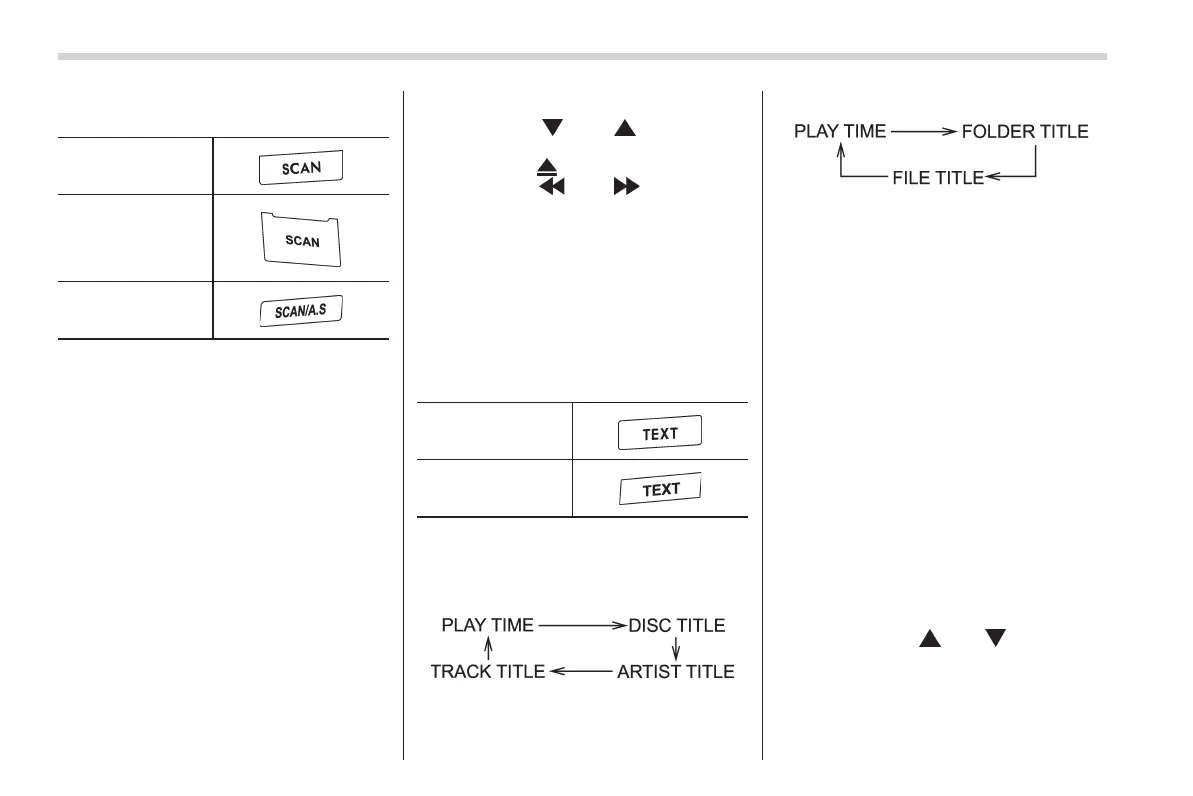
& Scan
Type A audio
Type B audio
Type C audio
The scan mode lets you listen to the first
10 seconds of each track/file in succes-
sion. Press the “SCAN” button to start
scanning upward beginning with the track/
file(s) following the currently selected one.
After all track/file(s) in the disk/folder have
been scanned, normal playback will be
resumed. To cancel the scan mode, press
the “SCAN” button again.
NOTE
The scan mode will be cancelled if you
perform any of the following steps.
. Press the “RPT/RDM” button (type A
and B audio).
. Press the “RPT” button (type C
audio).
. Pre ss the “RDM” button (type C
audio).
. Turn the “TUNE” dial.
. Press the “
” or “ ” side of the
“FOLDER” button (type A and B audio).
. Press the “
” button.
. Press the “
” or “ ” side of the
“SEEK” button.
. Select the radio or AUX mode.
. Turn off the power of the audio
equipment.
. Turn the ignition switch to the
“LOCK” position.
& Display selection (type A and
B audio)
Type A audio
Type B audio
If you press the “TEXT” button during
playback, the indication will change to the
next one in the following sequence.
For CD-DA:
For MP3/WMA/AAC:
! Page (track/folder title) scroll
If you press and hold the “TEXT” button
while displaying the title (name), the title
will be scrolled so you can see all of it.
NOTE
The display is designed to show titles
for up to 30 characters.
& Folder selection
NOTE
. Selecting folders in this way is
possible only within a single disc.
. Only MP3/WMA/AAC folders are re-
cognized when an attempt to select the
next or previous folder is made. If no
appropriate folder exists on the disc,
performing the follo wing procedures
starts playback beginning with the first
track/file.
– Press the “
” or “ ” side of the
“FOLDER” button (type A and B
audio).
– Turn the “ TUNE” dial (type C
audio).














 To Next Page