Black plate (229,1)
北米Model "A2480BE-A" EDITED: 2011/ 7/ 26
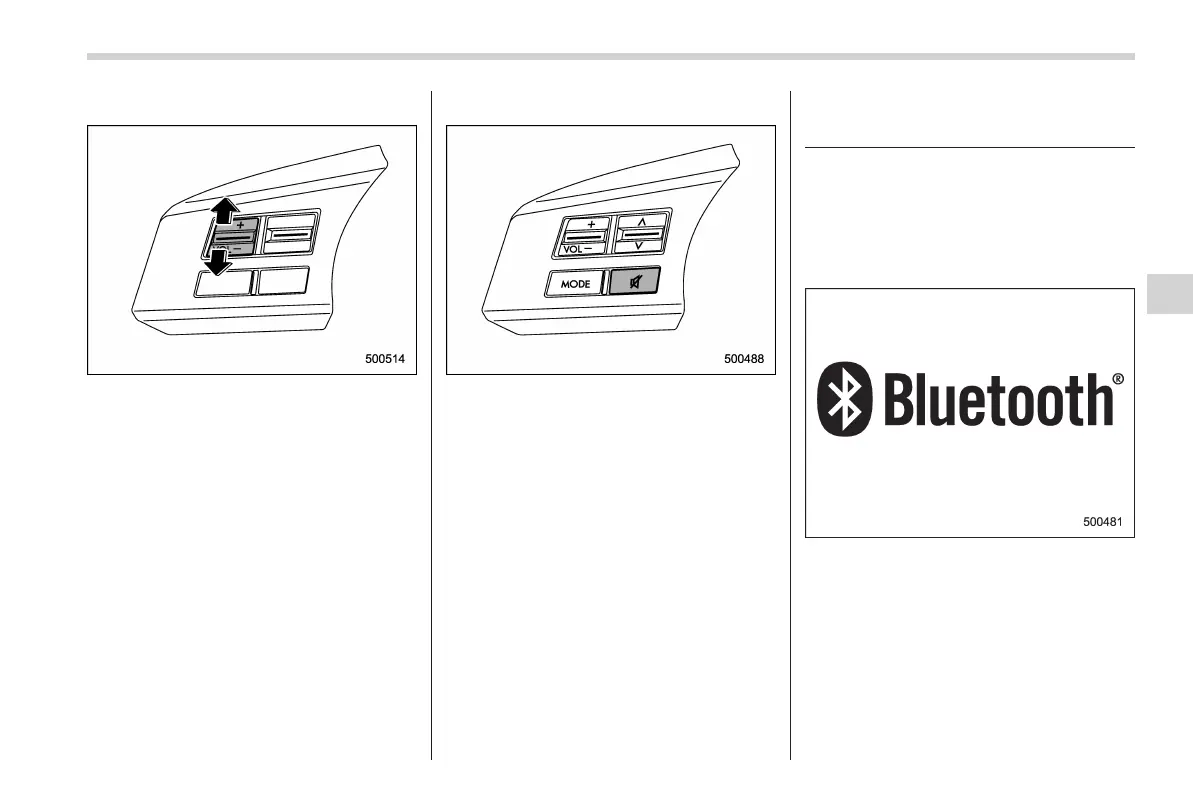
& Volume control switch
Press the switch to the “+” side to increase
the volume. Press the switch to the “−”
side to reduce the volume.
A number indicating the volume will be
shown on the audio display.
& MUTE button (if equipped)
Press this button if you wish to immedi-
ately cut the volume to zero.
The audio display will show “MUTE”.
If you press the button again, the original
sound volume will return and “MUTE”
turns off.
Bluetooth
®
audio (type B and
C audio)
NOTE
For models with the genuine SUBARU
navigation system, refer to the Owner’s
Manual supplement for the navigation
system.
NOTE
The Bluetooth word mark and logo are
registered trademarks of Bluetooth
SIG, Inc.
This function enables you to play back
audio sources from Bluetooth
®
audio
devices. You need to register the Blue-
tooth
®
audio device in the system before
using it.
Audio 5-43
– CONTINUED –
5














 To Next Page