Black plate (241,1)
一般Model "A2510GE-B" EDITED: 2015/ 6/ 25
“iPod” F5-28.
. If a USB hub is plugged in, only the
most recently connected USB device
will be recognized.
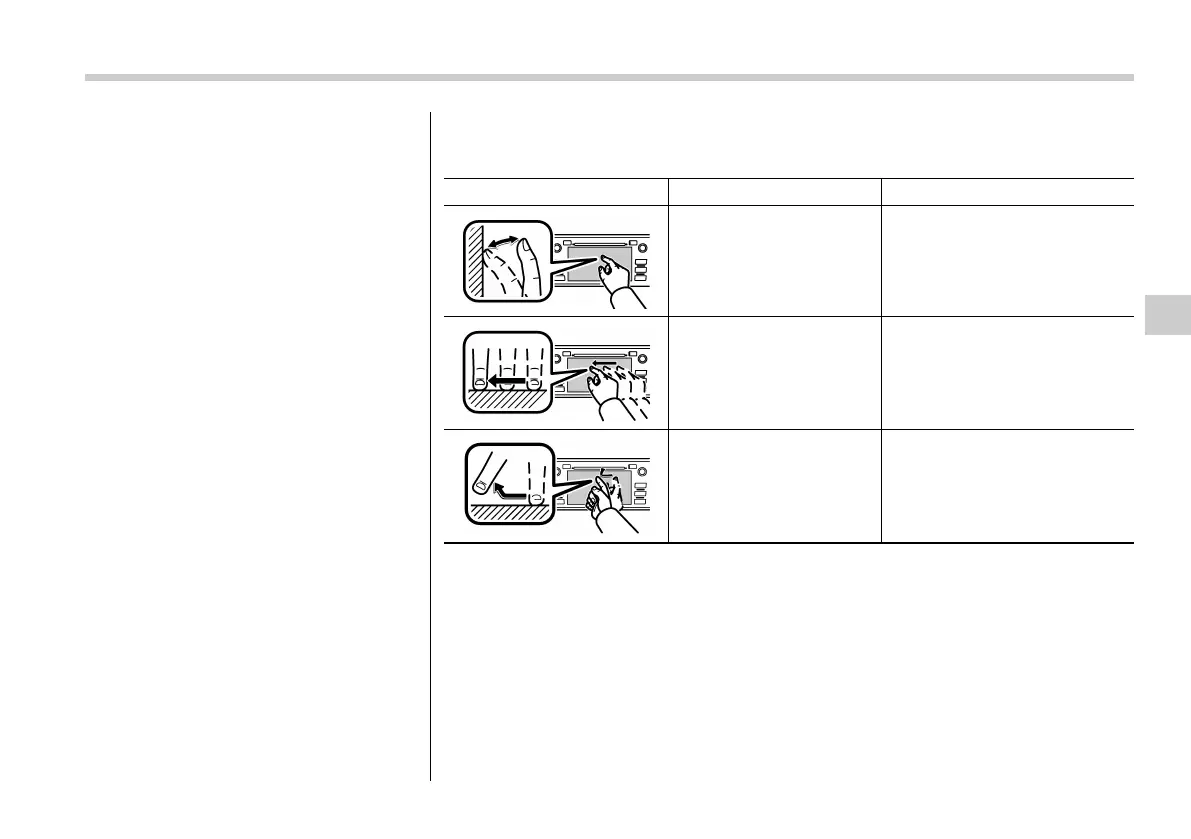
& Touch screen gestures
Operations are performed by touching the touch screen directly with your finger.
Operation method Outline Main use
Touch
Quickly touch and release
once.
Changing and selecting various
settings
Drag*
Touch the screen with your
finger, and move the screen
to the desired position.
Scrolling the lists
Flick*
Quickly move the screen by
flicking with your finger.
Scrolling the main screen page
*: The above operations may not be performed on all screens.
Audio/Basic information before use
5-9
– CONTINUED –
5















 To Next Page