Black plate (306,1)
一般Model "A2510GE-B" EDITED: 2015/ 6/ 25
5-74
Audio/Bluetooth
®
settings
WARNING
Do not operate the player’s controls
or connect the portable audio device
while driving.
CAUTION
. Do not leave portable audio de-
vice in the vehicle. The tempera-
ture inside the vehicle may be-
come high, resulting in damage
to the player.
. Do not push down on or apply
unnecessary pressure to the por-
table audio device while it is
connected as this may damage
the portable audio device or its
terminal.
. Do not insert foreign objects into
the port as this may damage the
portable audio device or its term-
inal.
Bluetooth
®
settings
& Registering/connecting
Bluetooth
®
device
The Bluetooth
®
word mark and logos are
registered trademarks owned by Bluetooth
SIG, Inc.
! Registering a Bluetooth phone for
the first time
To use the hands-free system, it is
necessary to register a Bluetooth phone
with the system.
Once the phone has been registered, it is
possible to use the hands-free system.
This operation cannot be performed while
driving.
For details about registering a Bluetooth
device: Refer to “Registering a Bluetooth
device” F5-77.
1. Turn the Bluetooth connection setting
of your cellular phone on.
. This function is not available when
Bluetooth connection setting of your
cellular phone is set to off.
2. Select
and select
SETTINGS
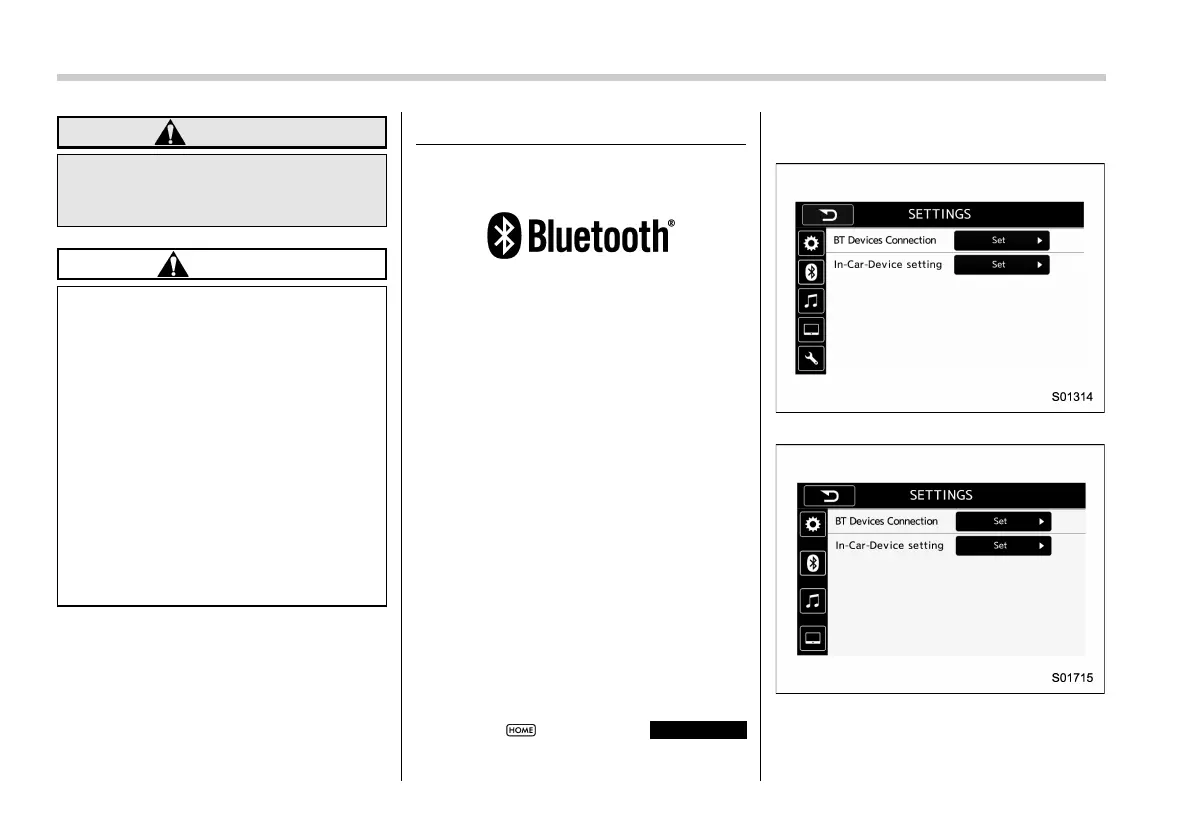
(SETTINGS) to display the SETTINGS
screen.
For Europe:
Except for Europe:
Settings (When selecting the “BT” tab)
3. To register a device, select “Add ” on
“BT Devices Connection”.















 To Next Page