Black plate (314,1)
一般Model "A2510GE-B" EDITED: 2015/ 6/ 25
5-82
Audio/Phone operation (Hands–free system for cellular phones)
Except for Europe:
No. Function
&
1
“Incoming Calls” key: Opens the
Incoming Calls screen.
&
2
“Outgoing Calls” key: Opens the Out-
going Calls screen.
&
3
“Contacts” key: Opens the Contacts
screen.
&
4
“Dialpad” key: Changes the screen
from the Menu screen to the Dialpad
screen.
&
5
“Option” key: Opens the phone vo-
lume setting screen.
&
6
“OFF Hook” key: Use to make a
phone call. You cannot press this key
until you open the Dialpad screen and
enter a phone number.
&
7
“Bluetooth Setting” key: Opens the BT
Devices Connection screen.
&
8
Enter the phone number that you
want to call.
&
9
“Switch Screen” key: Switches the
screen to the Phone (Menu) screen.
&
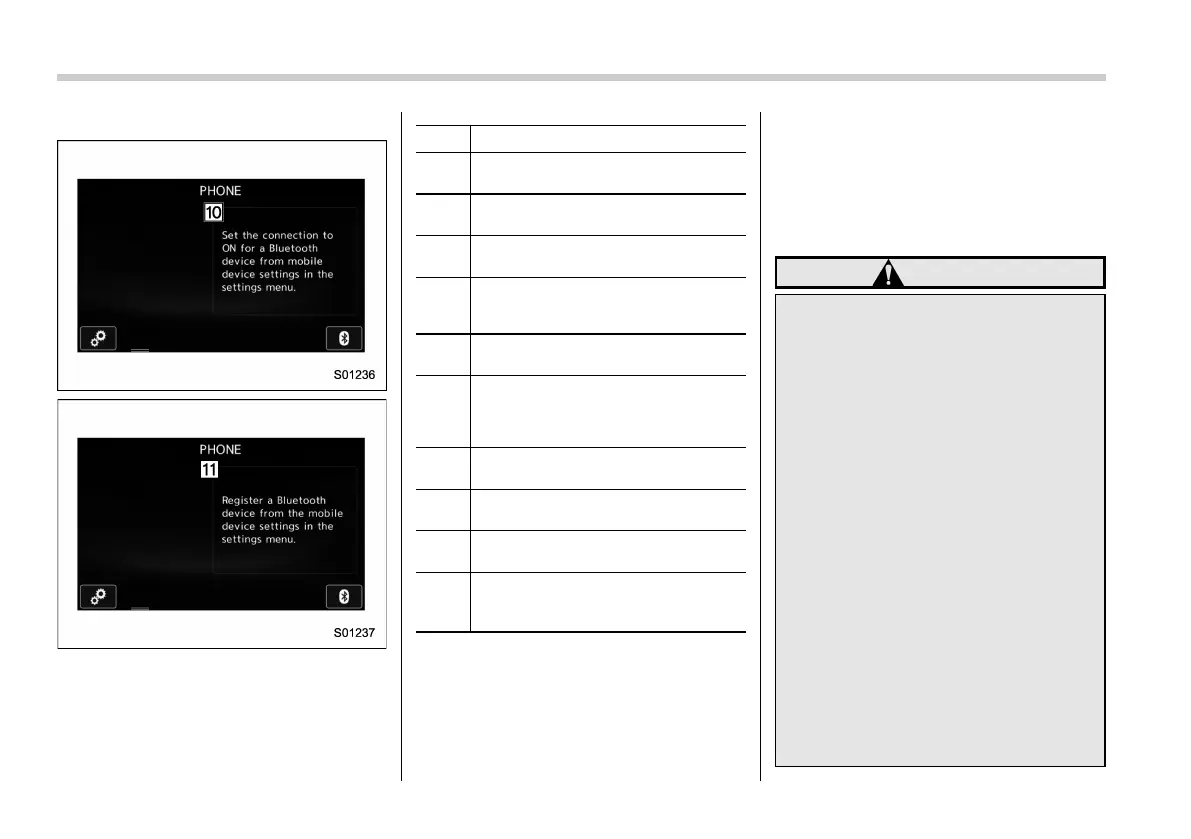
10
&
11
If no device is registered, a message
is displayed instead of menu items.
& Some basics
The hands-free system enables calls to be
made and received without having to take
your hands off the steering wheel.
This system supports Bluetooth. Bluetooth
is a wireless data system that enables
cellular phones to be used without being
connected by a cable or placed in a
cradle.
The operating procedure of the phone is
explained here.
WARNING
. While driving, do not use a cel-
lular phone or connect the Blue-
tooth phone.
. Your au dio u nit is fitted with
Bluetooth antennas. People with
implantable cardiac pacemakers,
cardiac resynchronization th er-
apy-pacemakers or implantable
cardioverter defibrillators should
maintain a reasonable distance
between themselves and the
Bluetooth antennas. The radio
waves may affect the operation
of such devices.
. Before using Bluetooth devices,
users of any electrical medical
device other than implantable
cardiac pacemakers, cardiac re-
synchronization therapy-pace-
makers or implantable cardiover-
ter defibrillators should consult
the manufacturer of the device
for information about its opera-















 To Next Page