Black plate (304,1)
一般Model "A2510GE-B" EDITED: 2015/ 6/ 25
5-72
Audio/Media operation
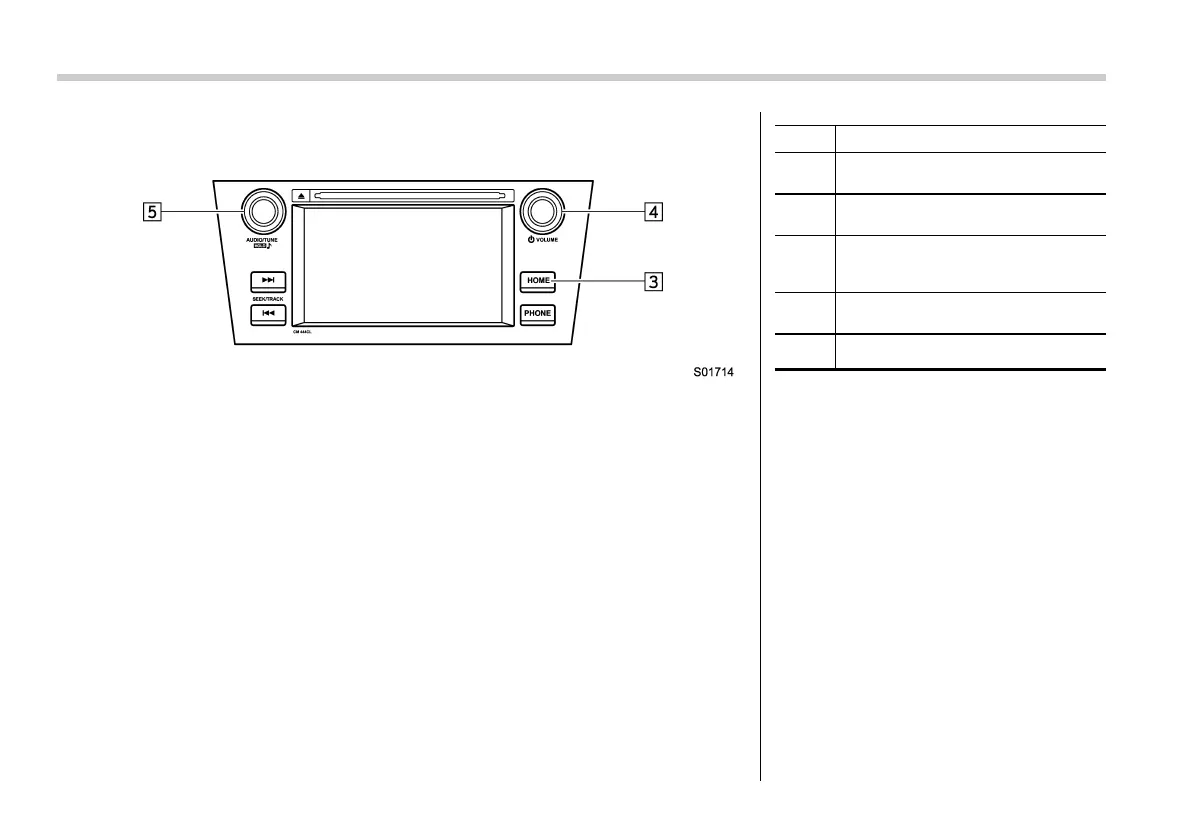
Control panel (except for Europe RHD models)
No. Function
&
1
Select to display the audio source
selection screen.
&
2
Option Key:
Select to display the Options screen.
&
3
Select to display the sound setting
screen. Refer to “Basic operation”
F5-16.
&
4
Turn to adjust volume.
Press to turn the audio system on/off.
&
5
Press to select an audio mode.















 To Next Page