Suddenlink Confidential and Proprietary. © All rights reserved 6/2014
Connected Home User Manual 10
SM
DISARMING
The first icon on the home screen changes appearance when
the system is armed.
ARMED
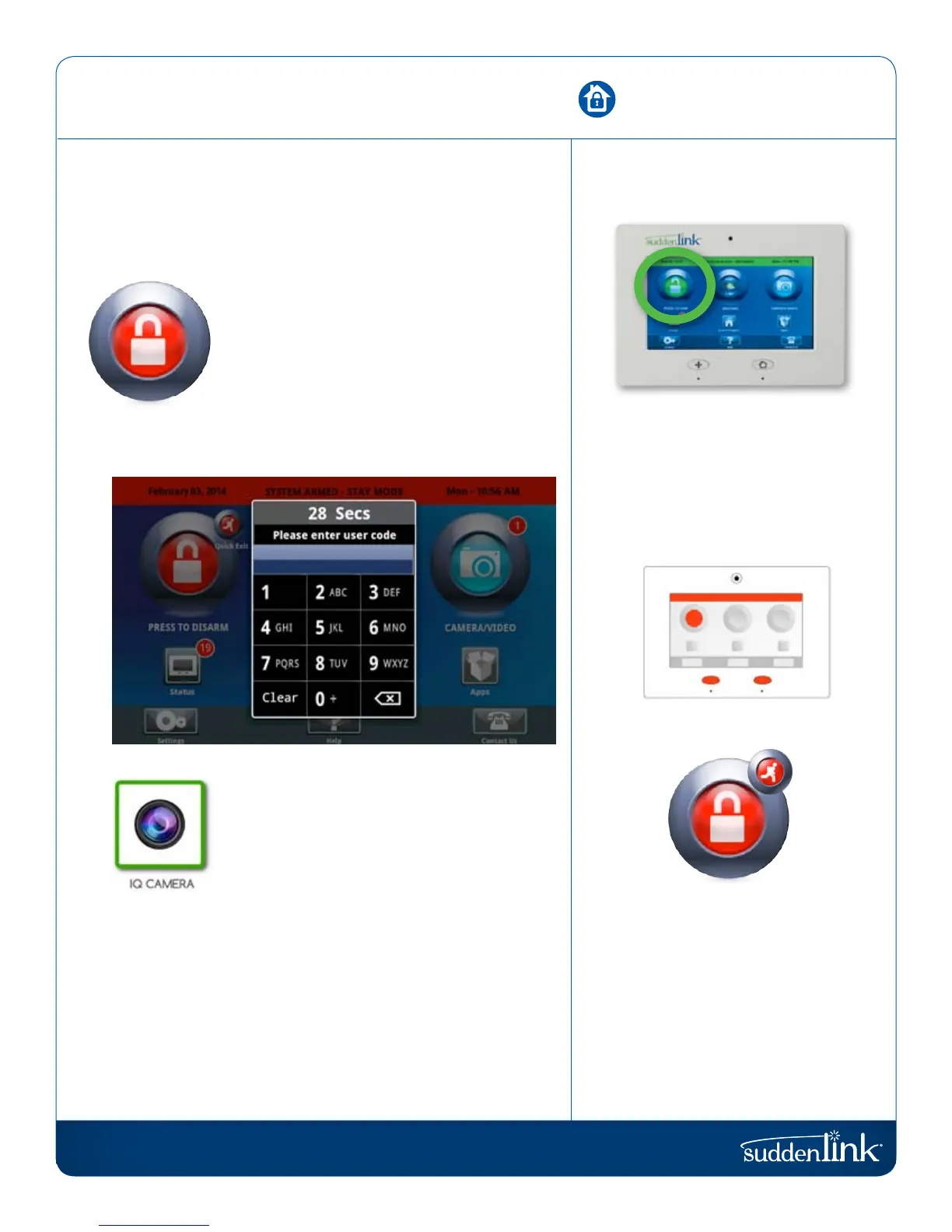
When the system is armed, whether in “Stay”
or “Away” mode, the icon turns red and appears
“locked.” To disarm, tap this icon.
If a “delay” door is opened the panel will go into
a countdown, allowing the user time to enter
their code without triggering the alarm. The
camera will take a picture and save the image
in the Camera app.
DISARM PHOTOS
When you disarm the system from the panel,
the built-in Connected Home camera will auto-
matically take a photograph and store it in your
Camera app, along with the date and time the
panel was disarmed. (Note: If an invalid user
code was attempted, the system will log this
as well)
ALARM VIDEOS
If the system is not disarmed within the allotted
time or a non-delay door is opened, the siren will
sound and the camera will record 4 minutes of
live video, stored on the panel for later review.
COLOR CODED STATUS
The Connected Home panel is
designed to make knowing panel
status easy. When armed, the buttons,
arming button, and header bar will
all appear red.
QUICK EXIT
QUICK EXIT (STAY
MODE ONLY)
Need to grab the paper? Let the dog
out? Head to work early and don’t
want to wake those asleep?
When the system is armed, press
“Quick Exit” for a 120 second period
where you can open doors without
deactivating the system.
FIND IT
DISARMING


 To Next Page