Suddenlink Confidential and Proprietary. © All rights reserved 6/2014
Connected Home User Manual 15
SM
APPS
APPLICATIONS
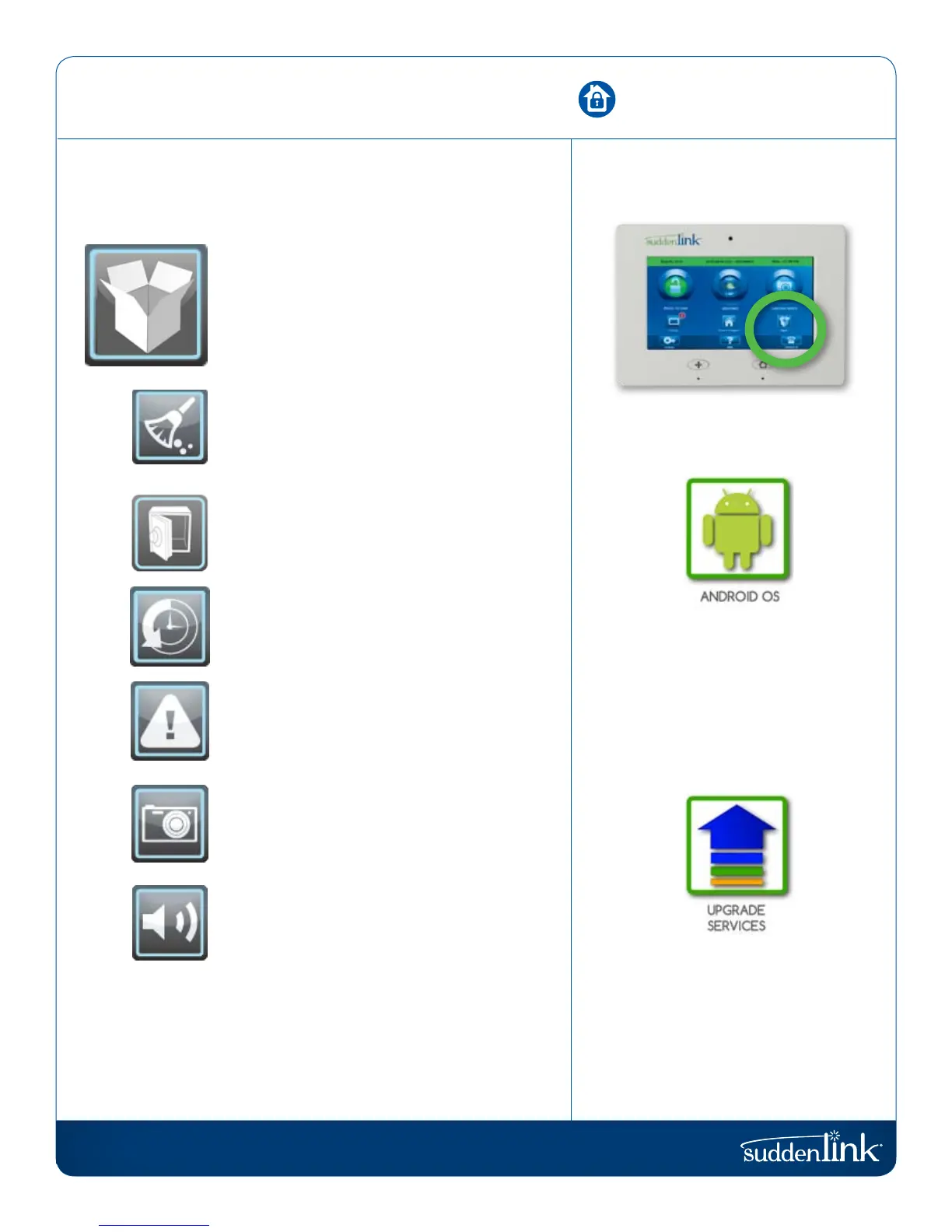
The third icon on the second row is Apps.
APPS
Since the Connected Home panel is built on the
Android operating system, you have access to a
variety of useful applications, and more to come
as they are developed.
CLEAN SCREEN
Pressing this will completely deactivate the
touchscreen for 30 seconds, giving you time to
clean it off. Press the home button to reactivate.
SAFETY SENSORS
Learn sensors into non-alarm locations such as
pool gates, cleaning supply, interior doors, and
other items that pose a safety hazard to family.
HISTORY
See a complete history of all the panel’s sensors
and systems. (Most recent 100 items are displayed)
ALERTS
See what issues the panel may be experiencing.
PHOTO FRAME
Turn your Connected Home panel screen into
a digital photo frame when it’s not being used.
SOUND SETTINGS
Adjust the sound settings for every aspect of
your Connected Home panel.
ANDROID DEVELOPERS
The Connected Home panel is built
on Android, which allows Suddenlink
to add apps developed by our team
as well as by others in the Android
Developer Community.
NOTE: For security purposes, the
Connected Home panel is not open
to the Android Market.
Because the Connected Home panel
is built on the Android platform, new
applications are sure to appear in the
future. These new apps will appear on
your panel using the upgrade services
inside in your panel.
FIND IT


 To Next Page