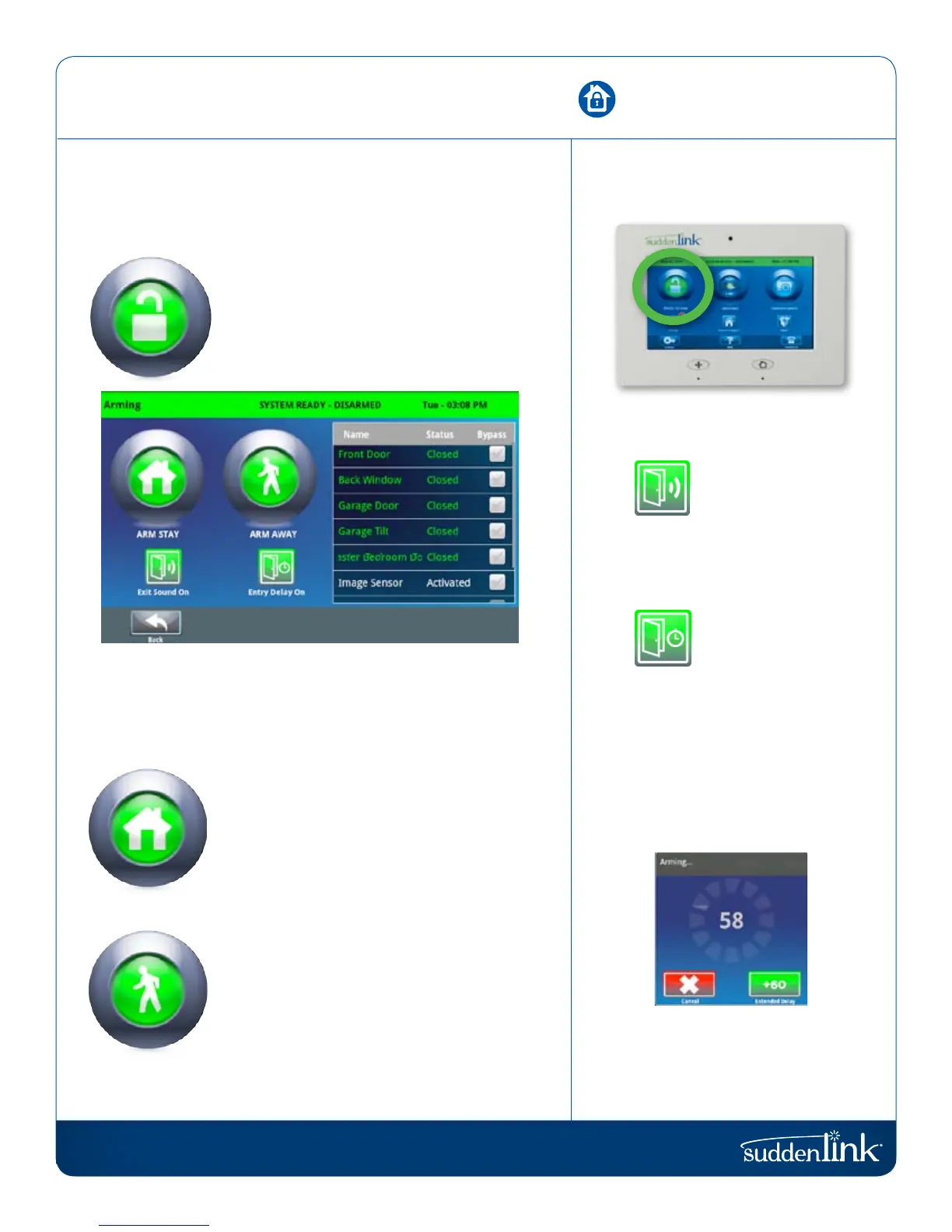
Suddenlink Confidential and Proprietary. © All rights reserved 6/2014
Connected Home User Manual 9
SM
ARMING
The first icon on the home screen is used for arming and disarming.
Press To Arm
This coincides with the green “System Ready”
message in the Header/Status Bar and
indicates the system is currently disarmed,
ready to arm. Touching this icon will
produce the various arming options.
BYPASS
Bypass sensors easily by checking the buttons next to the sensor
name on the right side of the screen. The panel even shows you
the status of each device for easy reference.
ARM STAY
Arming in “Stay” mode indicates that people
will remain inside the home while the system
is armed. Devices such as the Connected Home
Motion and the Image Sensor may not be activated
in this mode. We encourage users to activate this
regularly, especially as they retire for the evening.
ARM AWAY
Arming in “Away” mode indicates that the home
will be vacant while the system is armed. All
devices, including the Connected Home Motion
and the Image Sensor will be activated in this
mode. We encourage users to activate this
whenever they leave home.
ARMING OPTIONS
EXIT SOUNDS
The panel beeps as the
arming timer counts
down. You can silence
these beeps before you
choose an arming type.
ENTRY DELAY
The panel will give you
time to disarm once a
“delay door” has been
opened. Turn this off
with a touch.
COUNTDOWN TIMER
When you arm “Away” a timer will
appear, giving you time to leave the
home before the system is activated.
NEED MORE TIME?
Extend your countdown timer for
“Away” mode arming by touching
the +60 button.
ARMING
FIND IT


 To Next Page