Service Manual SummaSign series Cutters
Press the key to repeat the calibration procedure or press the key to interrupt
the routine.
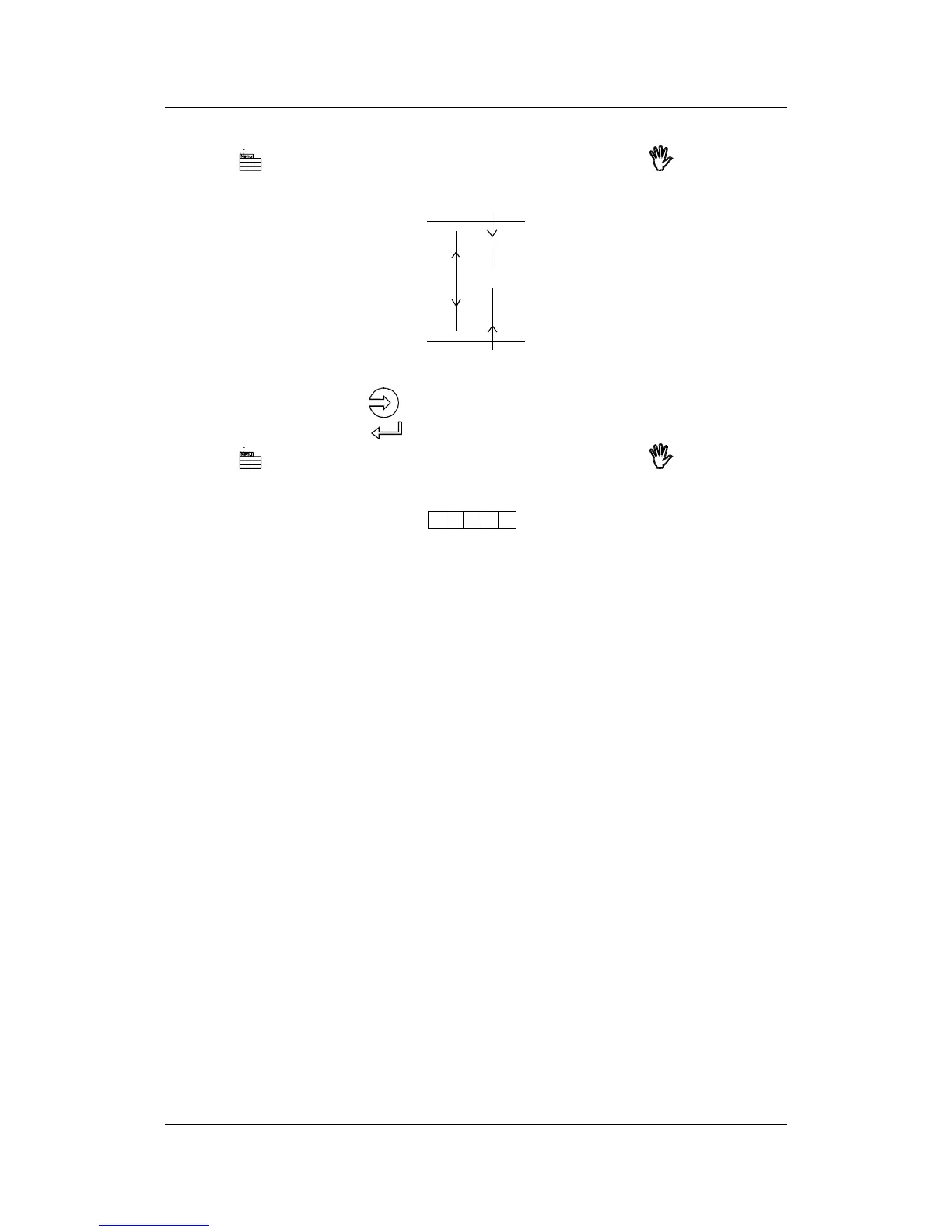
However, if you obtained a pattern as illustrated above, increase the value displayed
on the LCD by pressing the
jogging key to correct closing of the lines cut.
To repeat the test, press the
key.
Press the
key to repeat the calibration procedure or press the key to interrupt
the routine.
A complementary test has been added to fine tune the LONG. adjustment.
Press the 1 key to perform the horizontal test; all the squares should be identical.
CUT BORDER
The CUT BORDER submenu is used to cut the border of the media area which was
defined during the load sequence. This function is particularly useful if you want to
verify the exact cutting area.
MENU PLOT
The MENU PLOT is a hard copy of the present cutter configuration, i.e. the items
selected in the USER CONFIG submenus described in Section 1.3. The plot is
organised by menu categories to show the current values for the various USER
CONFIG 1(->4) configurations. To run this plot, load a sheet of plotting paper and
install a pen.
Keyboardcontrols 1-25




 To Next Page