Service Manual SummaSignT-se
CLEANING THE SENSORS
After a certain time, the sensor may become dirty with accumulated residue from the
media. This situation may cause malfunctioning of the cutter.
To clean the sensor area, proceed as follows:
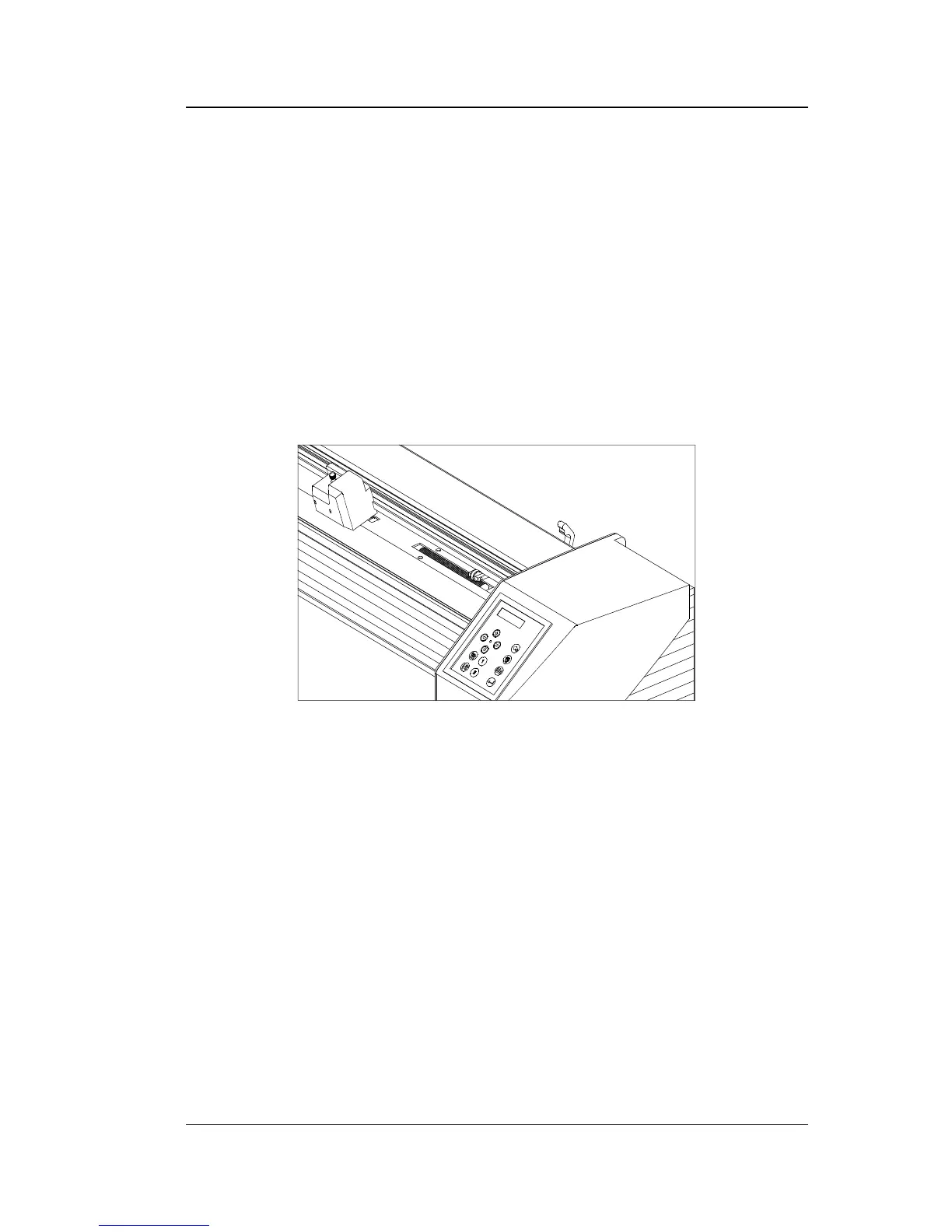
1. The sensors are located on the cutter’s right side. One sensor is located on the
front platen, the other sensor is located on the rear platen.
LOCATION OF THE SENSORS
2. To keep the sensors clean, it is sufficient to wipe them out now and then with a
cotton swab.
Maintenance and Cleaning 3-3




 To Next Page