SummaSign Service Manual
adjust. If a value higher then than 40 gr. is recorded on the tension gauge use
the
key to adjust.
If you don’t have a tension gauge leave it at 19.
Insert the drag knife holder into the head.
Press the
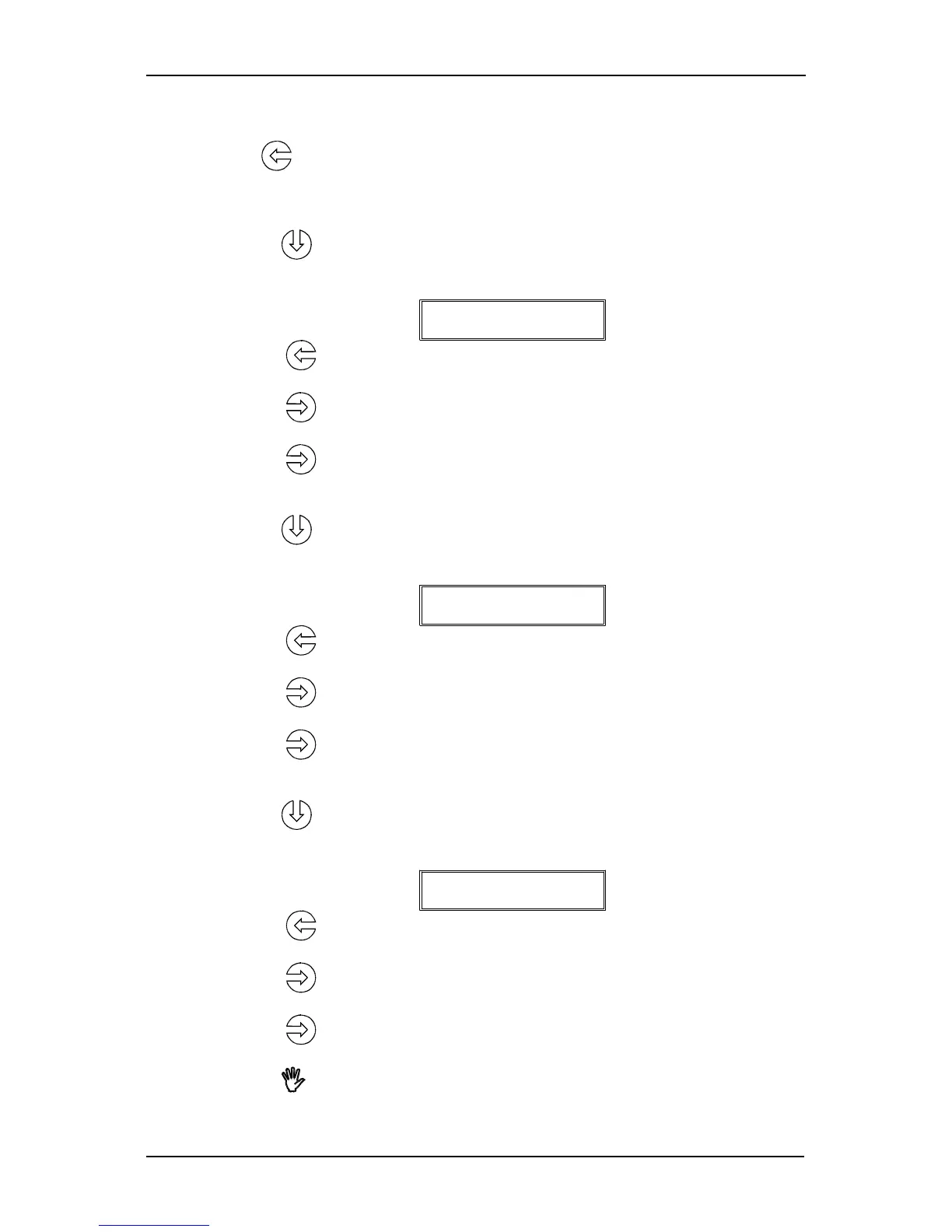
key to adjust the drag knife landing pressure. The following message
will be displayed :
DRAG LANDING
14
Press the
key repeatedly until the drag-knife moves upwards (value around
2).
Press the
key repeatedly until the drag knife holder moves down (value
around 11).
Press the
key another three times.
Insert the ball-point holder into the head.
Press the
key to adjust the ball-point pen landing pressure. The following
message will be displayed :
PEN LANDING
14
Press the
key repeatedly until the ball-point pen moves upwards (value
around 2).
Press the
key repeatedly until the ball-point pen holder moves downwards
(value around 11)
Press the
key another three times.
Insert the knife holder into the head (the knife may not stick out).
Press the
key to adjust the ball-point pen landing pressure. The following
message will be displayed :
TANG LANDING
14
Press the
key repeatedly until the tangential knife goes in the up position
(value around 2).
Press the
key repeatedly until the tangential knife moves down (value around
11)
Press the
key another three times.
Press the
(ONLINE) key and power the machine down.
4-8 Calibration




 To Next Page