- 11 -
Step 4. Add Device
Tap “Add Device” to scan the QR barcode on the silver sticker on the camera
or its box, or tap the “+” icon on the top right corner to manually enter the
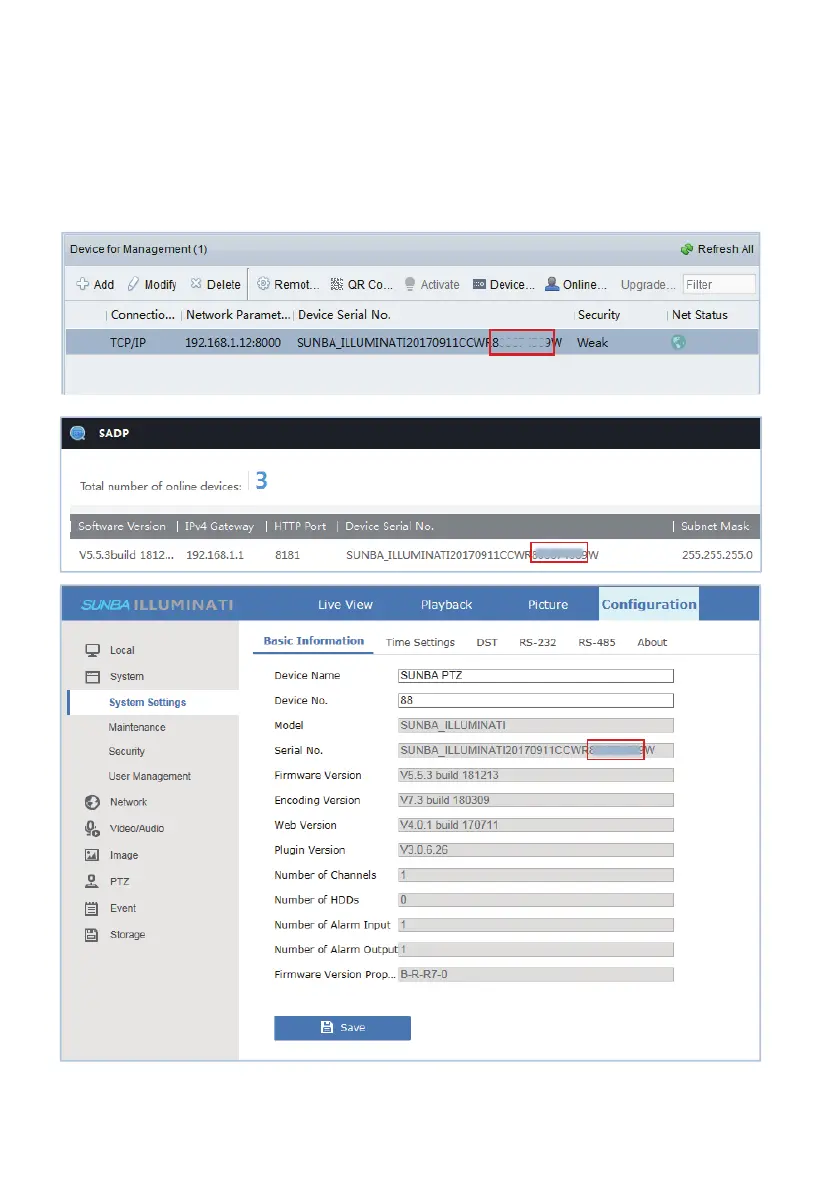
camera serial number. The serial number (aka. P2P code) can be found
from the silver sticker. Alternatively, you can find the serial number from the
SADP tool, Web Interface or the iFollow client.
The values between WR and W represent the serial number.



 To Next Page