Programming continued
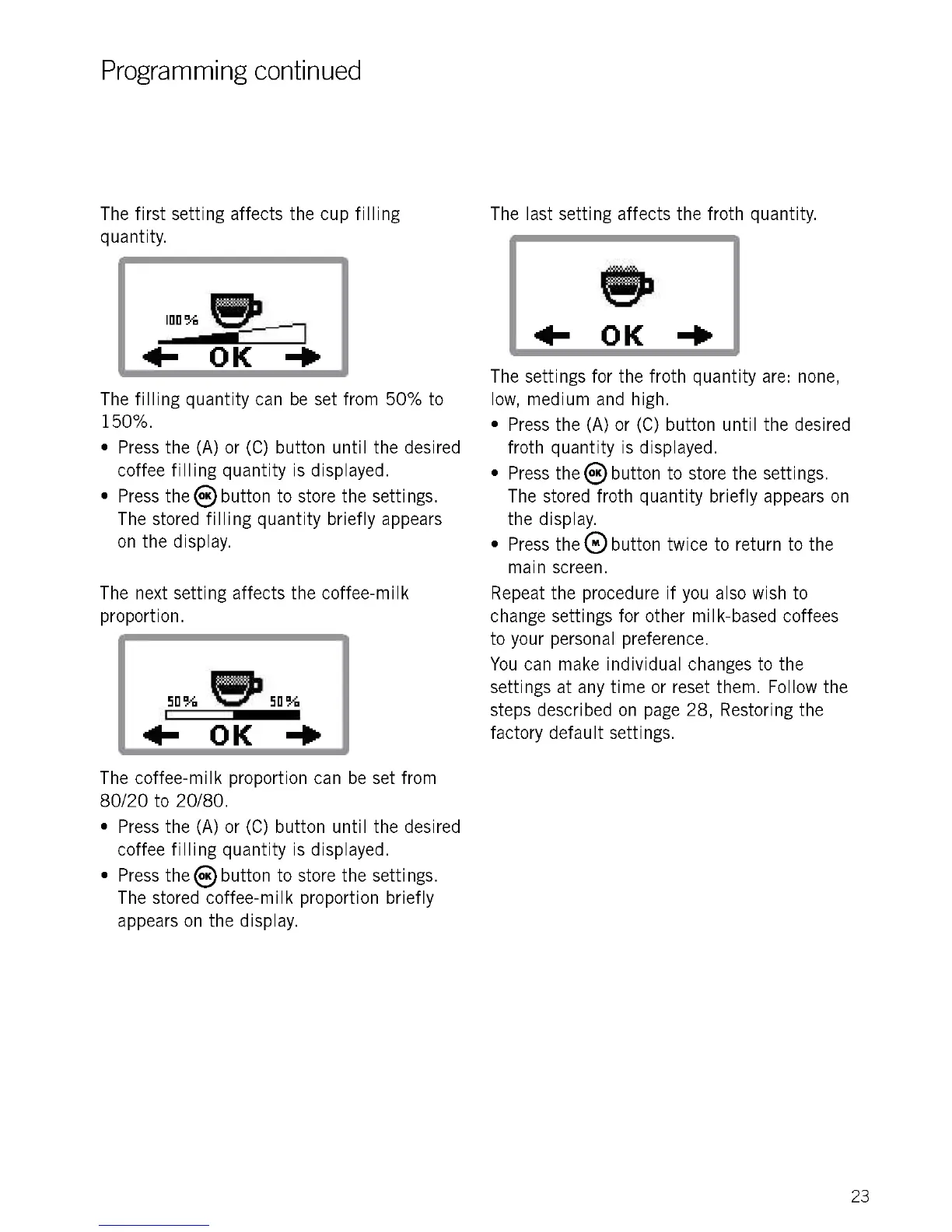
The first setting affects the cup filling
quantity.
The filling quantity can be set from 50% to
150%.
Press the (A) or (C) button until the desired
coffee filling quantity is displayed.
Press the8 button to store the settings.
The stored filling quantity briefly appears
on the display.
The next setting affects the coffee-milk
proportion.
50% e50%
411- OK -Po
The coffee-milk proportion can be set from
80/20 to 20/80.
Press the (A) or (C) button until the desired
coffee filling quantity is displayed.
Press the® button to store the settings.
The stored coffee-milk proportion briefly
appears on the display.
The last setting affects the froth quantity.
sb
411- OK -10
The settings for the froth quantity are: none,
low, medium and high.
Press the (A) or (C) button until the desired
froth quantity is displayed.
Press the8 button to store the settings.
The stored froth quantity briefly appears on
the display.
Press thee button twice to return to the
main screen.
Repeat the procedure if you also wish to
change settings for other milk-based coffees
to your personal preference.
You can make individual changes to the
settings at any time or reset them. Follow the
steps described on page 28, Restoring the
factory default settings.
23











 To Next Page