SunFounder picar-x
This program is simplified with a Variable. For example, when there are multiple functions in a program that each
need to use the distance to an obstacle, a Variable can be used to report the same distance value to each function,
instead of each function reading the same value separately.
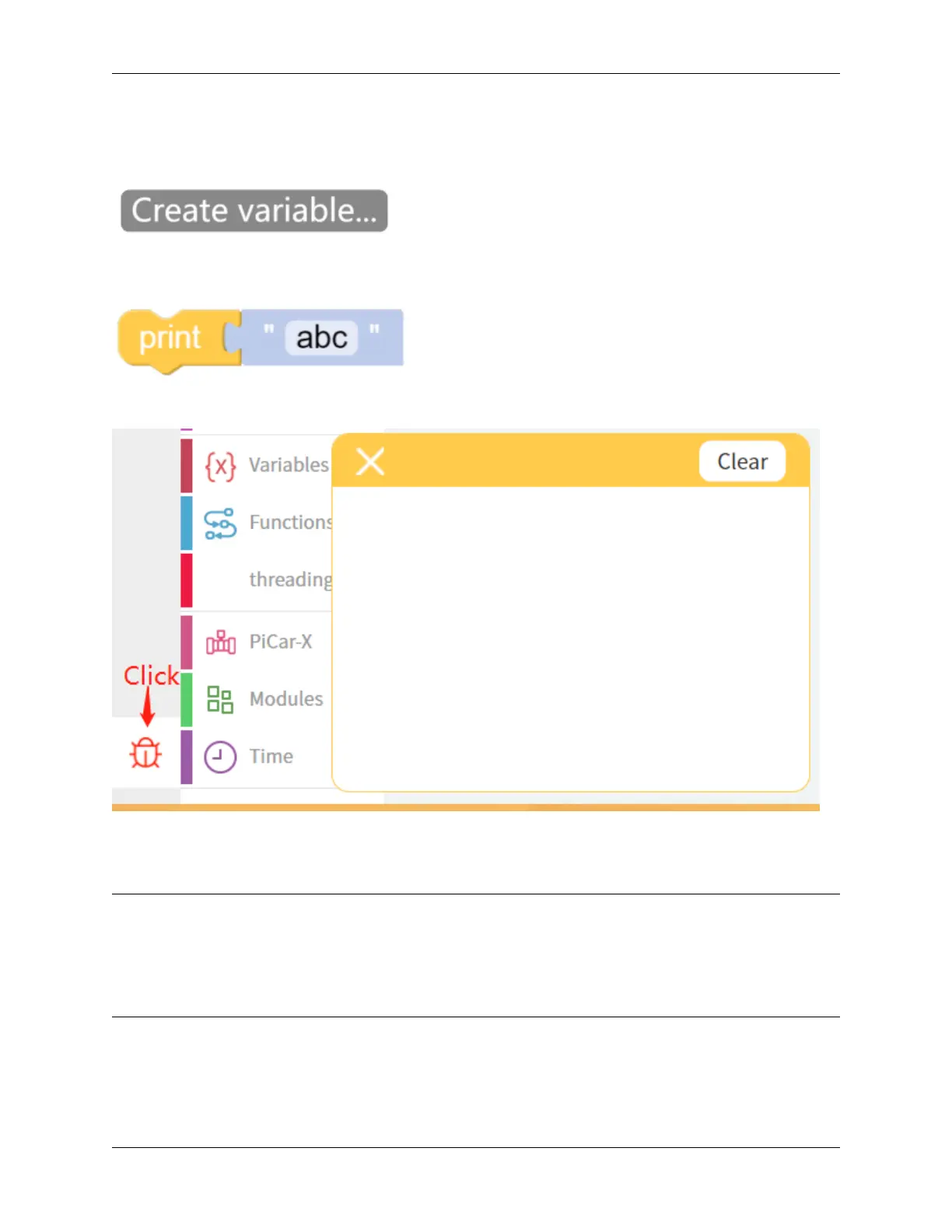
Click the Create variable. . . button on the Variables category, and use the drop-down arrow to select the variable
named “distance”.
The Print function can print data such as variables and text for easy debugging.
Once the code is running, enable the debug monitor by clicking the Debug icon in the bottom left corner.
EXAMPLE
Note:
• You can write the program according to the following picture, please refer to the tutorial: How to Create a New
Project?.
• Or find the code with the same name on the Examples page of the EzBlock Studio and click Run or Edit
directly.
5.5. Test Ultrasonic Module 97



 To Next Page