SunFounder picar-x
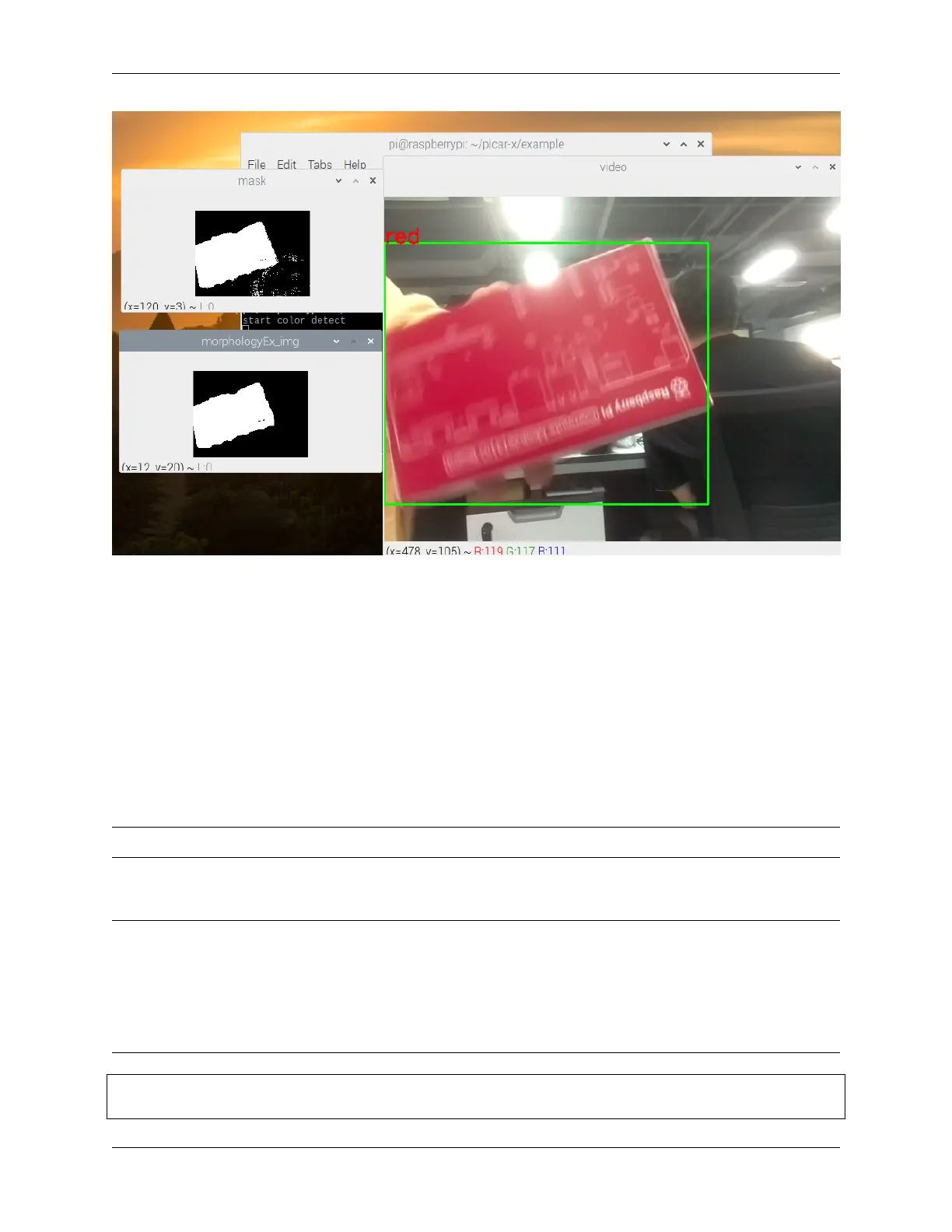
For more information on morphology and contouring, please reference the following resources:
• Opening operation - Wikipedia
• morphologyEx - OpenCV
• findContours - OpenCV
• Contour Features - OpenCV
4.9 Face Detection
This project is also based on the Computer Vision project, with the addition of face detection algorithms.
Note: To run this project, you must first complete remote_desktop.
Run the Code
Note:
• This project requires access to the Raspberry Pi desktop to view the footage taken by the camera module.
• You can connect a screen to the PiCar-X or refer to the tutorial remote_desktop to access it with VNC or XRDP.
• Once inside the Raspberry Pi desktop, open Terminal and type the following command to run it, or just open
and run it with a Python editor.
cd /home/pi/picar-x/example
sudo python3 human_face_detect.py
68 Chapter 4. Play with Python



 To Next Page