SunFounder picar-x
ssh pi@raspberrypi.local
Note: If a prompt appears The term 'ssh' is not recognized as the name of
a cmdlet....
It means your system is too old and does not have ssh tools pre-installed, you need to manually Install
OpenSSH via Powershell.
Or use a third party tool like PuTTY.
3. The following message will be displayed only when you log in for the first time, so enter yes.
The authenticity of host 'raspberrypi.local
˓→(2400:2410:2101:5800:635b:f0b6:2662:8cba)' can't be established.
ED25519 key fingerprint is SHA256:oo7x3ZSgAo032wD1tE8eW0fFM/
˓→kmewIvRwkBys6XRwg.
This key is not known by any other names
Are you sure you want to continue connecting (yes/no/[fingerprint])?
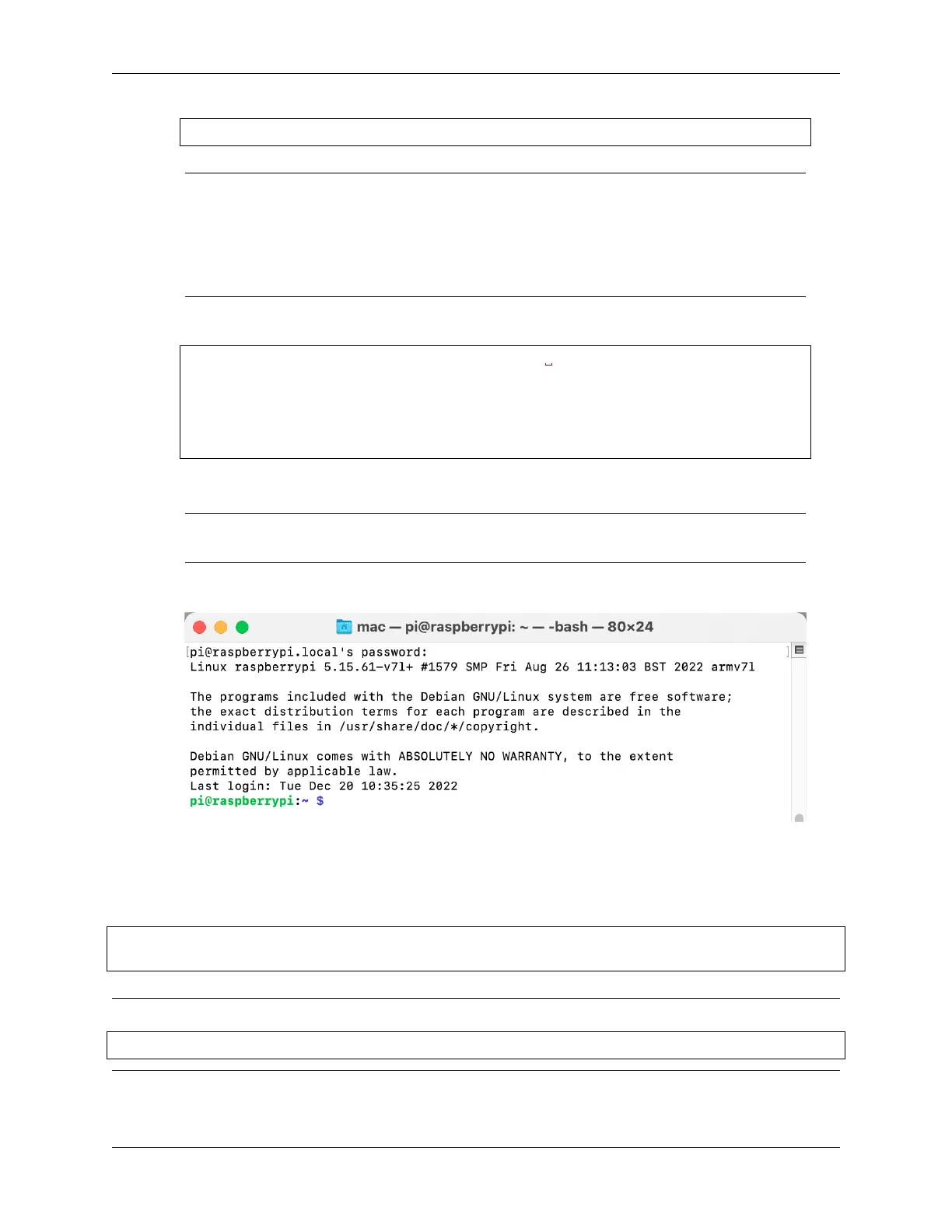
4. Input the password you set before. (Mine is raspberry.)
Note: When you input the password, the characters do not display on window accordingly, which is
normal. What you need is to input the correct password.
5. We now get the Raspberry Pi connected and are ready to go to the nextstep.
4.1.4 Install All the Modules
Make sure you are connected to the Internet and update your system:
sudo apt update
sudo apt upgrade
Note: Python3 related packages must be installed if you are installing the Lite version OS.
sudo apt install git python3-pip python3-setuptools python3-smbus
Install robot-hat.
4.1. Quick Guide on Python 41



 To Next Page