SunFounder picar-x
5.4 Remote Control
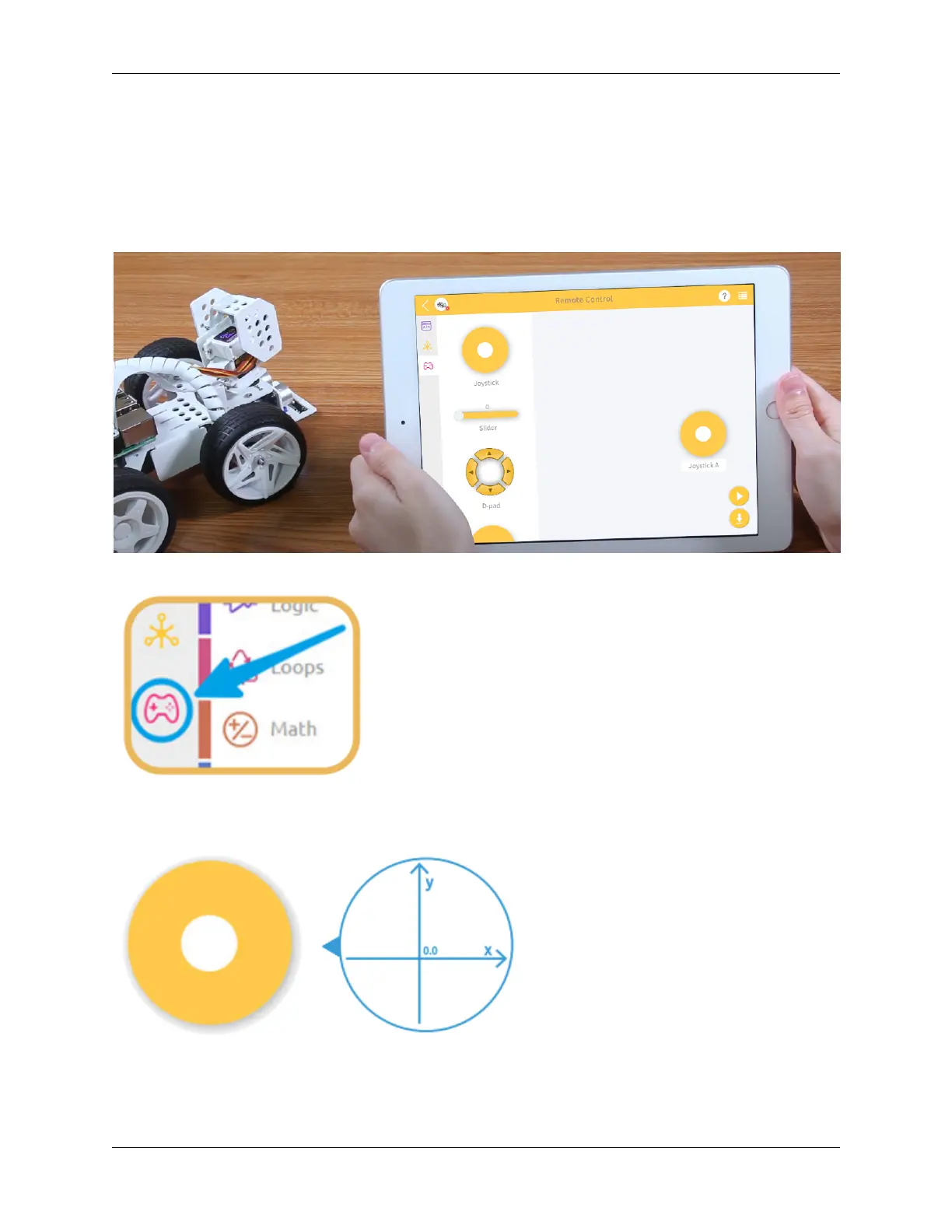
This project will teach how to remotely control the PiCar-X with the Joystick widget. Note: After dragging and
dropping the Joystick widget from the Remote Control page, use the “Map” function to calibrate the Joysticks X-axis
and Y-axis readings. For more information on the Remote Control function, please reference the following link:
• How to Use the Remote Control Function?
TIPS
To use the remote control function, open the Remote Control page from the left side of the main page.
Drag a Joystick to the central area of the Remote Control page. Toggling the white point in the center, and gently
dragging in any direction will produce an (X,Y) coordinate. The range of the X-axis or Y-axis is defaulted to “-100”
94 Chapter 5. Play with Ezblock



 To Next Page