SunFounder picar-x
4.1.6 Servo Adjust
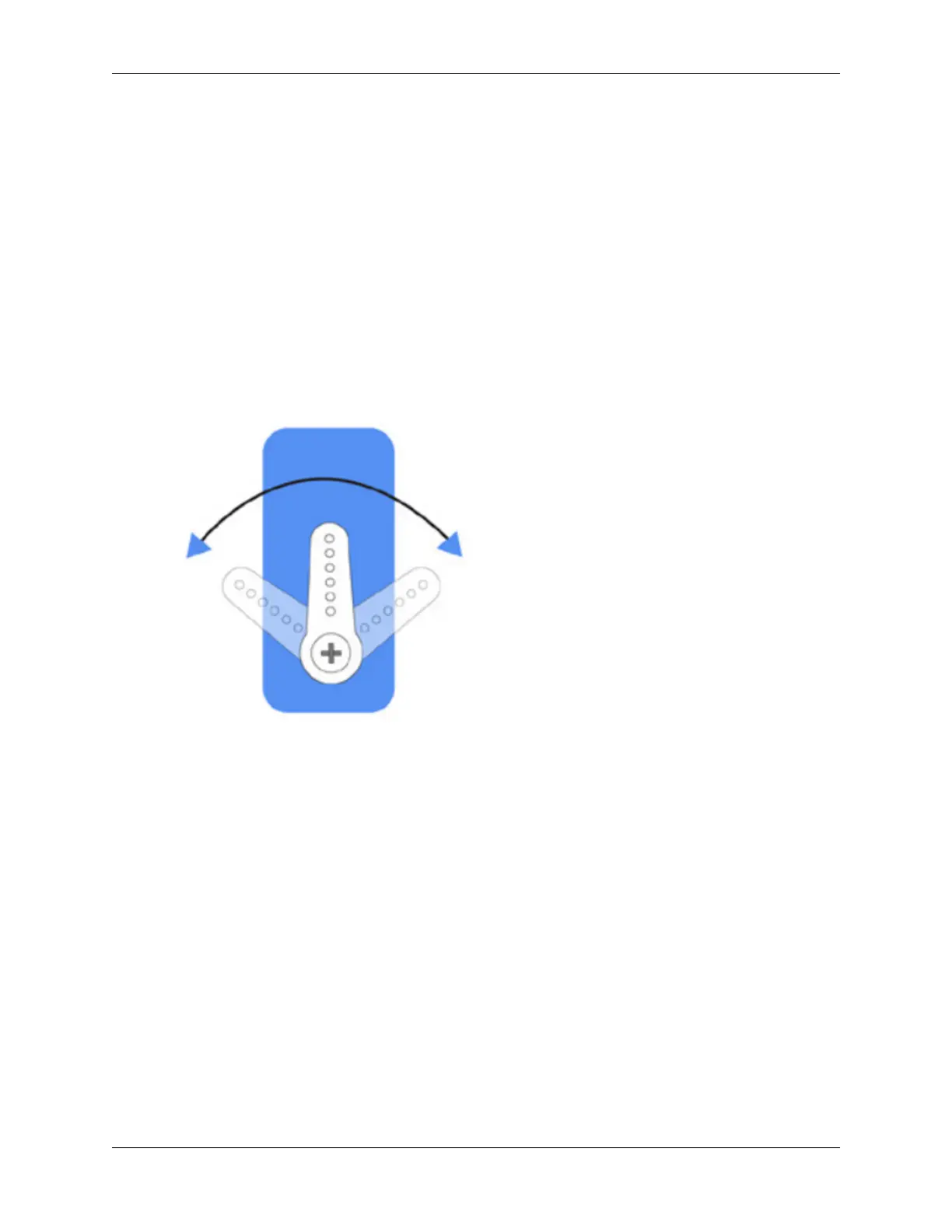
The angle range of the servo is -90~90, but the angle set at the factory is random, maybe 0°, maybe 45°; if we assemble
it with such an angle directly, it will lead to a chaotic state after the robot runs the code, or worse, it will cause the
servo to block and burn out.
So here we need to set all the servo angles to 0° and then install them, so that the servo angle is in the middle, no
matter which direction to turn.
It is recommended that you Calibrating the PiCar-X after assembling it. The servo angle will be tilted due to possible
deviations during assembly or limitations of the servo itself, so you can get the servo to a perfect state by calibrating
it, usually the calibration angle is -5~5°.
But if the deviation angle is too big, you still have to go back to this section to set the servo angle to 0°, and then
follow the instructions to reassemble the car.
1. To ensure that the servo has been properly set to 0°, first insert the servo arm into the servo shaft and then gently
rotate to a different angle.
2. Follow the instructions on the assembly foldout, insert the battery holder cable and turn the power switch to the
ON. Wait for 1-2 minutes, there will be a sound to indicate that the Raspberry Pi boots successfully.
48 Chapter 4. Play with Python



 To Next Page