SunFounder picar-x
• get_grayscale_data(): This method directly outputs the readings of the three sensors, from right to left.
The brighter the area, the larger the value obtained.
• get_line_status(): get_line_status(): This method will generate an action based on the values detected
by the three probes. There are four types of actions: forward , left , right , and stop.
The trigger conditions for these actions are as follows: A value is assigned by default in the module as the threshold
for detecting black or white. When the detection values of the three probes are all greater than the threshold, it means
that the probes are sensing the color white, and no black line is detected, which makes the get_line_status()
to generate a return value of stop.
• If the right (and the first) probe detects a black line, right is returned;
• If the middle probe detects a black line, return forward;
• If the left probe detects a black line, left is returned.
4.6 Text to Speech
Before using the Text-to-Speech (TTS) functions, first activate the speaker so that it will be enabled and can make
sounds.
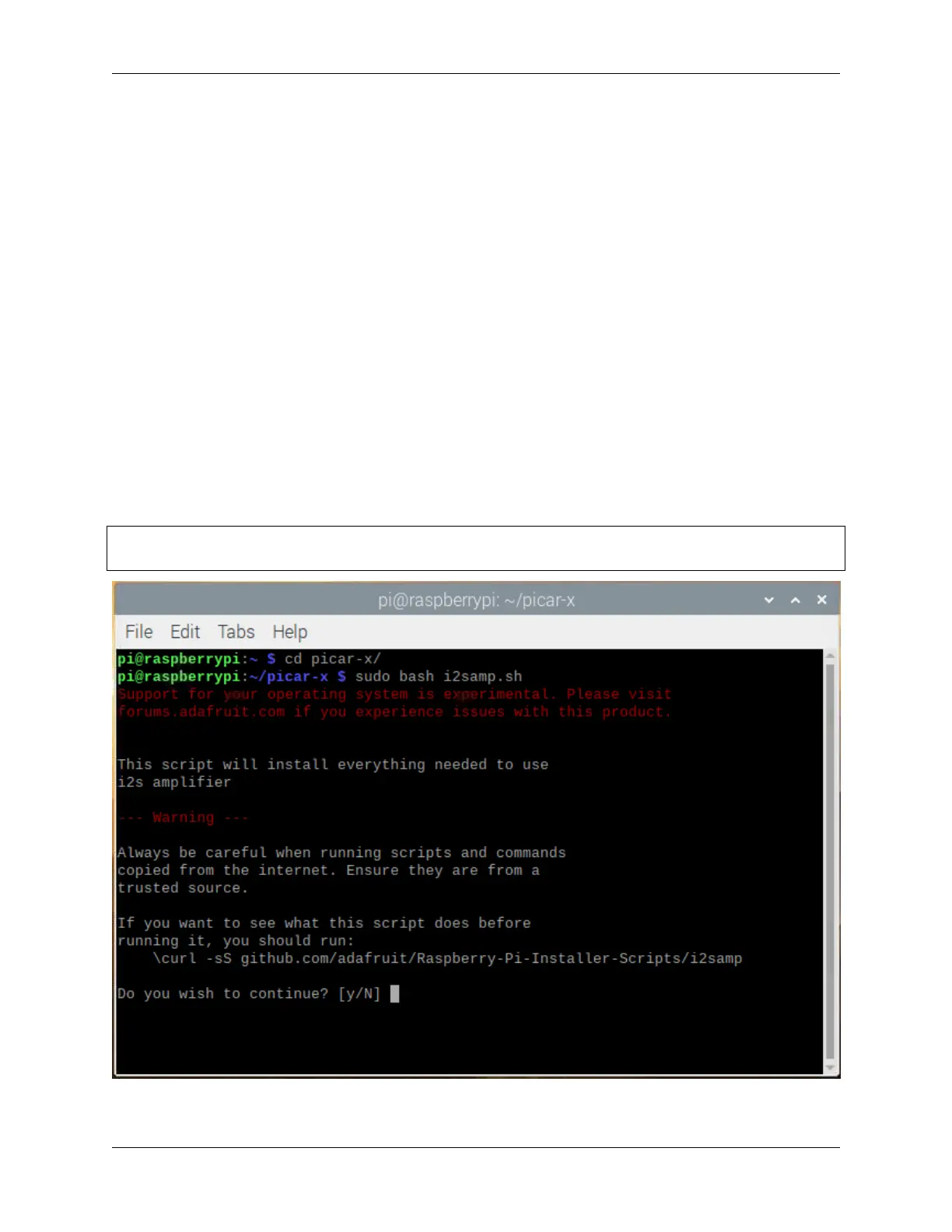
Run i2samp.sh in the picar-x folder, and this script will install everything needed to use i2s amplifier.
cd /home/pi/picar-x
sudo bash i2samp.sh
58 Chapter 4. Play with Python



 To Next Page