SunFounder picar-x
There will be several prompts asking to confirm the request. Respond to all prompts with a Y. After the changes have
been made to the Raspberry Pi system, the computer will need to reboot for these changes to take effect.
After rebooting, run the i2samp.sh script again to test the amplifier. If a sound successfully plays from the speaker,
the configuration is complete.
Run the Code
cd /home/pi/picar-x/example
sudo python3 tts_example.py
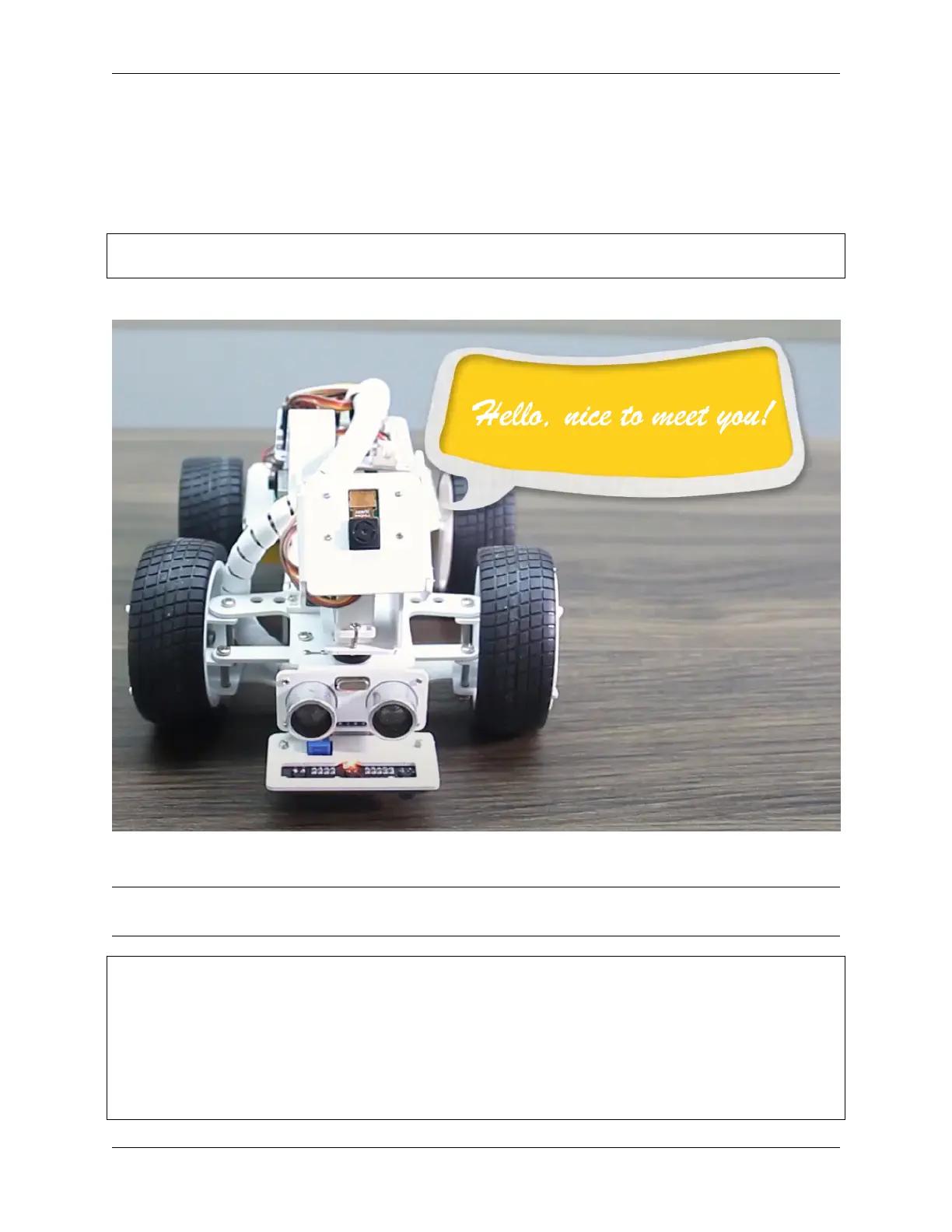
After running the code, PiCar-X will say “Hello”, “Hi”, “Good bye”, “Nice to meet you”.
Code
Note: You can Modify/Reset/Copy/Run/Stop the code below. But before that, you need to go to source code path
like picar-x/example. After modifying the code, you can run it directly to see the effect.
from robot_hat import TTS
if __name__ == "__main__":
words = ["Hello", "Hi", "Good bye", "Nice to meet you"]
tts_robot = TTS()
for i in words:
print(i)
tts_robot.say(i)
4.6. Text to Speech 59



 To Next Page