SunFounder picar-x
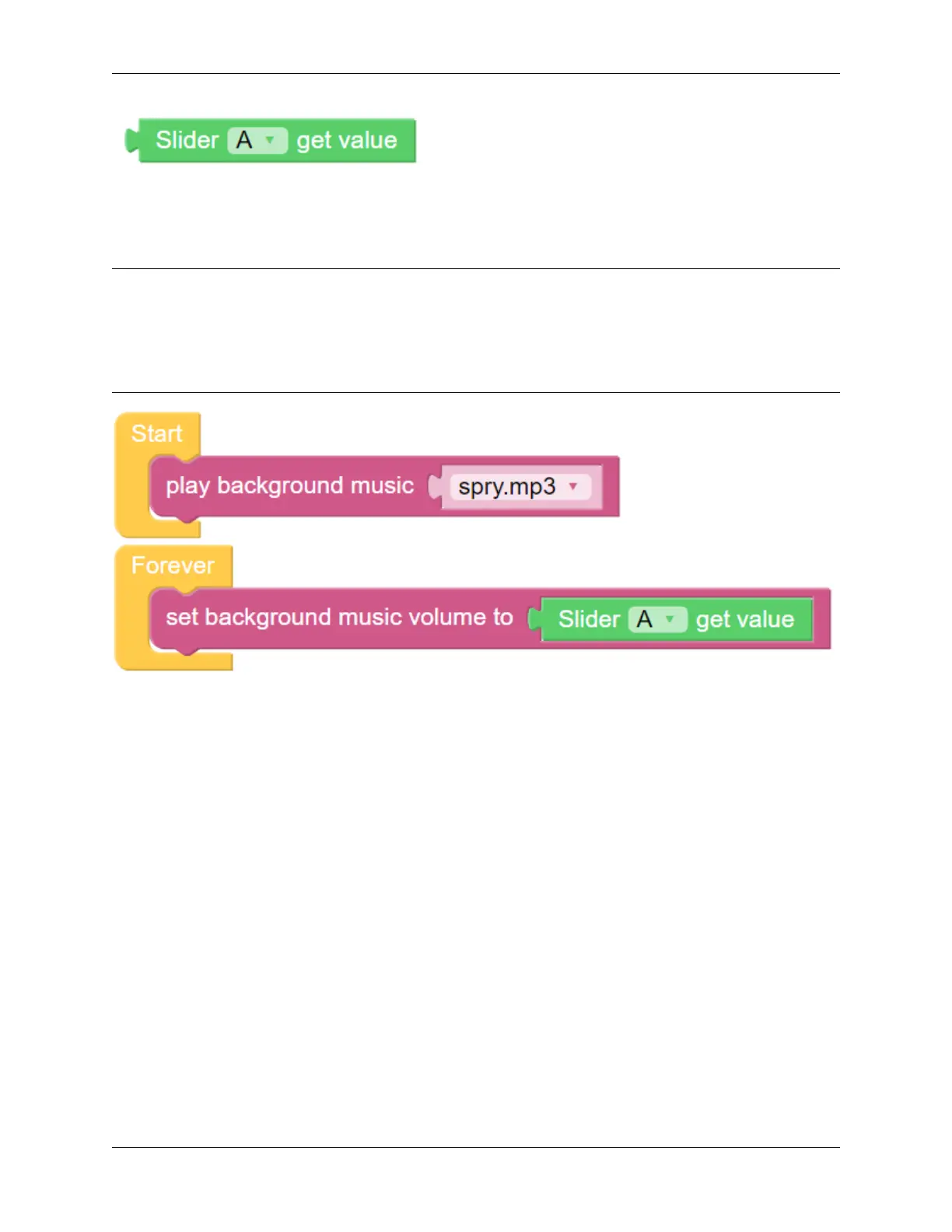
The slider [A] get value block will read the slider value. The example above has slider ‘A’ selected. If there are
multiple sliders, use the drop-down menu to select the appropriate one.
EXAMPLE
Note:
• You can write the program according to the following picture, please refer to the tutorial: How to Create a New
Project?.
• Or find the code with the same name on the Examples page of the EzBlock Studio and click Run or Edit
directly.
5.11 Say Hello
This project will combine several functions from the preceding projects. The PiCar-X movement will be remotely con-
trolled, and the PiCar’s camera will be remotely controlled by using two joystick controllers. When PiCar recognizes
someone’s face, it will nod politely and then say “Hello!”.
• How to Use the Video Function?
• How to Use the Remote Control Function?
108 Chapter 5. Play with Ezblock



 To Next Page