SunFounder picar-x
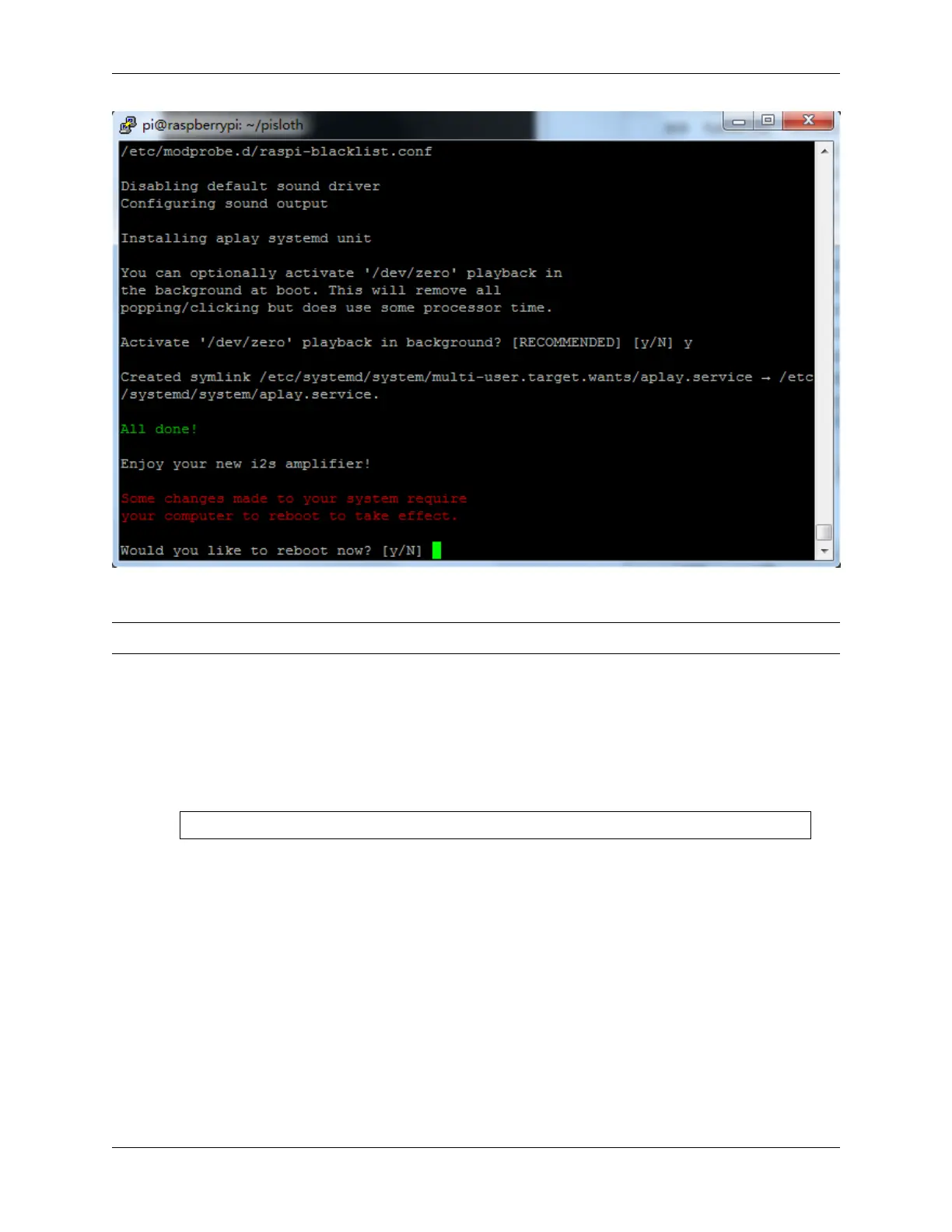
Type y and press enter to restart the Picar-X.
Note: If there is no sound after restarting, you may need to run the i2samp.sh script several times.
4.1.5 Enable I2C and Camera Interface
Here we are using the Raspberry Pi’s I2C and Camera interfaces, but by default they are disabled, so we need to enable
them first.
1. Input the following command:
sudo raspi-config
2. Choose 3 Interfacing Options by press the down arrow key on your keyboard, then press the Enter key.
44 Chapter 4. Play with Python



 To Next Page