SunFounder picar-x
cd /home/pi/
git clone https://github.com/sunfounder/robot-hat.git
cd robot-hat
sudo python3 setup.py install
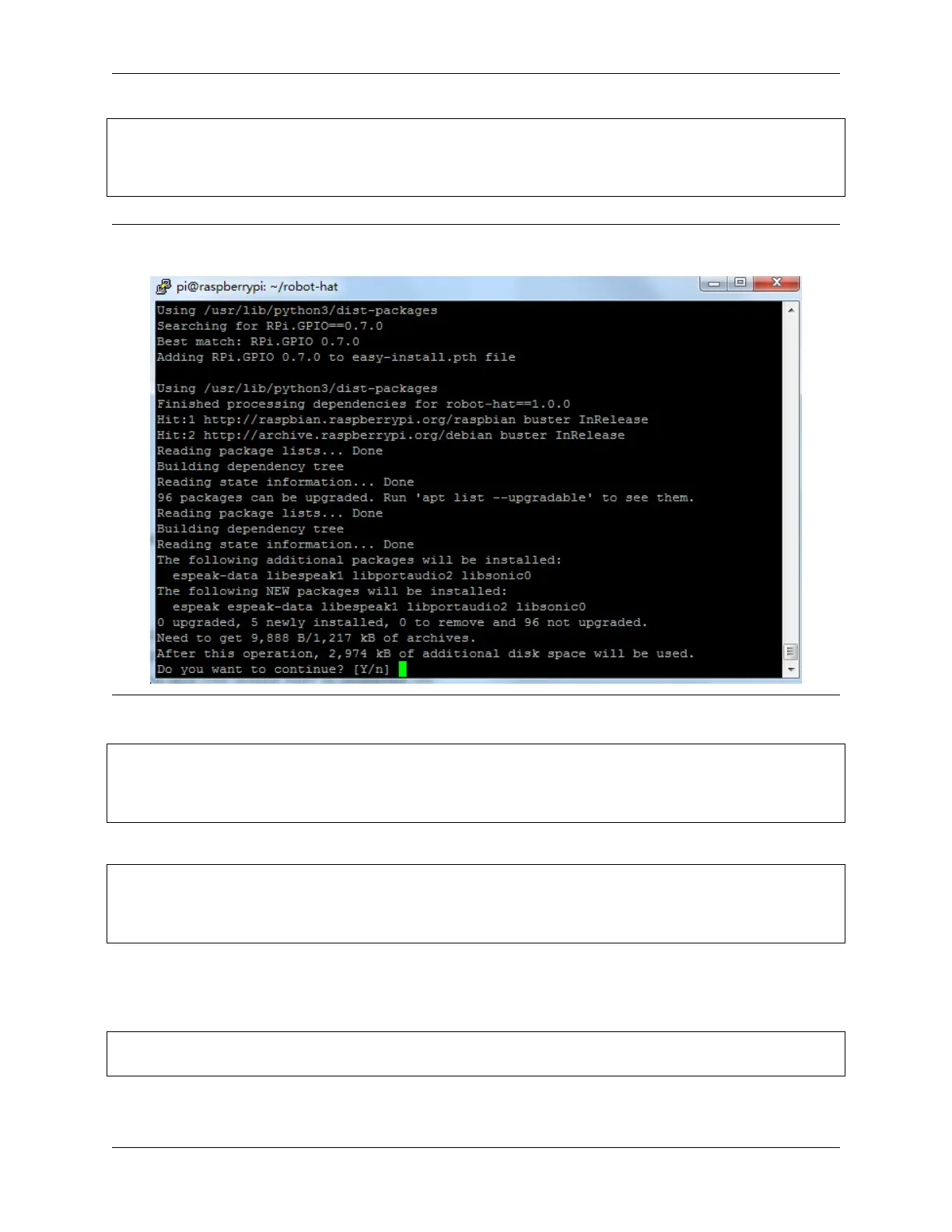
Note: Running setup.py will download some necessary components. Your download may have failed due to
network issues. You may need to download again at this point. See the following interface, type Y and press Enter.
Then download and install the vilib module.
cd /home/pi/
git clone https://github.com/sunfounder/vilib.git
cd vilib
sudo python3 install.py
Download and install the picar-x module.
cd /home/pi/
git clone -b v2.0 https://github.com/sunfounder/picar-x.git
cd picar-x
sudo python3 setup.py install
This step will take a little while, so please be patient.
Finally, you need to run the script i2samp.sh to install the components required by the i2s amplifier, otherwise the
picar-x will have no sound.
cd /home/pi/picar-x
sudo bash i2samp.sh
42 Chapter 4. Play with Python



 To Next Page