SunFounder picar-x
TIPS
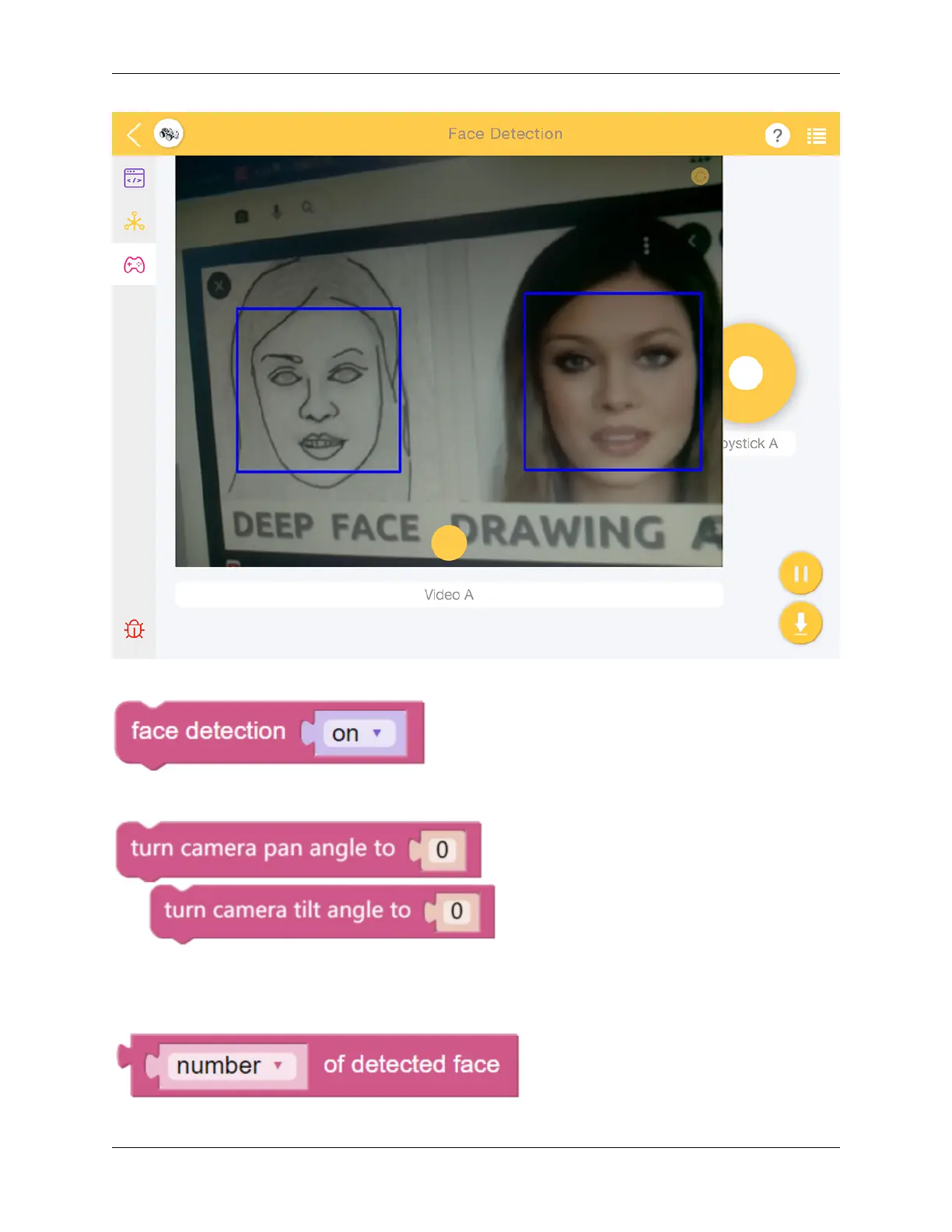
Set the face detection widget to on to enable facial detection.
These two blocks are used to adjust the orientation of the pan-tilt camera, similar to driving the PiCar-X in the Remote
Control tutorial. As the value increases, the camera will rotate to the right, or upwards, a decreasing value will rotate
the camera right, or downwards.
5.8. Face Detection 103



 To Next Page