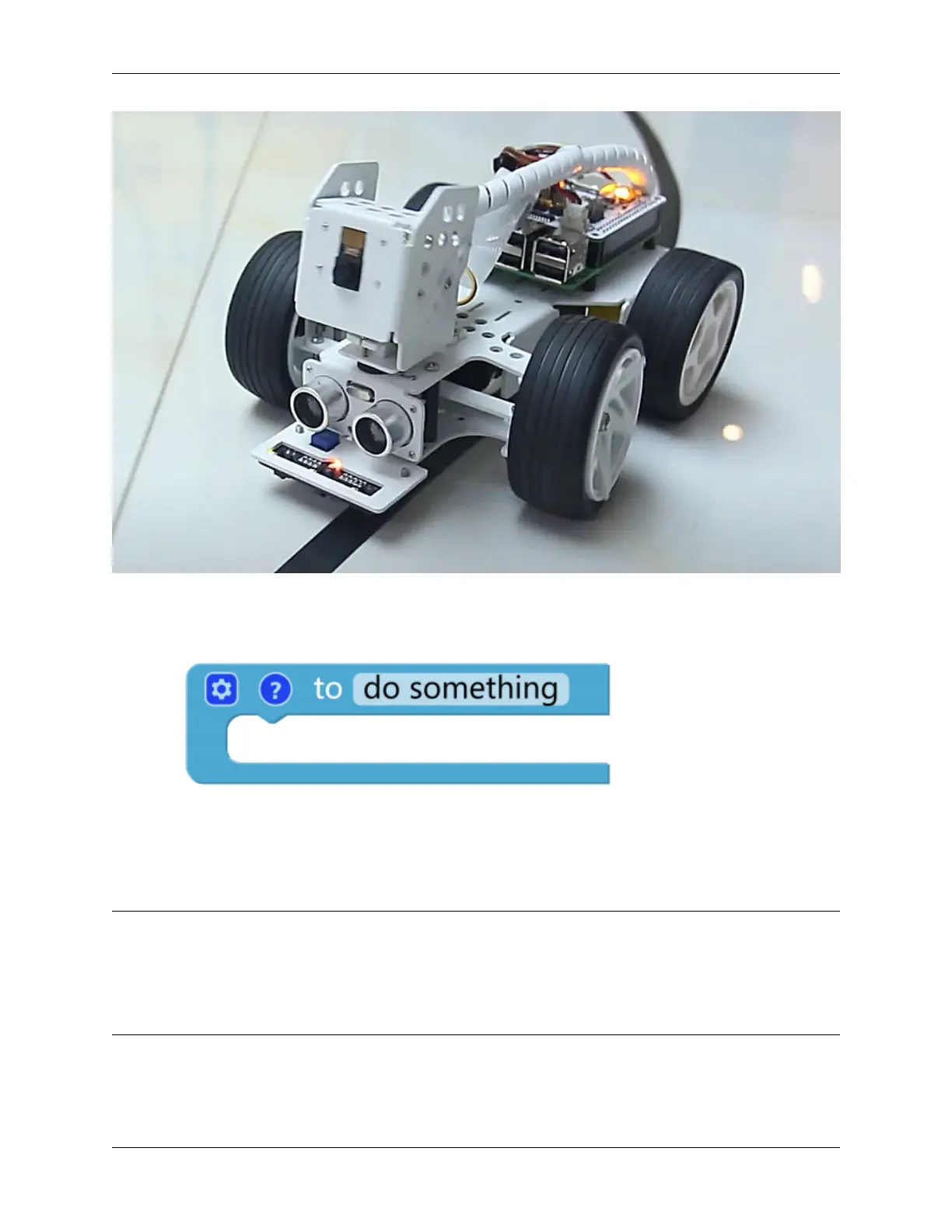
SunFounder picar-x
TIPS
1. Use another to do something block to allow the PiCar-X to back up and recover from a sharp curve. Note that
the new to do something function does not return any values, but is used just for reorienting the PiCar-X.
2. Set ref to () block is used to set the grayscale threshold, you need to modify it according to the actual situation.
You can go ahead and run Test Grayscale Module to see the values of the grayscale module on the white and
black surfaces, and fill in their middle values in this block.
EXAMPLE
Note:
• You can write the program according to the following picture, please refer to the tutorial: How to Create a New
Project?.
• Or find the code with the same name on the Examples page of the EzBlock Studio and click Run or Edit
directly.
118 Chapter 5. Play with Ezblock



 To Next Page