SunFounder picar-x
Step 3
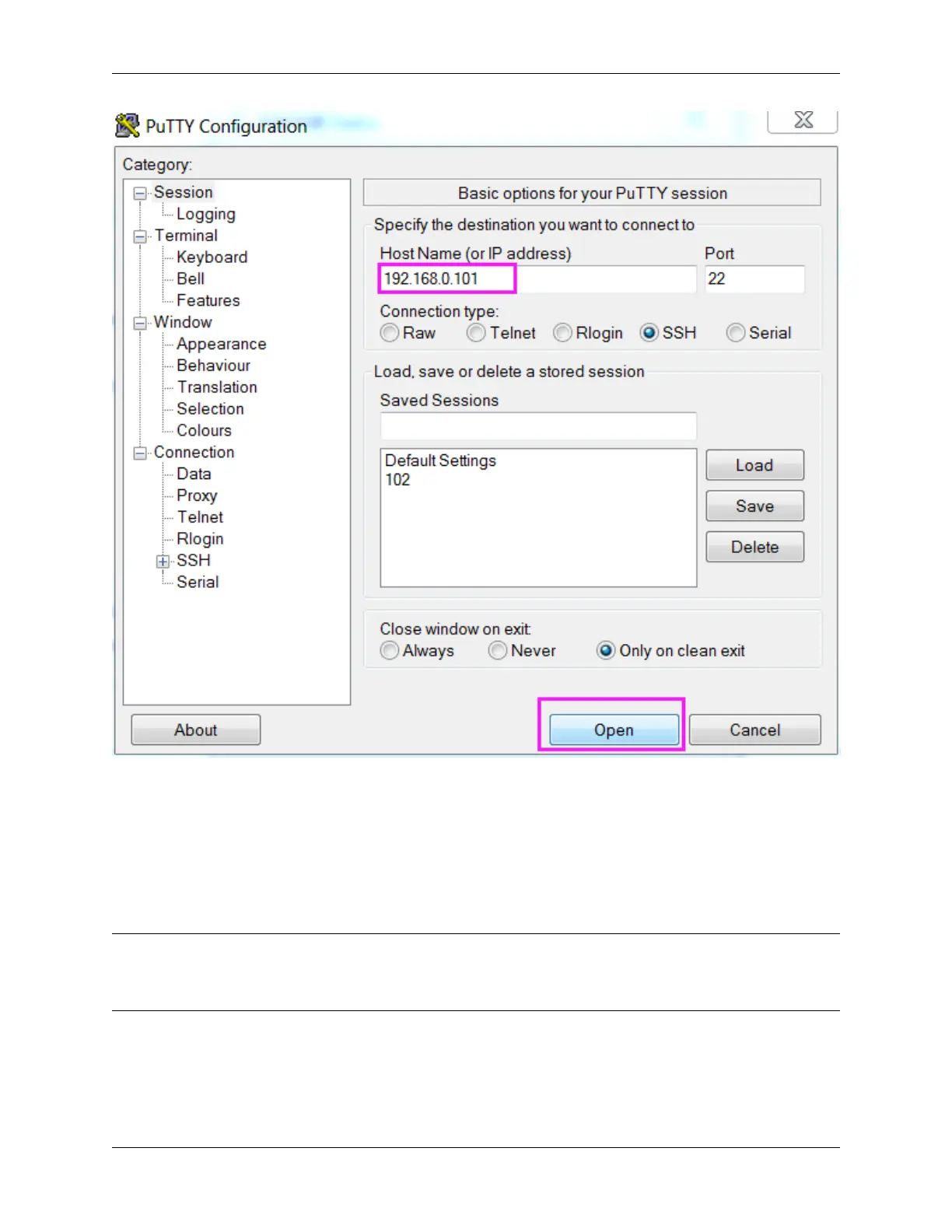
Click Open. Note that when you first log in to the Raspberry Pi with the IP address, there prompts a security reminder.
Just click Yes.
Step 4
When the PuTTY window prompts “login as:”, type in “pi” (the user name of the RPi), and password: “raspberry”
(the default one, if you haven’t changed it).
Note: When you input the password, the characters do not display on window accordingly, which is normal. What
you need is to input the correct password.
If inactive appears next to PuTTY, it means that the connection has been broken and needs to be reconnected.
138 Chapter 6. Appendix



 To Next Page