SunFounder picar-x
pi password or a different password.
sudo vncpasswd -service
11. Once the setup is complete, restart the Raspberry Pi to apply the changes.
sudo sudo reboot
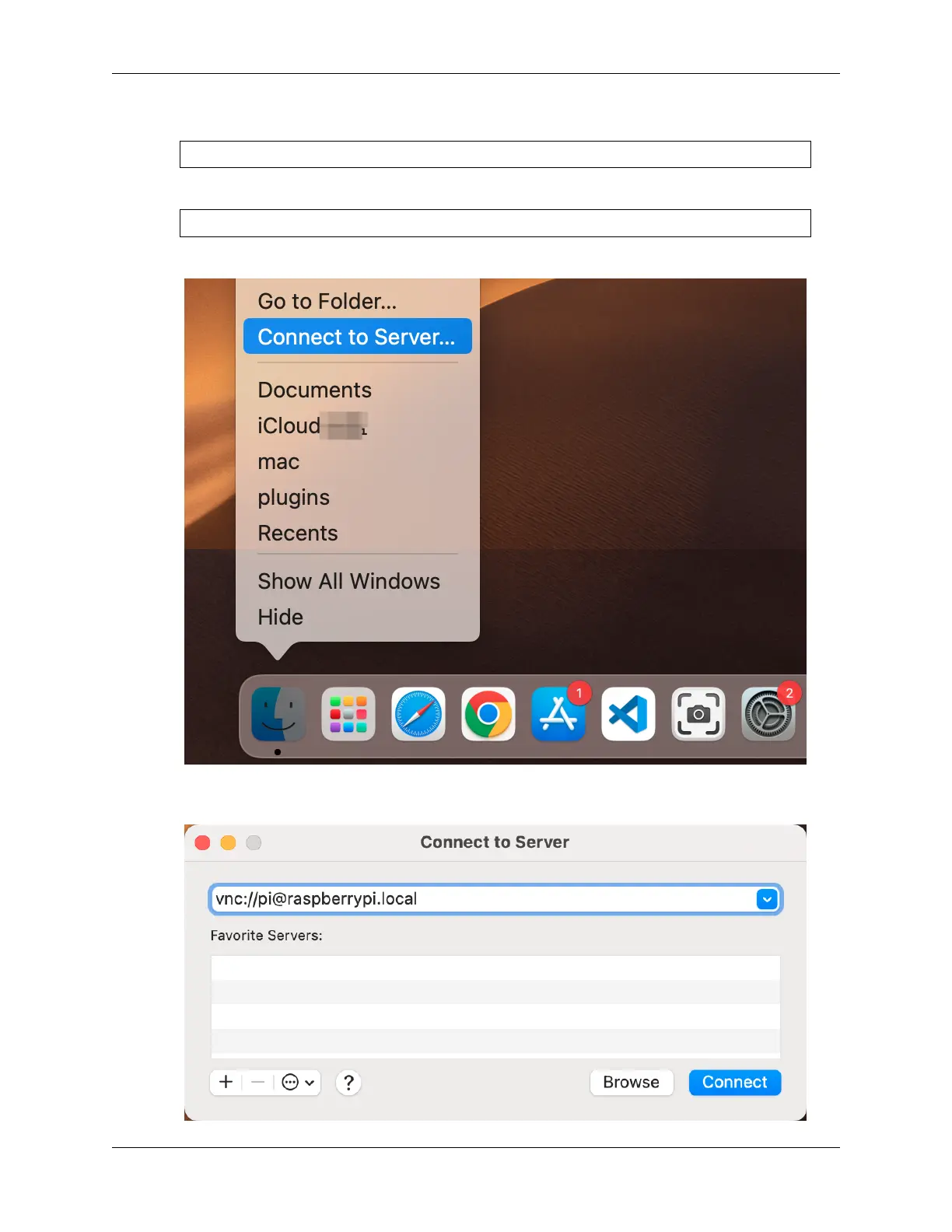
12. Now, select Connect to Server from the Finder’s menu, which you can open by right-clicking.
13. Type in vnc://<username>@<hostname>.local (or vnc://<username>@<IP address>). Af-
ter entering, click Connect.
4.1. Quick Guide on Python 33



 To Next Page