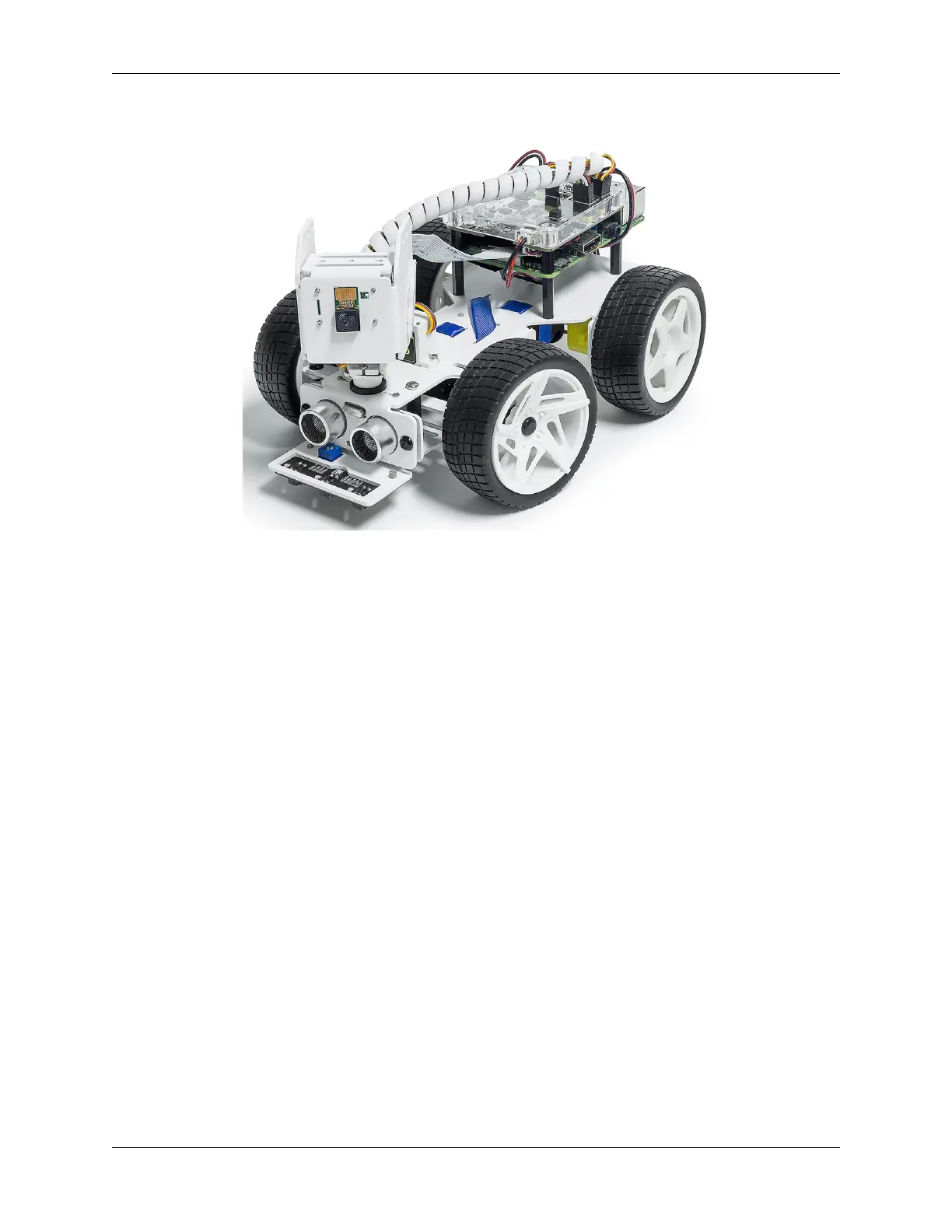
SunFounder picar-x
Thanks for choosing our PiCar-X.
The PiCar-X is an AI-driven self-driving robot car for the Raspberry Pi platform, upon which the Raspberry Pi acts
as the control center. The PiCar-X’s 2-axis camera module, ultrasonic module, and line tracking modules can provide
the functions of color/face/traffic-signs detection, automatic obstacle avoidance, automatic line tracking, etc.
PiCar-X has two programming languages: Blockly and Python. No matter what language you program in, you’ll find
detailed steps to teach you everything from configuring the Raspberry Pi to running the relevant example code.
• Play with Python
– This chapter is for those who enjoy programming in Python or want to learn the Python language.
– To get Picar-X working properly, you must install some libraries first.
– The Raspberry Pi configuration and samples code for the PiCar-X are provided in this chapter.
– An APP - SunFounder Controller is also provided to allow you to remotely control the PiCar-X on your
mobile device.
• Play with Ezblock
– In this section, you will use a Blockly based APP, Ezblock Studio, which, like Scratch, allows you to drag
and drop blocks to make Picar-X move.
– It is required to reinstall the SD card with the operating system we provide with pre-installed Ezblock
environment before programming. It is recommended to use a new or unused TF card for this section.
– Ezblock Studio is available for nearly all types of devices, including Macs, PCs, and Androids.
– Ezblock Studio is a good choice if you are 6-12 years old, or don’t have programming skills, or want to
test Picar-X quickly.
About the display language
In addition to English, we are working on other languages for this course. Please contact service@sunfounder.com if
you are interested in helping, and we will give you a free product in return. In the meantime, we recommend using
Google Translate to convert English to the language you want to see.
The steps are as follows.
CONTENTS 1



 To Next Page