SunFounder picar-x
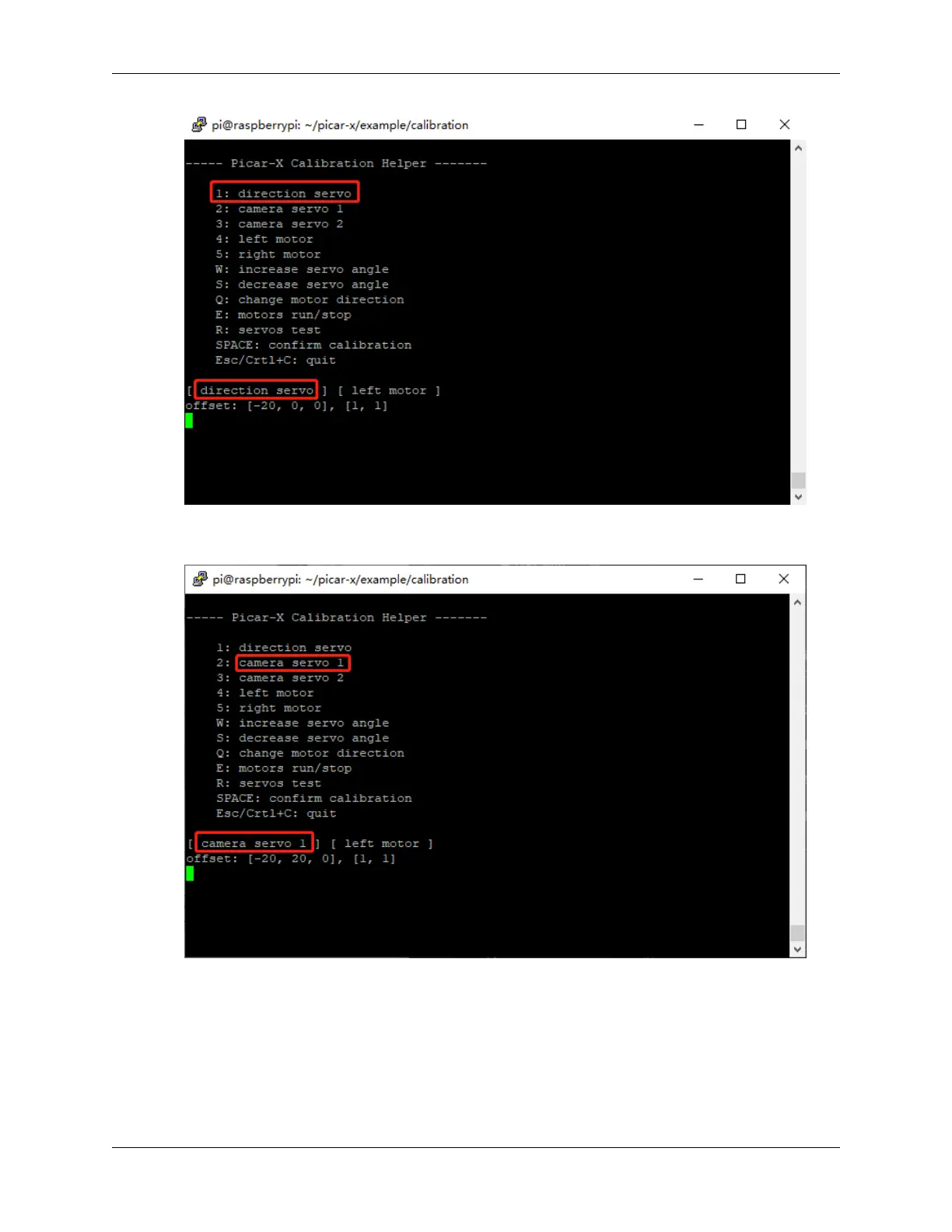
5. Press the number key 2 to select the Pan servo, then press the W/S key to make the pan/tilt platform look
straight ahead and not tilt left or right.
6. Press the number key 3 to select the tilt servo, then press the W/S key to make the pan/tilt platform look straight
ahead and not tilt up and down.
4.2. Calibrating the PiCar-X 51



 To Next Page