SunFounder picar-x
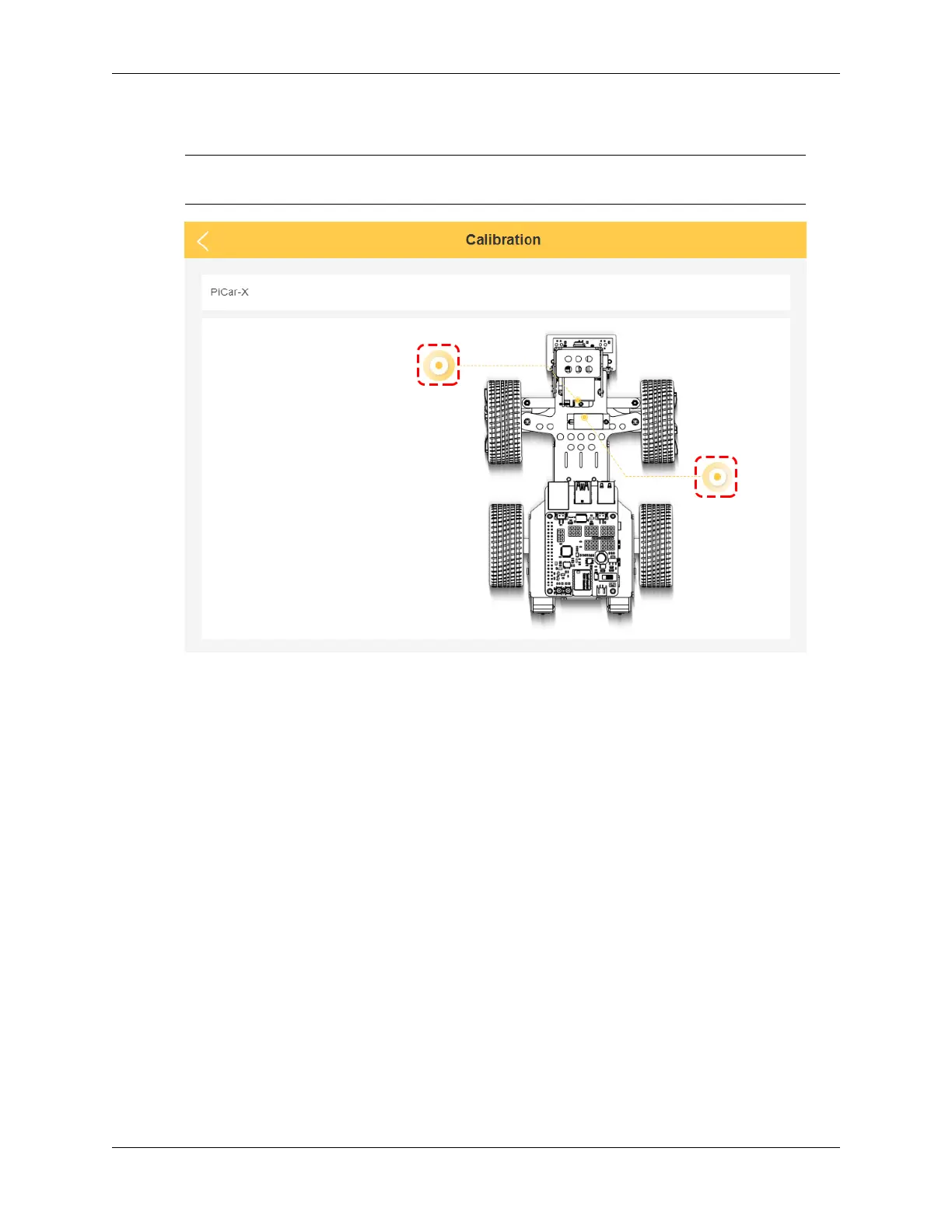
1. Once you get to the calibration page, there will be two prompt points telling you where to calibrate.
Note: Calibrating is a micro-adjustment process. It is recommended to take the part off and re-
assemble it if you click a button to the limit and the part is still off.
2. Click on the left prompt point to calibrate the PiCar-X’s Pan-Tilt(the camera part). By using the two sets of
buttons on the right, you can slowly adjust the Pan-Tilt’s orientation, as well as view their angles. When the
adjustment is complete, click on Confirm.
88 Chapter 5. Play with Ezblock



 To Next Page