25
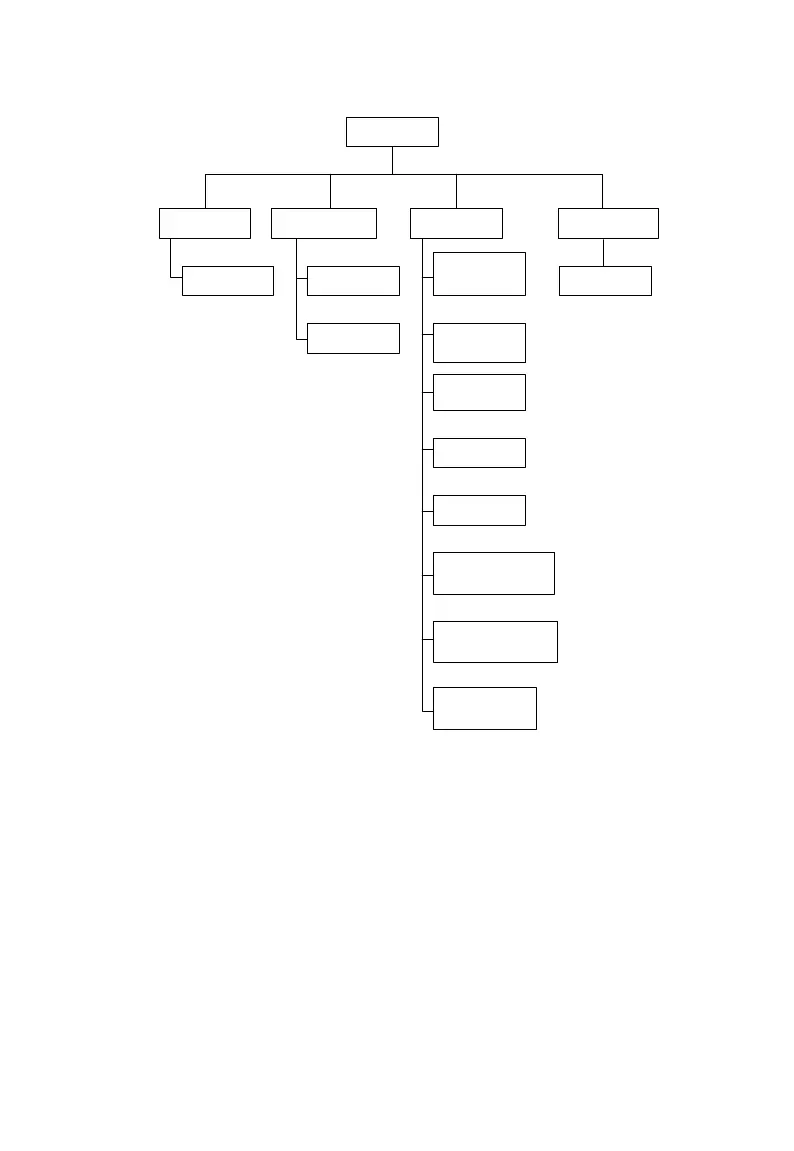
Main menu
Monitoring Management Settings Maintenance
Device list
Search
device
Device
operation
Time
settings
Serial port
settings
Network
settings
About
Restart
MODBUS
service settings
IEC104 service
settings
Cloud service
settings
Upgrade
device
8.6 Operation Flow
Operate as follows to log in the Logger3000 for the first time.
Step 1 Complete the electrical connection.
Before logging the Logger3000 WEB, make sure the Logger3000 is correctly
connected to other devices. Please refer to 6 Electrical Connection.
Step 2 Set the serial port of the Logger3000.
After logging in WEB, set the serial port of the Logger3000 first to make sure
the Logger3000 can communicate normally. Please refer to 8.9.2 Serial Port



 To Next Page