40
8.9.5 Restart
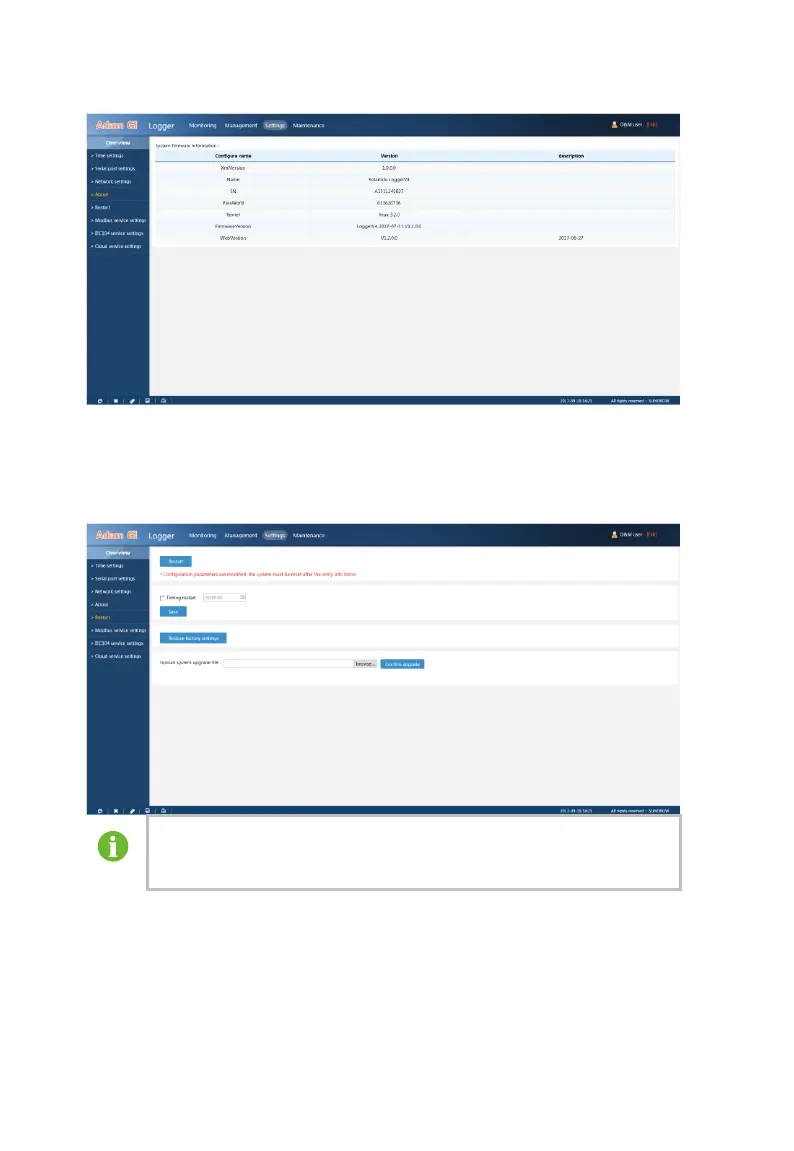
“Restart” can restart the Logger3000 and can reset the Logger3000 to defaults.
Select “Settings” – “Restart” to enter the restart interface.
After modifying the parameter of the Logger3000 (serial port
parameter, network parameter, and service settings), you must
restart the system to activate the modification.
8.9.6 Service Settings
You can forward the data to the background through the Logger3000. When
using the Logger3000, you must set its forwarding service. There are three
types of forwarding service: Modbus service settings, IEC104 service settings,
and Cloud service settings



 To Next Page