35
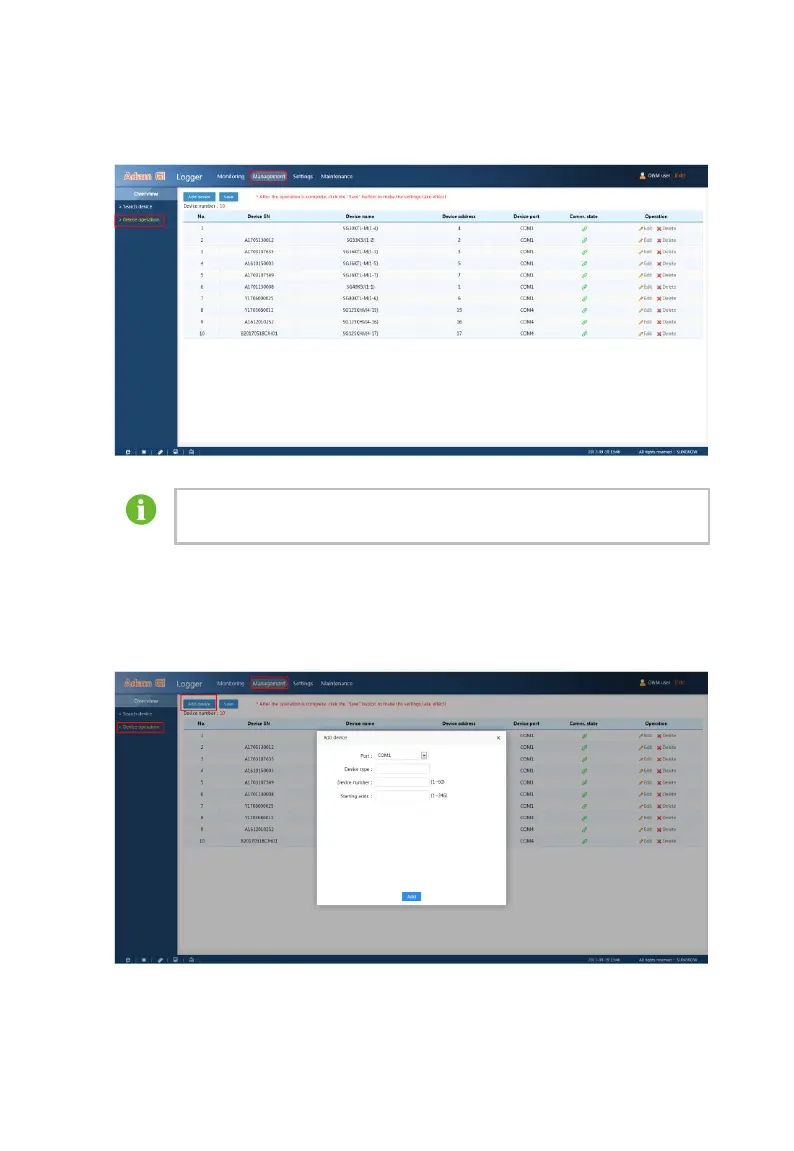
Select “Management” – “Device operation” to enter the device operation
interface.
Before operation, make sure the communication address of the
device is preset correctly.
Add device
After adding devices to the Logger3000, you should allocate address to them
and conduct corresponding settings in the WEB. Includes: port selection,
device type, device number and starting address.



 To Next Page