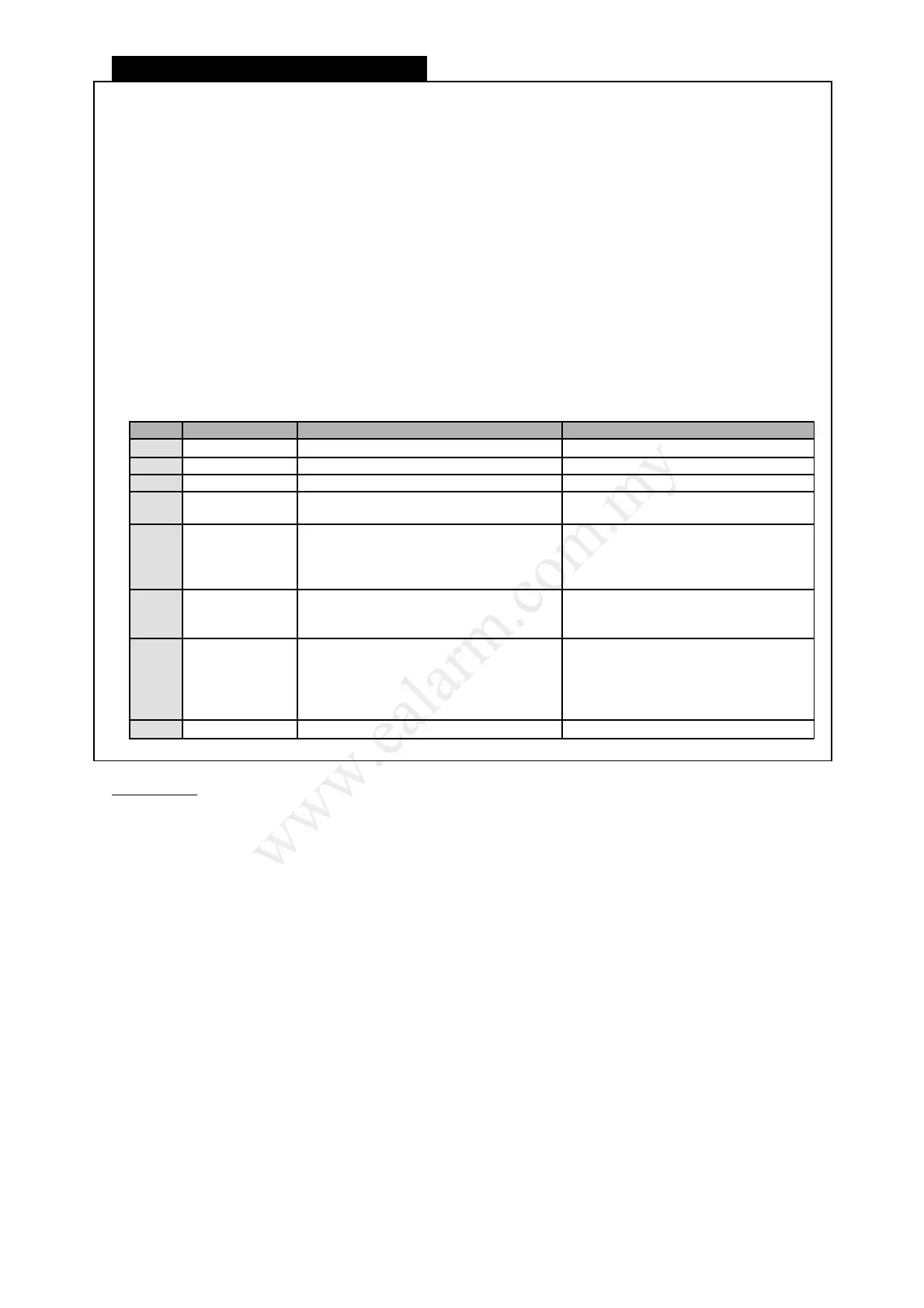
Call-In Beeping Tone Menu
1) Dial the telephone number connected to this system
☼ The Line light on keypad turns on to indicate a Call-in activity
♪ 2 beeps to indicate system received the call and awaiting User code entry.
2) Enter [ User Code ]
♪♪♪♪ Ascending tone to indicate user entered main menu.
♪♪♪♪♪♪♪ High middle tone to indicate multi partition code entered. User need to select partition.
♪~♪ Illegal code entry. Retries until 8 times.
3) Press any of the below keys to perform desired function.
Key Menu Function
Tone Indication
1 Away Arm Arm system in Away mode. 2 beeps
2 Home Arm Arm system in Home mode. 2 beeps
3 Disarm/Off Disarm system and cancel alarm. 1 beep
# System status Announce system status.
2 beeps indicate Arm.
1 beep indicates Disarm.
4 Bypass
Bypass zone. Enter the zone number
you wish to bypass or un-bypass. Press
[ ] to exit this mode.
2 beeps indicate bypass zone.
1 beep indicates un-bypass zone.
Ascending tones indicates return to
Main menu.
6 Panic Switch On Siren and Strobe light only.
High and Low beeps indicate Panic.
Ascending tones indicates return to
Main menu.
7
Check
Emergency
Announce emergency status type
1 beeps for Fire
2 beeps for Panic
3 beeps for Medical
4 beeps for AC fail
5 beeps for Battery low
Hang up End Call-in function and hang up. Long beep
Information
● The system answers a call from caller when it detects telephone line ringing and the number of
rings reaches the number programmed in the system by your installer.
● The caller will be prompted for his/her User code to access main menu. After performing your
desired function, press [ ] to hang-up.
● The system will hang up the call when attempts to enter the correct User code exceeds 8 times.
Each incorrect entry of user code will cause an error tone indicating incorrect code entry.
● If the system does not receive any command key entry in the Main menu for periods longer than
10 seconds, it will hang up immediately.
● It is recommended to check system status first before proceeding to perform other function so to
have a clearer understanding of the system’s current Arm or Disarm state.
● You may not enter Bypass mode if your system is armed. Disarm first and then enter Bypass
mode.
● The Call-in function can be de-activated. Inform your installer to disable this function.
L8_UM1016-v1.0
18



 To Next Page