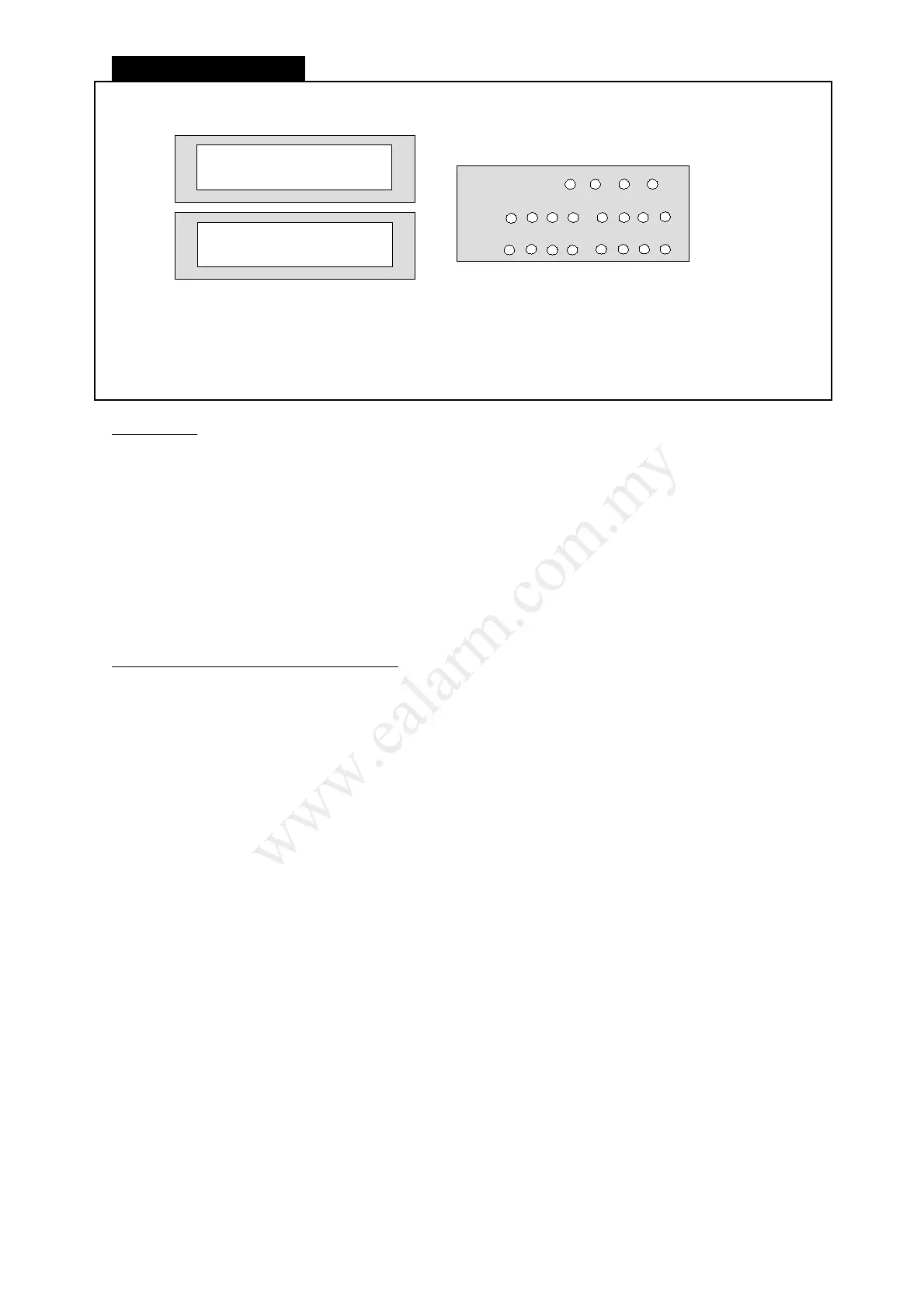
System Disarm
LCD/LED Keypad display
Press [ User Code ] + [ 0 ] + [ Partition Select ]
☼ The Armed light will turn off.
☼ The Line light turns on to indicate system dialler performing CMS reporting.
Information
● Disarming the alarm security system will deactivate all the burglary zones of the system.
● Enter the premises through a programmed delay zone and disarm the system before Entry time is
over. If the system is not disarmed by the end of the Entry time, an alarm will trigger.
● During disarmed mode, any violated zones will not enable burglary alarm except 24-hour zone.
The 24-hour zones are active irrespective whether the system is under armed or disarmed status.
● Disarming the system also resets triggered siren and strobe light.
● Key-switch input is available on the control panel and can be used to toggle the system to Arm
and Disarm alternately.
● A previously armed system would not Disarm if an illegal User code is entered. You may have up
to 20 tries of continual key entry of the correct 4-digit code in sequence before the keypad goes
into a lock-out period of 10 seconds.
Options to be Programmed by Installer
● Entry Beep:
Keypad beeper will beep continuously for the duration of Entry time.
● Chime:
A beep tone from keypad to indicate a zone is opened during system Disarm state. This
function is temporarily canceled during Arm state.
Please consult your installer to enable the above option.
L8_UM1016-v1.0



 To Next Page