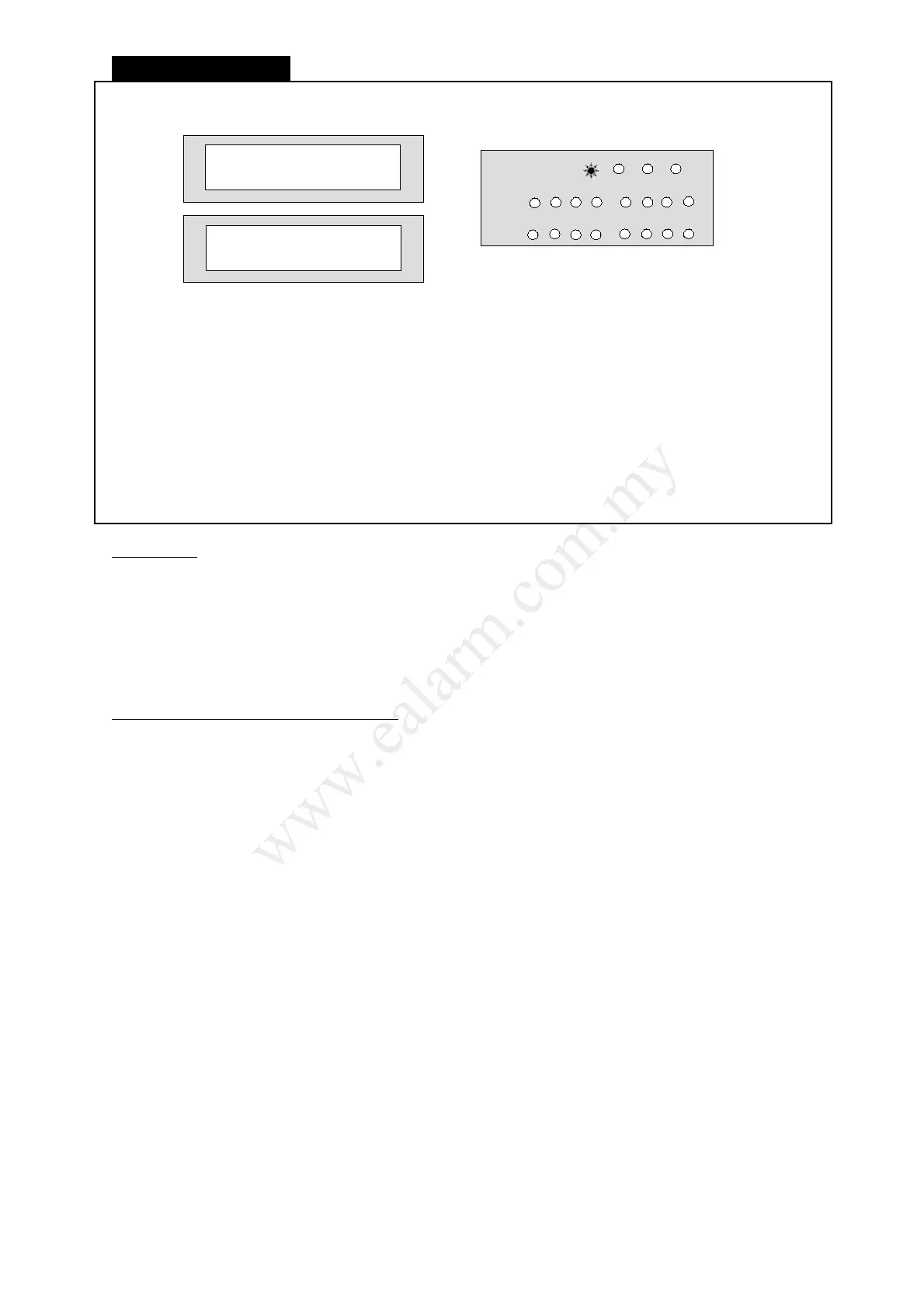
Home Arming
LCD Keypad display
Press [ # ] + [ HOME ] + [ Partition Select ]
(If Quick Home option is enabled)
Or
Press [ User Code ] + [ 8 ]
☼ The partition armed light will blink on LED keypad and arm light turns on on LCD keypad.
☼ The Line light turns on to indicate system dialler performing CMS reporting.
Information
● Home Arming will only activate external perimeter portion of your alarm security system. Interior
protection is not armed, which allows movement within premises without causing alarm. Use this
mode when you are in the premises.
● Your installer must program which zones to be active in Home arming mode.
● If an illegal code is entered to Arm in Home mode, the system responds by a long error beep.
● The system cannot Arm in Home mode while in other operation mode. Press [ ] + [ ] to exit
from other operation mode.
Options to be Programmed by Installer
● No Force Arm:
The system will not be allowed to Arm via keypad if an Instant zone is left open but not if it is
a delay zone. A long error beep is issued to warn you of such situation. If you want Force Arm
function, any zones left opened after arming will be automatically bypassed and are reported
as zone bypass. The system will resume monitoring the zone once it is closed again for the
duration of that armed period.
● Force Arm Siren Warning:
The siren will continuously sound or squawk to indicate a Force Arm situation. You should
Disarm the panel, check the premises and then Arm again. Continual warnings could mean
there is a problem with a detection device and that particular zone may have to be manually
bypassed.
● Home Instant:
All zones will automatically convert into Instant zones if you Arm in Home mode.
● Home Squawk:
Siren will output two squawks upon arming the system in Home mode and output a single
squawk when the system is disarmed.
● No Arm If Battery Low:
You may not Arm the system if the back-up battery is considered low and A.C power is not
present.
Please consult your installer to enable the above options.
L8_UM1016-v1.0



 To Next Page