21
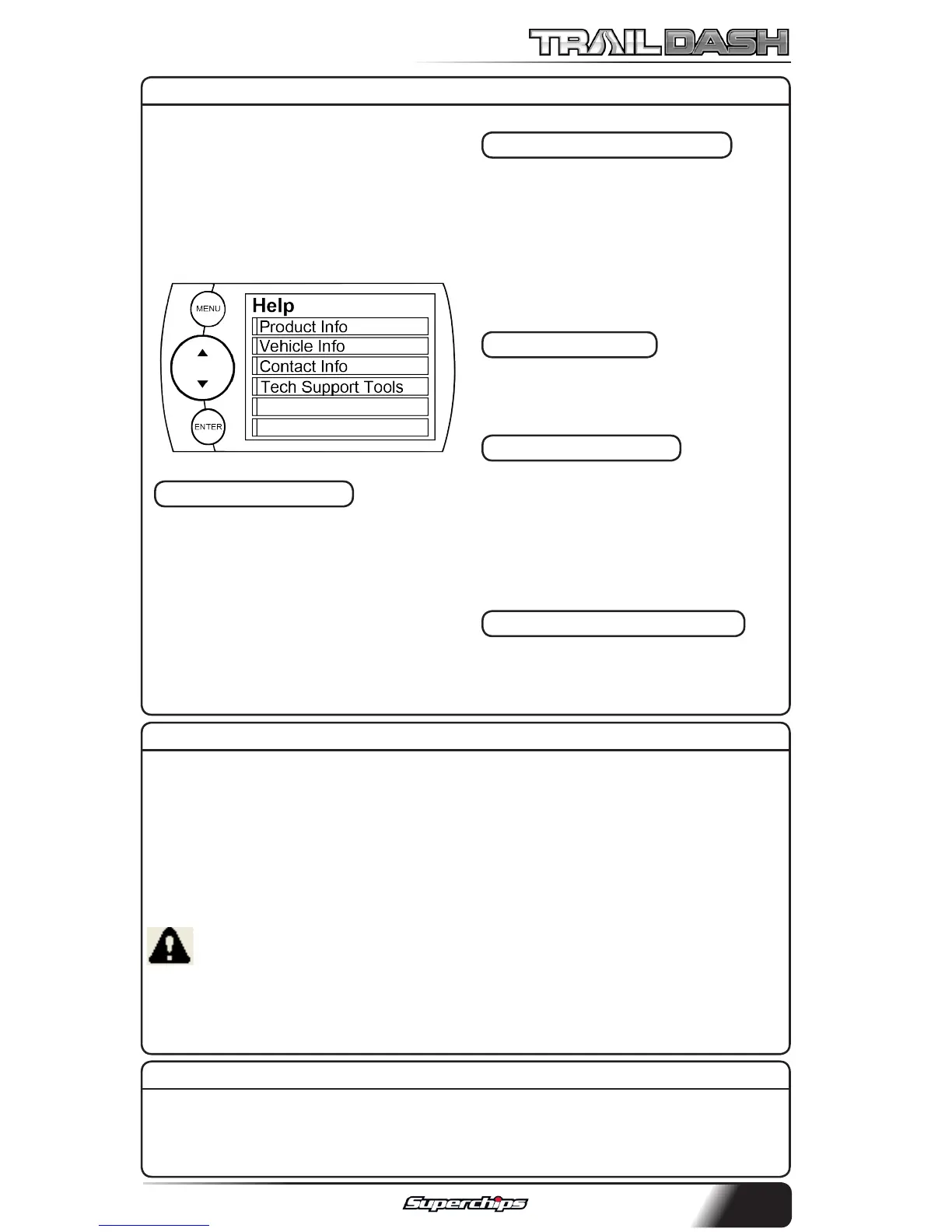
The Help Menu contains useful
information about your device, and
the vehicle it is being used on. It
also contains Superchips Contact
Information, and Technical Support
tools.
PRODUCT INFO
The Product Info screen contains 5
important items:
1. Firmware Version
2. Calibration Version
3. Application Version
4. FPGA Version
5. Serial Number
PRODUCT INFO - EAS
If you have an EAS device installed
on your vehicle and plugged into
your TrailDash device, another
Product Info screen will pop up. It
will list your EAS device’s Firmware
Version as well as it’s Serial Number.
VEHICLE INFO
Displays VIN and other vehicle spe-
cic information.
CONTACT INFO
This information will be useful if
you need to contact us for warranty
claims, sales information, upgrade
information or any other technical
questions/inquiries.
TECH SUPPORT TOOLS
This menu should only be used
when requested by Superchips
Technical Support personnel.
This feature allows you to quickly view which Maintenance Item is up for
service. Refer to the MAINTENANCE MANAGER section of this manual for
more information.
VIEW CAMERA
NOTE: The view camera menu item will be active within the Main Menu
only if you have a camera connected to the device.
Selecting “View Camera” in the “Main Menu” list, will allow you to view the
camera image. If you would like to stop viewing the camera image, touch
the screen and the main gauge screen will re-appear.
WARNING: Do not rely solely on the camera image for backing up. It
is possible for the camera image to freeze. Always use your mirrors, and
look behind you before backing up. Objects in the view may be closer
than they appear.
HELP MENU
SHOW MAINTENANCE DUE



 To Next Page