Chapter 2: Installation
2-13
ATX PS/2 Keyboard/Mouse
Ports
The ATX PS/2 keyboard and
PS/2 mouse are located next to
the Back Panel USB Ports 8/9 on
the motherboard. See the table at
right for pin denitions.
PS/2 Keyboard/Mouse Pin
Denitions
PS2 Keyboard PS2 Mouse
Pin# Denition Pin# Denition
1 KB Data 1 Mouse Data
2 No Connection 2 No Connection
3 Ground 3 Ground
4 Mouse/KB VCC
(+5V)
4 Mouse/KB VCC
(+5V)
5 KB Clock 5 Mouse Clock
6 No Connection 6 No Connection
VCC: with 1.5A PTC (current limit)
Keyboard/Mouse
(For a PS/2 keyboard cable, a PS/2 Mouse cable or a PS/2 Y cable) (optional)
(For a USB keyboard cable or a USB mouse cable, in any USB port) (optional)
Note:
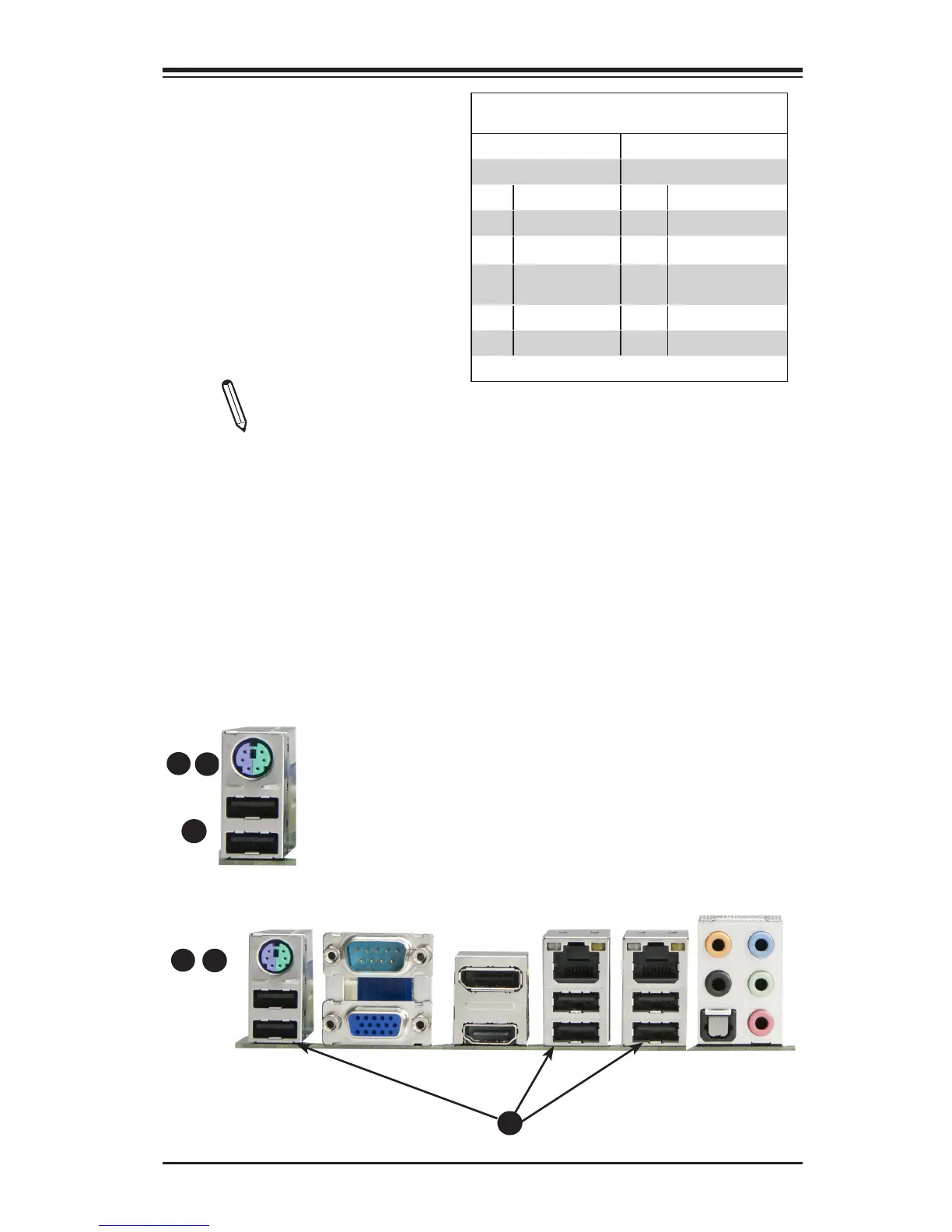
This motherboard offers three Keyboard/Mouse connection options as
shown in the graphic below.
•A. Plug in a PS/2 keyboard or PS/2 Mouse cable to the PS2 Keyboard/
Mouse port.
•B. Plug in a Y cable that that includes a keyboard cable and mouse cable
to the PS/2 Keyboard/Mouse port..
•C. Connect a USB keyboard cable or a USB mouse cable to any USB port.
A
B
C
A
B
C



 To Next Page