5-22
SUPERSERVER 6027TR-HTRF+/H70RF+/H71RF+ User's Manual
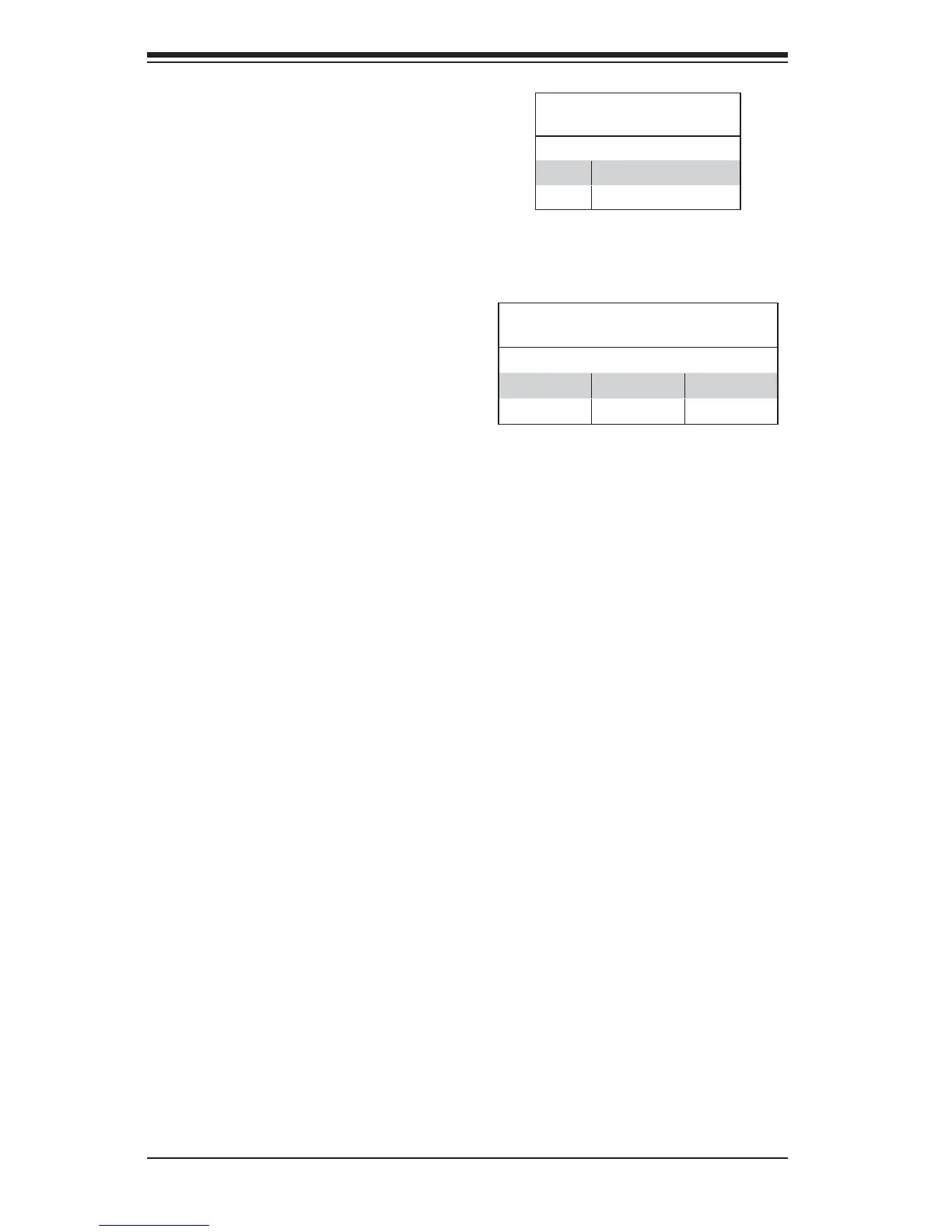
HDD/SATA LED (LE3)
Status
Status Defi nition
On HDD/SATA Connected
Off No connection
HDD/SATA LED (LE3)
An HDD/SATA LED Indicator is located
at LE3 on the motherboard. This LED
indicates the status of hard drive
activities or SATA activities supported
by the South Bridge.
Rear UID LED (LE2)
The rear UID LED is located at LE2 on
the rear of the motherboard. This LED
is used in conjunction with the rear UID
switch to provide easy identifi cation of a
system that might be in need of service.
UID LED (LE2)
Status
Color/State OS Status
Blue: On Windows OS Unit Identifi ed
Blue: Blinking Linux OS Unit Identifi ed


 To Next Page