Most of the controls on the remote work identically to
the controls on the unit. Special attention is given here
for controls that are on the remote only or that
function differently from controls on the unit.
Note: When using the remote to scroll through
menus, use the forward search button >> to scroll
forward and the backward search button << to scroll
backward. Press the Enter button to confirm selections.
1) CD-R select button. Press to select the CD-R drive.
When selected, buttons on this remote such as Play,
Pause, Stop, and Search work on the CD-R drive.
2) CD select button. Press to select the CD player
drive. When selected, buttons on this remote such
as PLAY, PAUSE, STOP and SEARCH work on the CD
player drive.
3) TEMPO RESET button. Pressing the TEMPO RESET
button on the remote will reset the tempo to 0%
(normal speed).
4) VOLUME MUTE (VOL MUTE). Press to mute the
audio to the Line Output. This does not affect the
built-in speaker.
5) VOLUME UP/DOWN. Press these buttons to control
the volume of the audio sent to the Line Output.
6) BALANCE LEFT/ BALANCE RIGHT buttons (BAL
LEFT/ BAL RIGHT). Press these buttons to control
the right-left stereo balance of the Line Output and
headphones, and the right-left channel mix of the
speaker.
7) BALANCE RESET (BAL RESET). Press this button to
return the right-left stereo balance of the Line
Output and headphones, and the right-left channel
mix of the speaker, to the center position (right and
left channels equal).
8) Alphanumeric keypad. Performs some of the
functions of the SELECT jog wheel. In Play and
Program modes, press a number to select a track.
Then press ENTER to enter the selection. When
entering CD TEXT, press a number button once to
select the first of the three letters, twice for the
second and three times for the third. Press ENTER to
enter the selected letter.
STEREO - Left and right signals from the CD
drive are sent to the left and right channels of the
recording. Left and right signals from the MIC/
LINE/INST (or INT MIC) and/or AUX inputs are
sent to the left and right channels of the
recording.
MIX - Left and right signals from the CD drive
and the AUX inputs are sent to the left and right
channels of the recording. MIC/LINE/INST (or INT
MIC) inputs are mixed together and then sent to
both channels of the recording.
[10] SPEAKER OFF/ON switch
Turns the built-in speaker ON or OFF.
[11] OPEN/CLOSE switch
Press to OPEN the CD-R drive. Press again to
CLOSE the CD-R drive.
[12] Remote control sensor
Sensor for the supplied wireless remote control.
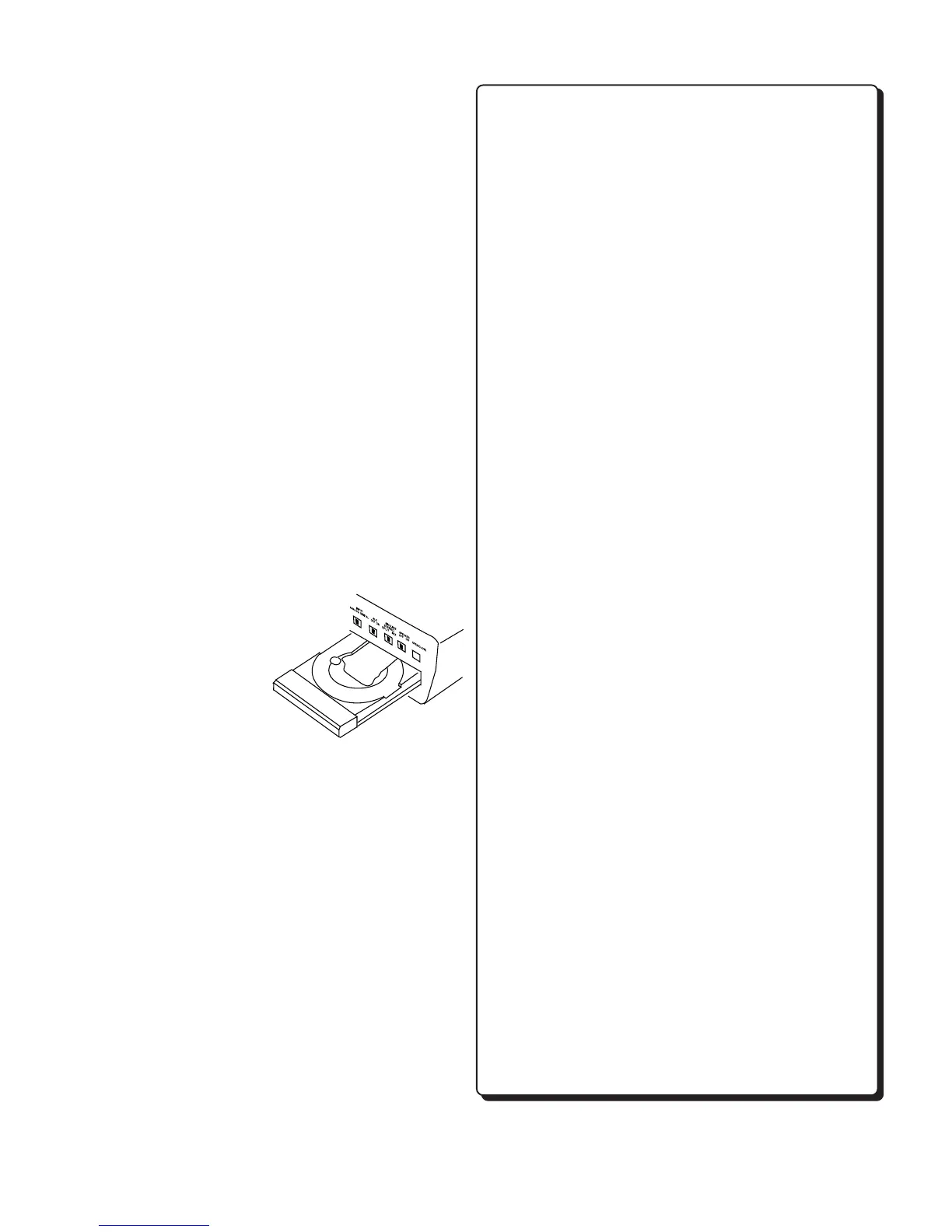
[13] CD-R drive (disc tray)
In this manual, this drive is referred to as the
CD-R drive or CD Recording drive. It is used for
recording and can record both CD-R and CD-RW
discs. NOTE: It cannot
record in MP3 file format.
The CD-R drive can
also playback CD,
CD-R and CD-RW
discs. You can not
use music practice
features such as key and
tempo controls with this drive.
[14] Right XLR or 1/4" input jack
Plug in a microphone or line level audio source
here to provide audio to the right stereo channel.
[15] Left XLR or 1/4" input jack
Plug in a microphone, instrument or line level
audio source here to provide audio to the left
stereo channel.
[16] LINE OUT level control
Turn this knob to adjust the output level of the
LINE OUT jacks.
[17] PHONES jack
Plug stereo headphones in here. Adjust
headphone volume with the PHONE/SPEAKER
level control.
Remote Control
- 9 -



 To Next Page