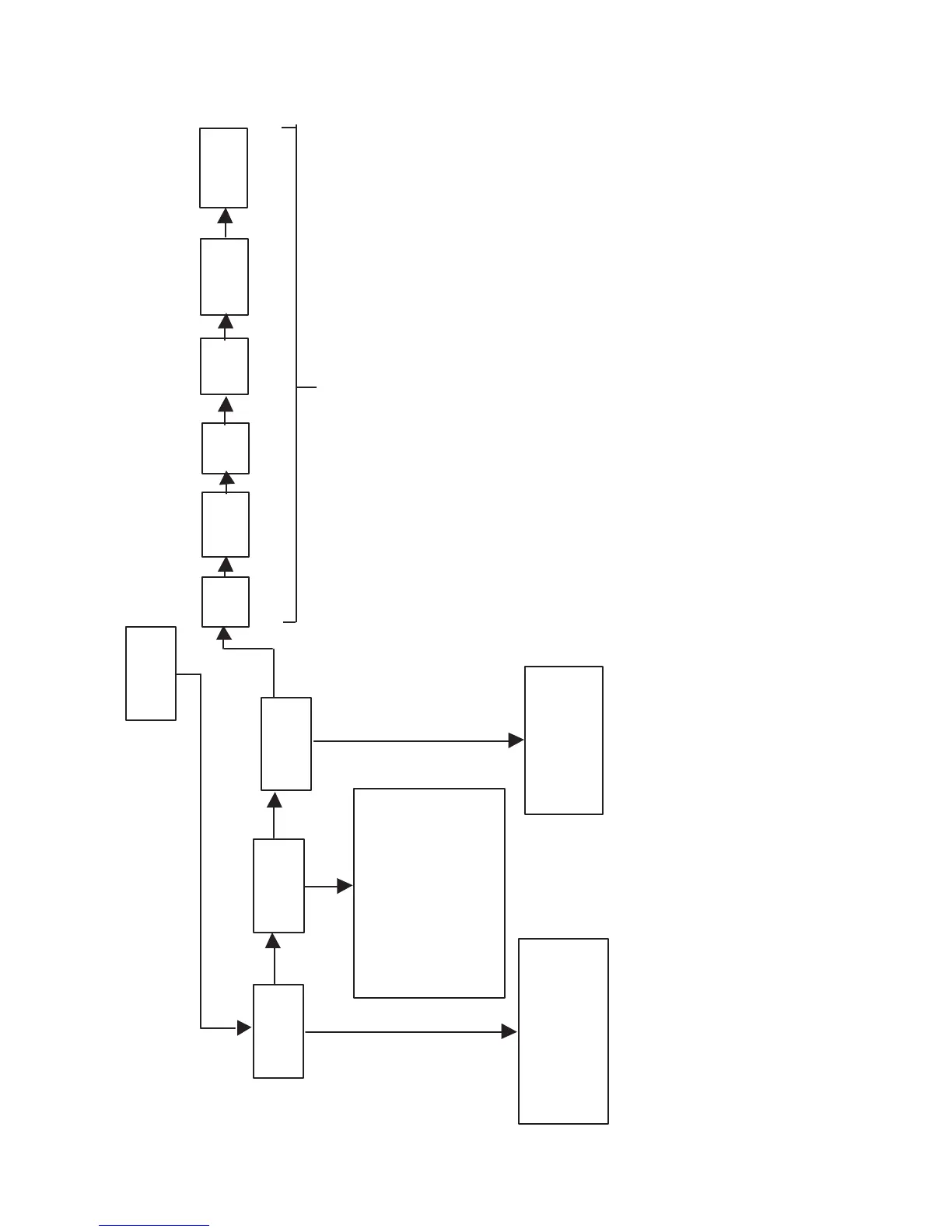
RECORD MENU
PRESS
SCROLL SCROLL SCROLL
MENU/
STORE
REC
BALANCE
AUTO
TRACK
This menu item allows you
to adjust the right-left stere
balance for recording on
the CD-R drive.
Turn this feature ON when you want
the PSD340 to automatically
increment tracks during recording.
Turn this feature OFF when you
want to manually increment tracks.
Turn this feature ON when you want the
PSD340 to automatically stop recording
after detecting a period of silence. (20
seconds for analog sources, 4 seconds
COPY+LISTEN, COPY2X, or CONV
HALFSPEED mode, the recording
will stop after detecting stop data
AUTO
STOP
FILTER
SELECT
MIC
EQ
OUTPUT
OUTPUT
EQ
CD
BALANCE
for digital sources.) When using
from the disc in the CD drive.
CD LEVEL
(Detailed descriptions of these MENU items
are outlined in the PLAY MENU.)
- 23 -



 To Next Page