Playing a CD
When placing a CD in the CD player drive, be sure to
firmly push the CD onto the drive spindle so the CD snaps
into the place and doesn’t wobble. When you close the
drive lid, after a moment the display will show the total
number of tracks and total playing time on the CD.
NOTE: You can always tell which drive is active (the CD
player or CD recorder) by which set of control buttons
are lit. You can change the active drive by pressing the
SELECT jog wheel or pressing the Stop button of the
drive to be activated.
In Play mode, change tracks by turning the SELECT jog
wheel.
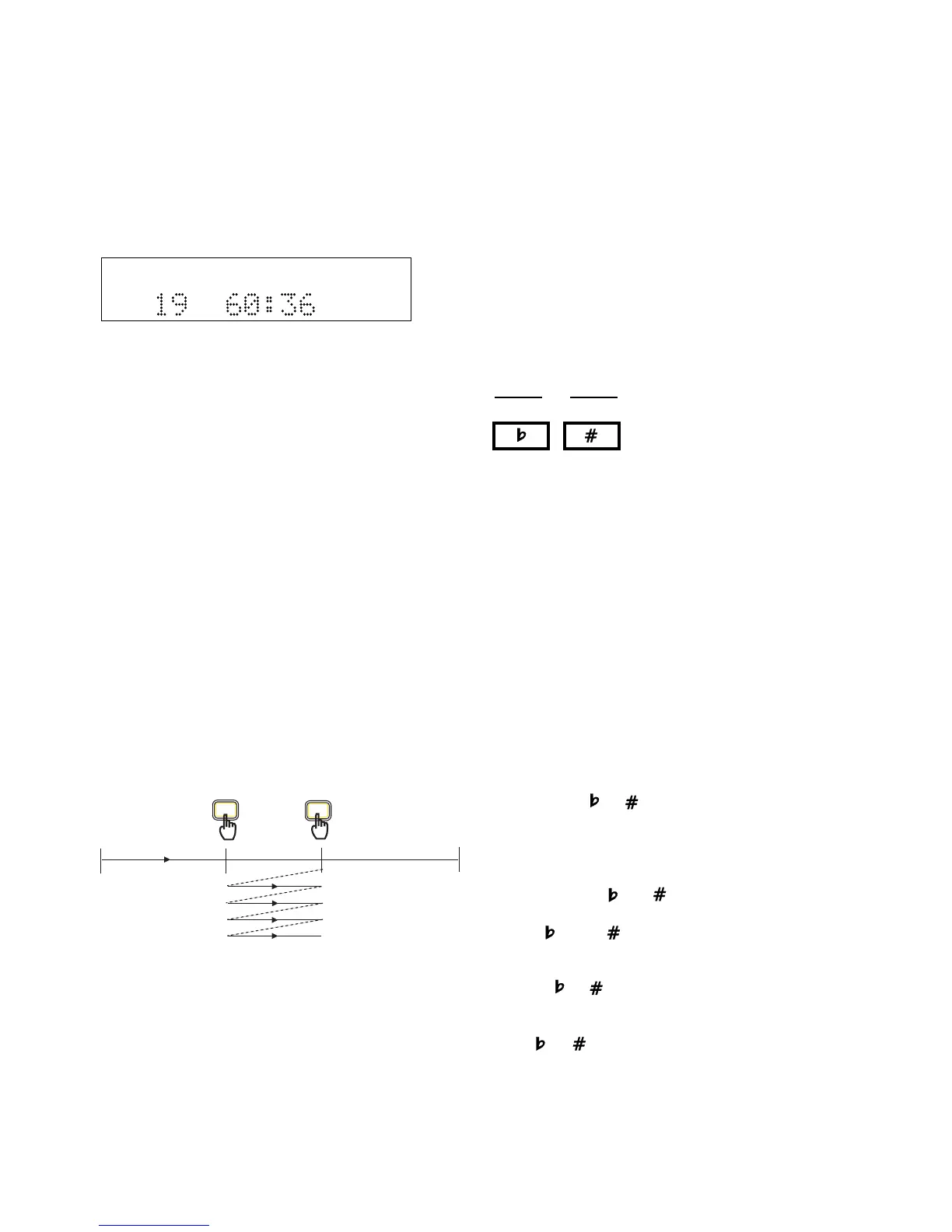
Selecting A-B Practice Loops
When practicing with a CD audio track in either drive, it
is easy to continuously loop a section of music. Here are
the steps:
1. While a CD is playing, press the A-B button when
playback reaches the beginning of the segment you
want to repeat (A point).
2. Press the A-B button again when playback reaches
the end of the segment you want to repeat (B point).
Playback will automatically start again from the A
point when the B point is reached.
ALTERING THE AB LOOP
1. You can make the B point the A point of the next
loop by pressing the A-B button again. Let playback
continue until you reach the end of the next segment
you wish to loop, then press the A-B button again. In
this way, you can select loops and step through an
entire song.
TOTAL TRACK
CD
R
L
dB-50 -30 -22 -16 -12 -8 -4 0
CD
START
END
00:00
A-B
A-B
2. At any time before or after you select an A-B loop,
you can also use the other music practice features
such as Key and Tempo changing.
3. To keep the A point but extend the loop to a new B
point, press and hold the A-B button for one second.
Press the A-B button again to set a new B point,
while keeping the A point.
Changing Key & Tempo
The CD player drive allows control of key (musical pitch)
and tempo of any CD or MP3 file on CD.
Changing Key
KEY control can change a music
CD or MP3 on disc as much as an
octave up or down. Press either
of the Key Change buttons once
to start key control.
The KEY control system works on the following musical
principles:
100 cents = 1 half step
2 half steps = 1 whole step
12 half steps = 1 octave
There are two key change methods available, depending
on how long you hold down the buttons.
Half Step Method: When playing a CD, press and hold
to decrease or increase the key in half step increments.
The display will read whole integers for each half step.
(For example,1.00 = 1 half step)
12.5 Cent Increment Method. If Key control is active,
and you press or without holding, the key will
change by 12.5 cent increments. The display shows the
increment rounded to 0.13 cents. (For example, 1.13 =
1 half step + 12.5 cents).
• Press both the and buttons at the same time to
return to the original Key position (0.00).
• If the or the buttons are pressed while another
display (such as CD-TEXT) is shown, the current
position of the KEY control is shown first. Once one
of the or buttons are pressed a second time
the Key changes.
• Once the Key has been adjusted by pressing either
the or button, it is possible to also adjust the
tempo (CD or MP3 on disc playback speed). For a
Key adjustment in the range of ±5.00 half steps or
less, the Tempo can also be adjusted -50% to +50%.
• Pressing the STOP button during stop mode will reset
the Key to the 0.00 position.
KEY
- 15 -



 To Next Page