- 22 -
PRESS
SCROLL SCROLL SCROLL SCROLL SCROLL
MENU/
STORE
MIC
EQUALIZER
CD
BALANCE
FILTER
SELECT
FOOT
PEDAL CTL
OUTPUT
EQ
Use the Mic Equalizer
to adjust the level of high
and low frequencies for the
Mic/Line inputs.
Allows you to add preset EQ curves to
the MIC/LINE inputs. If you select the
HIGH PASS option, low frequencies
(below 100 Hz) will be cut. Selecting
BAND PASS will cut low frequencies
( below 100Hz) and high frequencies
(above 10kHz).
Select CD PLAY/PAUSE if the foot
pedal (pg. 10, #8 ) is controlling
the CD drive. Choose CDR
REC/PAUSE if the foot pedal is
controlling the CDR drive.
This option controls the level of LOW,
MIDRANGE, and HIGH frequencies
for the entire system. Level
adjustments are heard at the LINE
OUT, internal speaker, and
headphones but not the MIX OUT.
CD LEVEL
Use this feature to adjust
the output of the CD player
drive.
This feature only works when the MIC/LINE SPLIT/STEREO/MIX
button is set for SPLIT. In SPLIT mode, all CD audio is placed in
the left channel,leaving the right channel open for recording. What
the balance menu really controls, then, is how much of the right or
left channel of the CD will be recorded to the CD-R drive.
Spin the the jog wheel all the way to the left, and only the left
channel of the CD will be recorded. So, for example, if you have a
"split track" CD, with piano exclusively in the right channel, and the
CD balance is turned fully left, the piano in the right channel will not
be recorded.
Use the OUTPUT feature to determine whether the
OUTPUT BALANCE will work in normal STEREO or
MONO operation. (See pg. 6, G)
OUTPUT
SCROLL
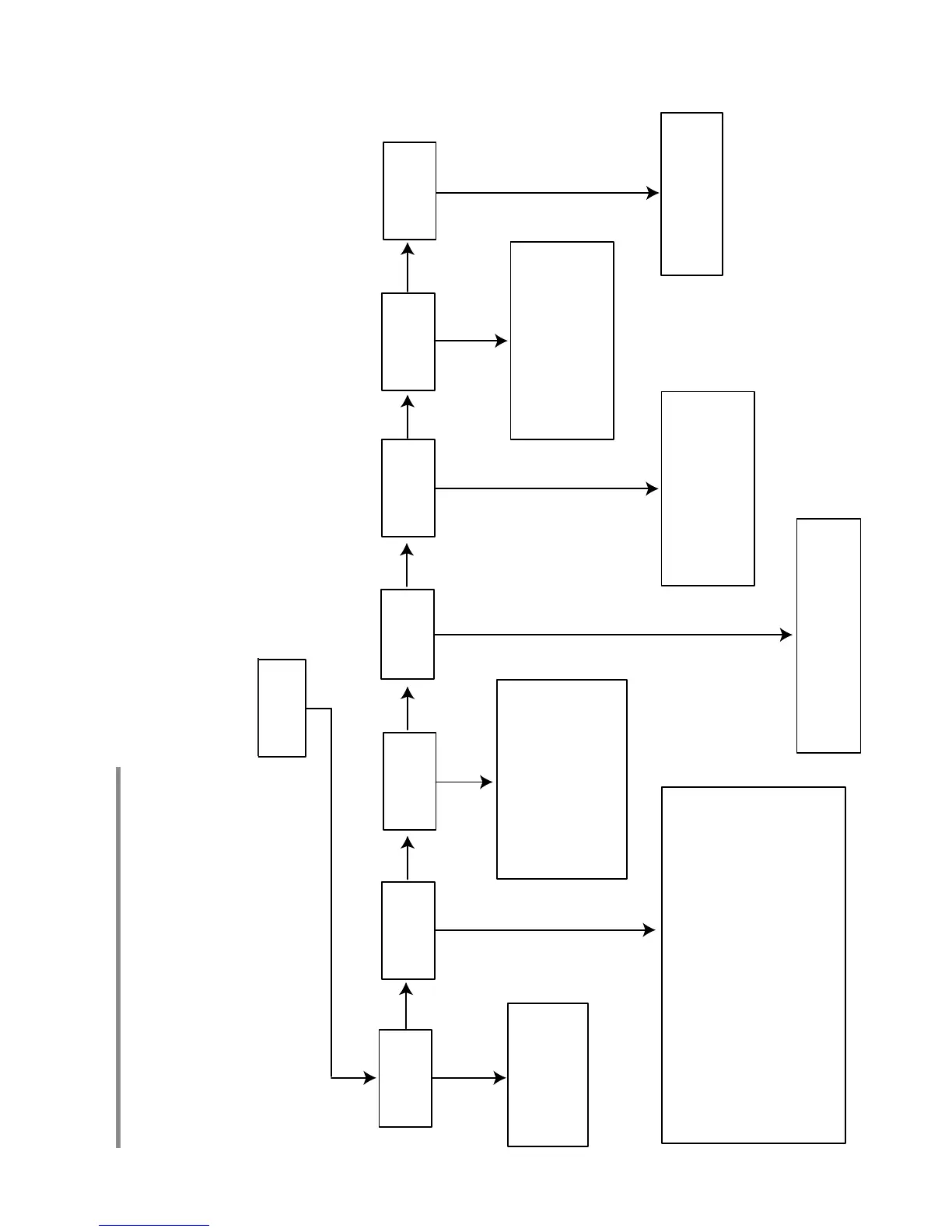
When you press the MENU/STORE button, you will be presented will options that change depending on whether
the PSD340 is playing, recording, or stopped. Always turn the SELECT jog wheel to scroll through menu options.
Press the SELECT jog wheel to select a menu option and press the MENU/STORE button to save settings. Observe
these flowcharts for descriptions of the various menu options.
PLAY MENU
Menus



 To Next Page